


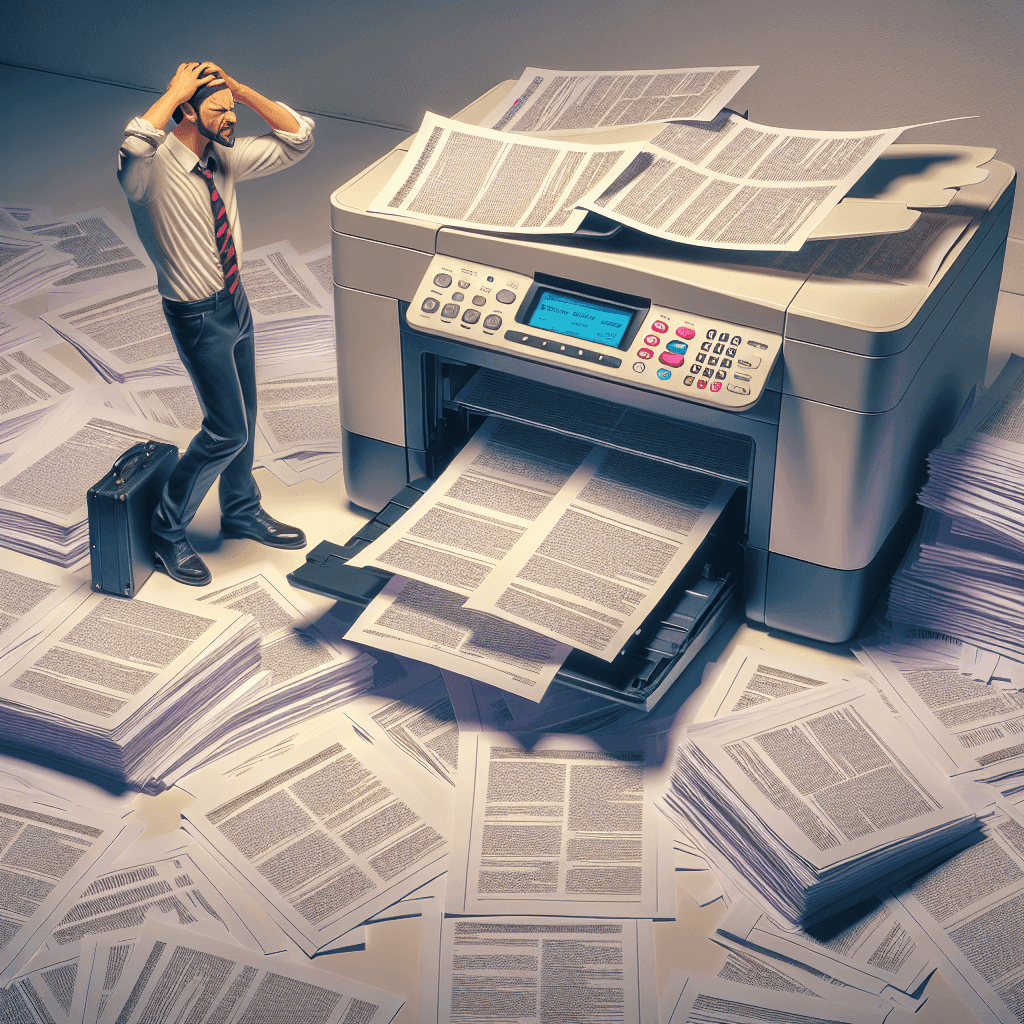
Unable to adjust paper size in printer: Causes and effective solutions
The printer is an indispensable device in the office and daily life. However, one of the common problems that users often encounter is unable to adjust paper size in printer. This can lead to many difficulties and inconveniences. In this article, we will help you understand the causes of this problem and how to fix it effectively.
Unable to adjust paper size in printer: Common causes
When your printer does not allow you to adjust the paper size, there may be various reasons. Here are some common causes:
- Error due to incompatible paper size settings in software: Sometimes, the paper size settings in the application do not match the printer settings, leading to this issue.
- Faulty or outdated printer driver: The driver is the software that connects the computer to the printer. If the driver is not updated, the printer may not recognize the new paper size settings.
- Hardware issues (paper size sensor): Sometimes, a faulty or dirty sensor that identifies the paper size can also cause the printer to not recognize the paper size.
Unable to adjust paper size in printer: Check printer settings
When facing the issue of not being able to adjust the paper size, the first step is to check the printer settings. You can follow these steps:
- Check default paper size in Windows/MacOS: Access the printer settings in your operating system and make sure that the default paper size is set correctly according to requirements.
- Guide to adjust paper size in printer driver: Go to the printer settings in the driver, where you will see options to adjust the paper size. Check and adjust as necessary.
Unable to adjust paper size in printer: Printer driver – a common culprit
The printer driver can be the main cause of the issue preventing you from adjusting the paper size. To fix this situation, you can follow the steps below:
- Update the printer driver: Visit the manufacturer’s website to download the latest version of the driver for your printer.
- Uninstall and reinstall the printer driver: If updating is not effective, you can uninstall the current driver and reinstall it from scratch. Follow the manufacturer’s instructions to do this correctly.
Unable to adjust paper size in printer: Check printer hardware
If the software is not the cause of the issue, you need to check the printer hardware:
- Steps to check the paper size sensor: Open the printer cover and check if the sensor is dirty or damaged. If so, clean it to ensure the sensor works well.
- Clean the printer: Dust can accumulate and affect the capability to identify the paper size. Use a specialized cleaning tool to clean the printer, paying attention to the area around the sensor.
When to take the printer to a repair center?
If you have tried all the above methods but still cannot fix the unable to adjust paper size in printer issue, it may be time to take your printer to a repair center. This is the best option when:
- Your printer has been in use for a long time and shows signs of serious damage.
- You are not confident in inspecting and repairing the internal components of the printer.
- Errors in communication with the software persist despite updating the driver and checking settings.
We hope that with the above instructions, you can effectively and quickly resolve the issue of unable to adjust paper size in printer. Always keep your printer maintained and updated to ensure optimal performance.
If you need assistance, please contact us right away
IT SYSTEMS VIETNAM CO., LTD
IT Solutions – Your Business IT Department
HOTLINE: 0283 9950 359
Email: contact@itsystems.com.vn
Website: https://itsystems.vn/
Facebook: https://www.facebook.com/ITSystems.VIETNAM
Youtube: https://www.youtube.com/@ITSYSTEMS
HCM: 2nd Floor, 184/1A Le Van Sy Street, Ward 10, Phu Nhuan District, Ho Chi Minh City, Vietnam
HCM: 321/10 Phan Dinh Phung Street, Ward 15, Phu Nhuan District, Ho Chi Minh City, Vietnam.
Hanoi: House No. 22, Garden Villa Area, Vinh Hoang Urban Area, 431 Tam Trinh Street, Hoang Mai District, Hanoi, Vietnam.
Bình Dương: Binh Duong Boulevard, Phu Hoa Ward, Thu Dau Mot City, Binh Duong Province, Vietnam
FAQ
When should a business ask IT Systems for support?
Ask for support when the issue affects users, business data, security, licensing compliance, service availability or daily operations. A short technical review often prevents repeated incidents and hidden costs.
Can IT Systems help review the current environment before proposing a solution?
Yes. IT Systems can review the current setup, identify risks, map the issue to the right service scope and recommend a practical next step for your business.
Does this topic connect to ongoing IT operations?
In most cases, yes. Problems around software, cloud, endpoint, network, backup or security should be connected to a broader IT operations plan instead of being handled as isolated incidents.
Need help applying this to your business?
IT Systems Vietnam can help assess the issue, recommend the right service path and support implementation for your team.


