


CLOUD / SERVER / EMAIL / BACKUP
Cloud, Server, Mail and Hosting for Businesses
IT Systems consults and operates cloud infrastructure for businesses: Cloud Server/VPS, WordPress Hosting, Email Hosting, Microsoft 365/Google Workspace, Cloud Backup, security and post-deployment operations.

Which business problem should drive the Cloud choice?
Cloud is not only server rental. For SMEs, the right choice usually starts with the application to run, current email, sales or marketing website, data that needs backup, security requirements and who will operate the system after deployment.

Cloud Server / VPS
Run software, websites, ERP, databases or internal services that need dedicated resources.
View details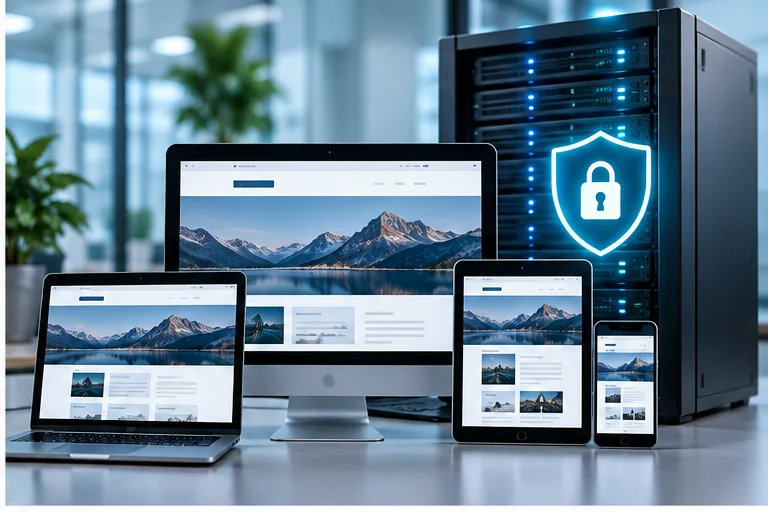
Hosting WordPress
Company websites, landing pages, blogs, SEO sites or WooCommerce stores that need speed and clear backup.
View details
Email Hosting
Business-domain email, DNS, SPF/DKIM/DMARC, mailboxes and a possible Microsoft 365 upgrade path.
View details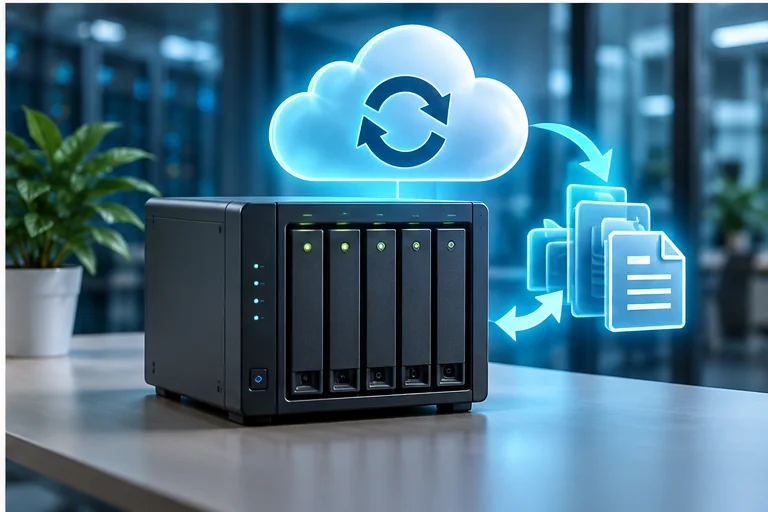
Backup Cloud
Back up data, servers, websites, NAS or Microsoft 365 with RPO/RTO and restore tests.
View detailsWhich Cloud layers does IT Systems implement?
Application infrastructure
CPU/RAM/disk, operating system, database, web server, firewall and access permissions.
Website and WordPress
Hosting, SSL, cache, backup, staging, plugin/theme risk control and speed optimization.
Business email
Domain, mailbox, DNS authentication, anti-spam, migration and Microsoft 365/Google Workspace roadmap.
Backup and recovery
Repository, retention, offsite copy, restore test, RPO/RTO and backup evidence reports.
Cloud security
MFA, admin permissions, firewall, account separation, logs, alerts and misconfiguration risk reduction.
Post-deployment operations
Monitor resources, cost, uptime, alerts, renewals, accounts and periodic reports.
Cloud consulting and deployment process
01
Assess needs
Applications, websites, email, data, users, security and budget.
02
Choose architecture
Cloud Server/VPS, hosting, Microsoft 365, Google Workspace, backup or hybrid model.
03
Design operations
Admin accounts, backup, monitoring, firewall, access permissions and support responsibilities.
04
Deploy and migrate
Configure services, migrate data, test access, optimize speed and security.
05
Handover and report
Configuration documentation, backup schedule, renewals, alerts and monthly/quarterly recommendations.
Quick comparison of common Cloud directions
01
On-premise server
High control, but requires hardware, power, backup, maintenance and operators.
02
Cloud Server/VPS
Flexible and quick to scale, suitable for applications, websites or databases needing dedicated resources.
03
Managed hosting
Suitable for WordPress websites needing speed, backup, SSL and operational support.
04
SaaS/Microsoft 365
Suitable for email, files, collaboration, identity security and license-based user management.
FAQ about Cloud solutions for businesses
Should a small business use Cloud Server or Hosting?
If you only run a typical WordPress website, managed hosting is usually simpler. If you need custom software, database, server permissions or special configuration, Cloud Server/VPS is more suitable.
Should Email Hosting be upgraded to Microsoft 365?
Consider it when you need security, collaboration, Teams, OneDrive, user/license management and fewer manual mailbox issues.
Does Cloud need separate backup?
Yes. Cloud does not replace backup. Businesses still need retention, restore tests, offsite copy or a clear recovery policy.
Does IT Systems support migration?
Yes. Scope can include website, email, data, DNS, SSL, accounts, backup and post-migration checks.
Who operates Cloud after deployment?
It can be internal IT, IT Systems or a shared model. The important part is ownership, alerts, reports and an incident-handling process.
Is separate Cloud security needed?
Yes. MFA, admin permissions, firewall, authorization, logs and backup should be checked to avoid misconfiguration.
Need to choose the right Cloud for your business?
Send IT Systems your server, website, email, backup, user count and operations requirements. The technical team will recommend the right Cloud direction instead of simply selling a resource package.
Choose, quote and order Cloud VPS
If you need VPS/Cloud Server for websites, internal applications, Odoo/ERP, n8n, databases or test environments, start from the reference pricing and send the configuration for IT Systems to review workload, backup and managed scope.
Cloud Server/VPS
VPS/Cloud Server advice by workload, backup, security and post-deployment operations.

VPS Cloud pricing
Review reference packages, CPU/RAM/SSD resources and add-ons before quoting.
VPS configuration advice
Choose configuration by application type, traffic, database, I/O, backup and budget.

Order Cloud VPS
Send configuration requirements to receive technical confirmation, quotation and deployment schedule.
Choose quickly by need and budget
After benchmarking the market, IT Systems keeps reference pricing visible so customers can choose direction quickly. Final design still depends on workload, backup, security, SLA and operating ownership.
Cloud Server / VPS
From 250,000 VND/month
VPS, Dedicated Server, Private Cloud and Managed Server by workload.
View detailsDedicated Server
From 2,900,000 VND/month
Private physical server for databases, ERP, I/O-heavy workloads or hardware isolation requirements.
View detailsPrivate Cloud
From 12,400,000 VND/month
Private resource cluster for multiple VMs, firewall/VPN, HA/DR, backup and SLA-based operations.
View detailsWordPress Hosting
From 180,000 VND/month
Hosting for company websites, business websites and managed WordPress.
View detailsEmail Hosting
From 30,000 VND/user/month
Custom-domain email, anti-spam, SPF/DKIM/DMARC and Microsoft 365 upgrade direction.
View detailsCloud Backup
From 90,000 VND/100GB/month
Offsite backup, server/website backup, restore testing and recovery reports.
View detailsBusiness VPS/Cloud Server buying criteria
When comparing VPS providers, businesses should not look at CPU/RAM alone. Check transparent resources, dedicated IP, backup and restore testing, access security, technical support, VAT/invoicing and who owns operations after provisioning.
Resources and performance
CPU, RAM, SSD/NVMe, IOPS, bandwidth, location and upgrade path should match the real workload.
Backup and recovery
Define backup schedule, retention, separate storage, snapshots and the latest restore test.
Security and access
Use firewall rules, SSH/RDP restriction, IP whitelist, MFA, OS updates and clear access handover.
SLA and support
Clarify uptime, support scope, response time, VAT/contract and whether the server is managed or self-managed.