


ITS MANAGER / IT CARE
IT Asset Management Software for Businesses
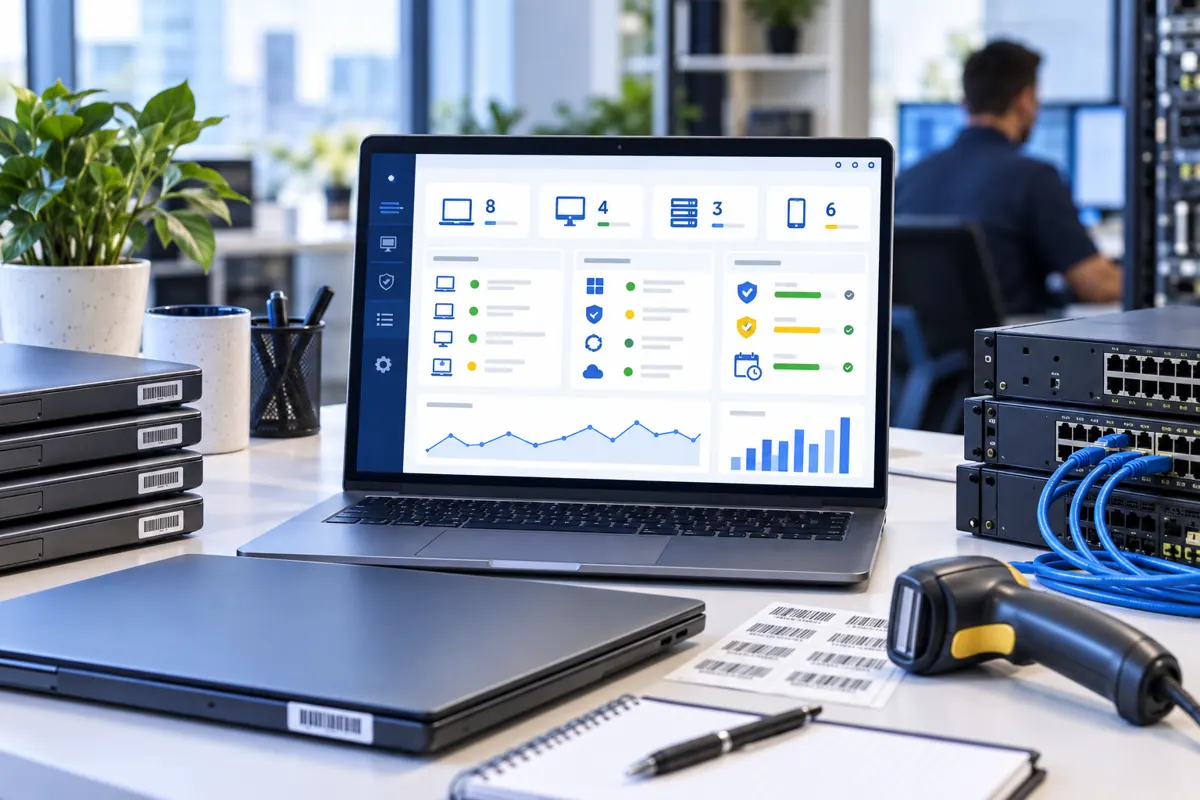
ITS Manager is built by IT Systems to bring devices, users, software, licenses, backup health, DLP evidence and IT Care history into one operating view. The business can see which device is in use, who holds it, which licenses are missing or expired, and what IT should handle first.
What does ITS Manager solve?
01
One IT source of truth
Instead of scattered spreadsheets, chat messages and emails, ITS Manager connects the asset register with Windows Agent data, employees, licenses and operating history.
02
IT Care with evidence
Routine checks such as backup health, device status, software review, handover/reclaim and service history become reportable operating data.
03
Not an Odoo Helpdesk replacement
Odoo remains the Helpdesk Master for tickets, SLA, timesheets and billing. ITS Manager provides the technical source of truth for operations.
Core ITS Manager modules
●
Agent inventory
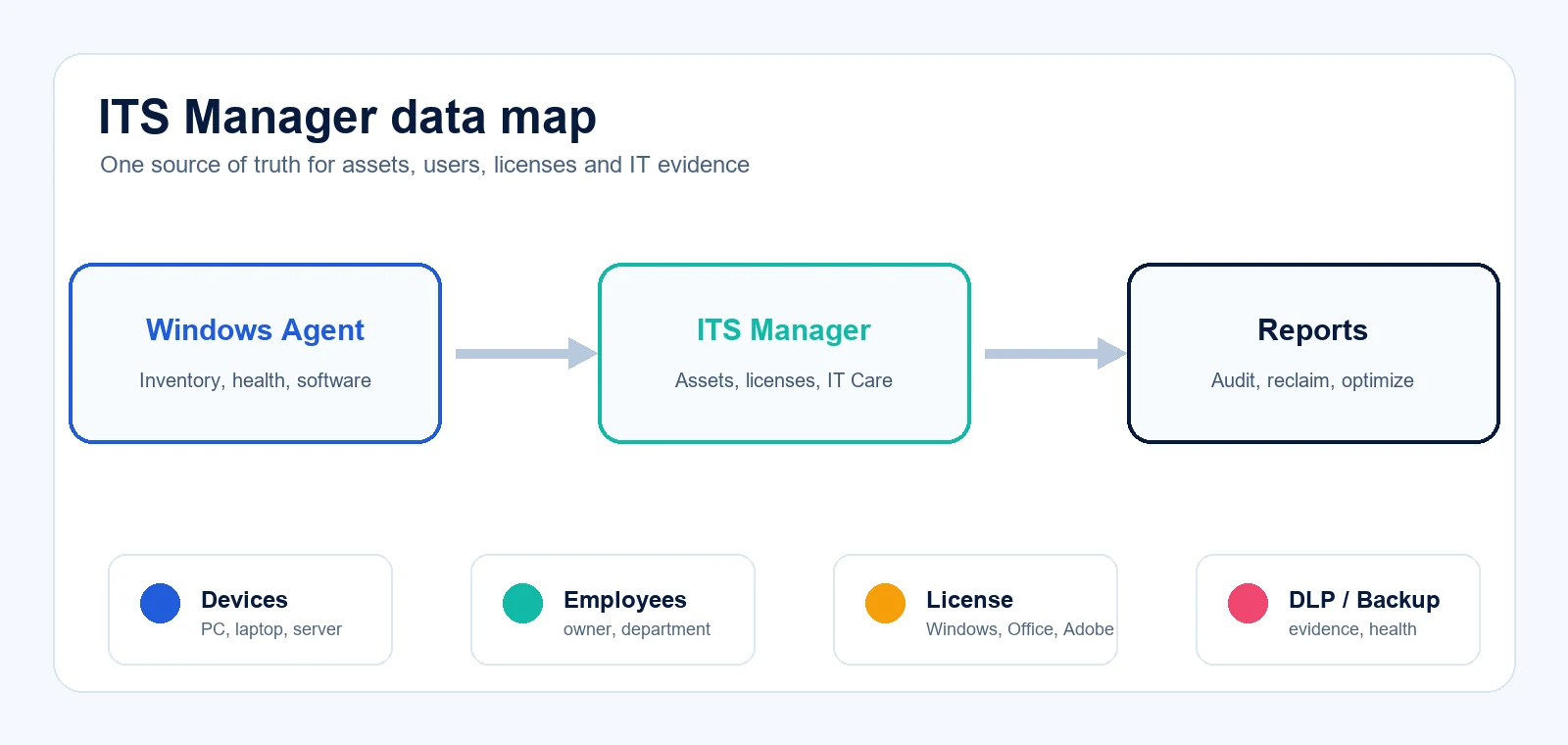
Collects device name, signed-in user, Windows version, CPU, RAM, disk, serial, IP/MAC and installed software from Windows endpoints.
●
Hardware assets
Manages laptops, PCs, servers, network devices, monitors, printers, serials, location, holder, department, warranty and lifecycle.
●
Software and licenses
Tracks per-user and per-device licenses, expiry dates, assigned seats, Windows OEM/FPP/GGWA, Office/Microsoft 365, Adobe, Autodesk and software requiring review.
●
Employee handover
Employee detail shows assigned assets and licenses; IT can reclaim assets and software licenses when staff leave.
●
IT Care and backup health
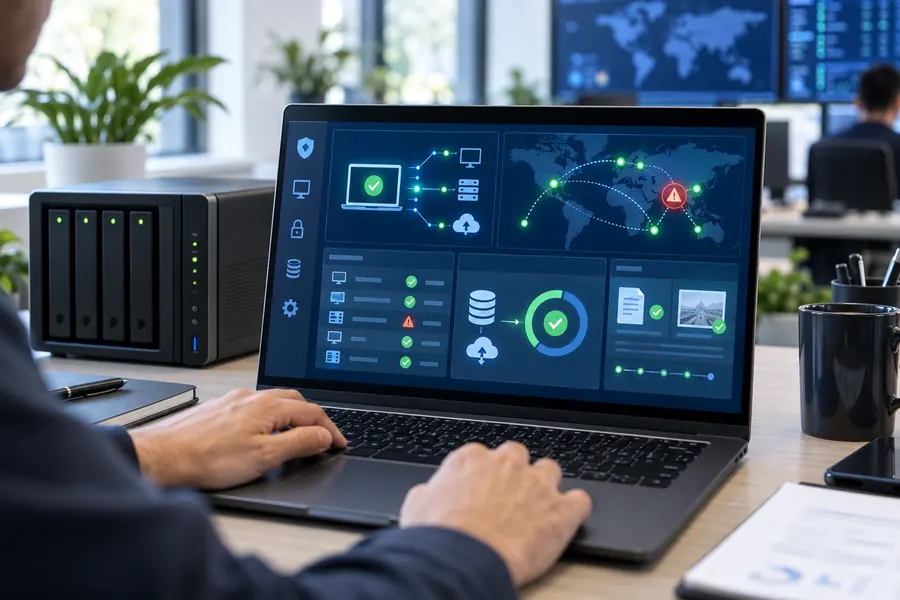
Records repair/upgrade history, routine checks, backup reports, fail/warning/old/no-report alerts and items IT should review.
●
DLP evidence
Receives DLP evidence in controlled pilot scope: sensitive data, offline OCR, USB/file/cloud sync and conditional response/quarantine workflows.

IT Care rollout process with ITS Manager
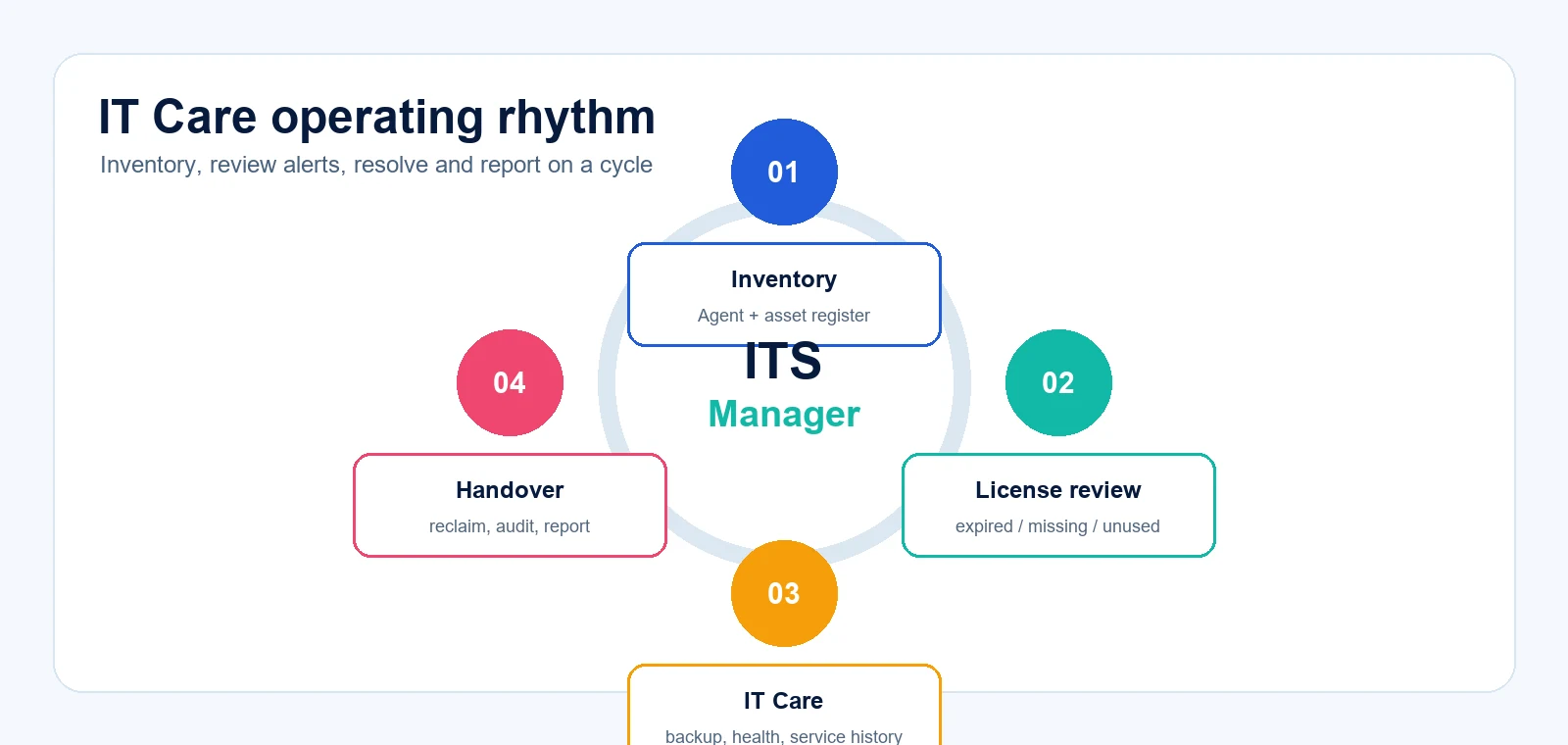
01
Data assessment
Standardize device, department, employee, license and handover rules.
02
Agent pilot
Install on a representative device group to collect inventory and compare it with the existing asset register.
03
License review
Classify software, assign licenses, check expiry/missing seats and prioritize risky groups.
04
Operating report
Set a monthly IT Care rhythm: backup, health, service history, reclaim/handover and procurement planning.
IT asset management options
Manual spreadsheet
Easy to start but lacks Agent inventory, change history, license alerts and technical evidence.
ITS Manager
Fits businesses that need real inventory, license governance, IT Care, backup health, DLP evidence and employee handover.
Large ITSM/ERP
Powerful for broad workflows but often heavier in cost, rollout time and internal operating requirements.
Who should prioritize it?
- 20-300 computers or multiple departments/branches.
- Microsoft, Adobe, AutoCAD or antivirus licenses are purchased but assignment is unclear.
- Frequent onboarding/offboarding requires device, account and license reclaim.
- IT Care, backup health, warranty, repair and audit evidence need recurring reports.
Child pages to read next
IT asset management FAQ
Is ITS Manager a full ITSM platform?
It should not be positioned as a broad ITSM/ERP replacement. ITS Manager focuses on technical evidence, assets, Agent data, licenses, backup, DLP evidence and IT Care.
What does IT Care mean in ITS Manager?
IT Care is the recurring operating rhythm: inventory, license review, backup/health checks, service history, handover/reclaim and reporting.
Can it inventory installed software automatically?
Yes. The Windows Agent can read installed software from the registry and send inventory to ITS Manager on a schedule.
Can licenses be assigned by user?
Yes. Software licenses can be per-user or per-device, so Microsoft 365 or user-assigned licenses are not treated as surplus machine licenses.
Is sensitive data uploaded to the server?
The platform should not upload original files, passwords, tokens or full sensitive content. Manager receives limited summaries, metadata, incidents or evidence according to policy.
When should a business run a pilot?
When it wants to standardize asset records, reduce device loss, control licenses, prepare audits or build recurring IT Care reports.
Need to pilot ITS Manager for IT assets?
IT Systems can review device counts, current software, license purchases, handover workflow and IT Care needs, then recommend a realistic rollout scope.