


Software license management for businesses
ITS Manager helps businesses see which devices run which software, which license is assigned to whom, what is expiring, and where licenses are missing or unused so IT can reduce waste, avoid unclear software and report with confidence.

Software value continues after purchase
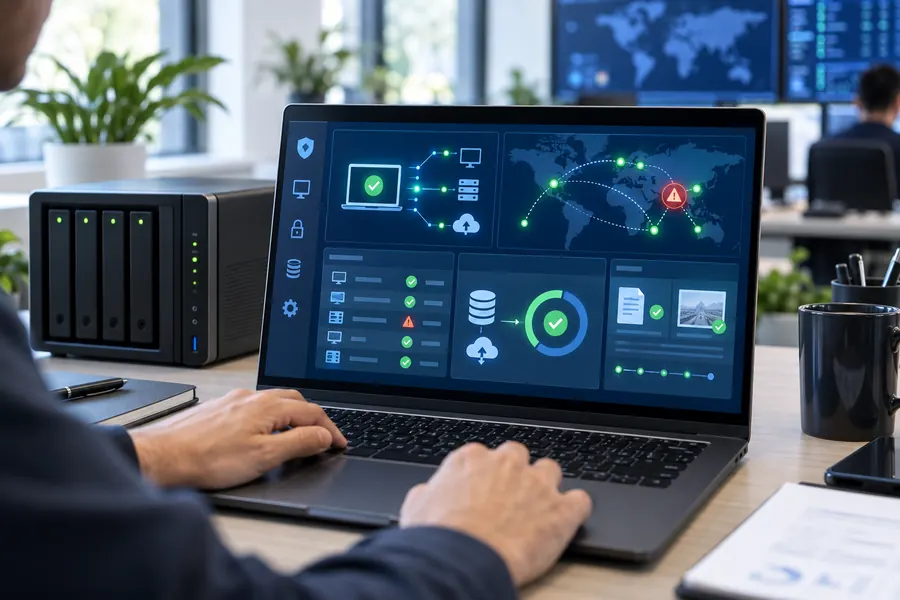
ITS Manager connects devices, users, installed software, license evidence and change history into one operating record.
Where businesses lose money on licenses
When license data lives in scattered spreadsheets or in one IT person's memory, the company can overbuy, miss renewals, fail to reclaim seats or struggle to explain software usage.

Unused seats stay active
Licenses remain valid but are no longer used after employees leave or change roles.
Unclear software appears on devices
Office, Adobe, AutoCAD, design tools or utilities may be installed without a clear license record.
Evidence is scattered
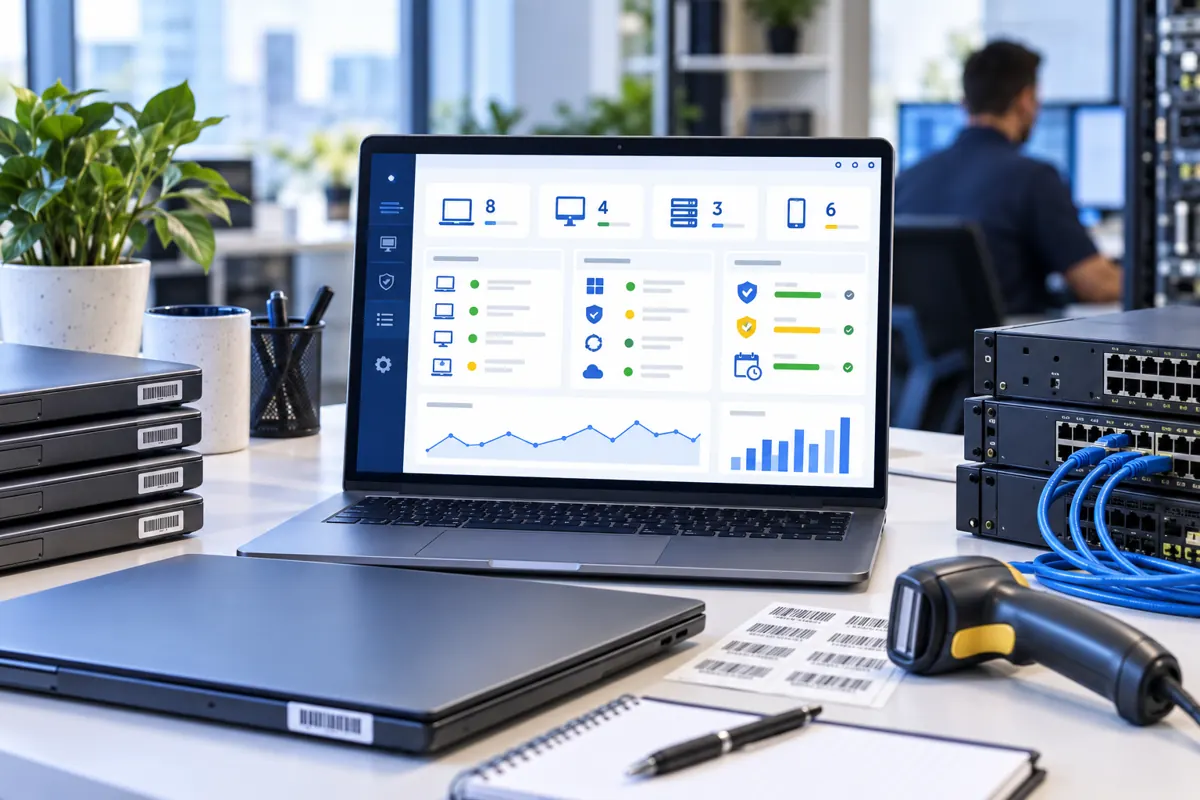
Invoices, license keys, assigned users, devices and expiry dates are not kept in one place.
Budget planning becomes guesswork
IT cannot easily see what to renew, reclaim, replace or purchase next.
How ITS Manager turns license sales into ongoing control
This page should make it clear that IT Systems does not only sell licensed software. We help the business manage the license lifecycle after purchase.
Inventory installed software
The Agent records software on endpoints so IT works from actual data instead of manual checks.
Assign licenses to users and devices
Track licenses by employee, department, endpoint, purchase date, expiry date and usage status.
Compare gaps and waste
Compare installed software against license records to identify missing, unused or risky items.
Reclaim during offboarding
When employees leave, IT has a checklist for accounts, devices and related licenses.
Report to management
Summarize expiring licenses, unused seats, risky software and recommended next steps.
Connect to licensed software supply
When more Microsoft, Adobe, antivirus or business software is needed, IT Systems can advise and quote the right scope.
Recommended rollout packages
A small pilot helps validate data and reporting before expanding across the business.
Quick review
Inventory software, filter risk groups and recommend the first action list.
Request a quoteITS Manager pilot
Deploy Agent, normalize license records, set up reports and reclaim workflow.
Request a quoteManaged license operation
Track changes, renewal alerts, monthly reports and license purchase coordination.
Request a quoteWhat a useful license report should include
| Area | Content |
|---|---|
| Overview | Devices, software count, managed licenses and key risk groups. |
| Unused or reclaimable | Valid licenses that are unassigned or tied to departed users. |
| Missing or unclear | Installed software without clear supporting license evidence. |
| Renewal watchlist | Licenses expiring in the next 30/60/90 days. |
| Recommendations | Purchase, reclaim, change plan, remove software or update process. |
FAQ about software license management
Does ITS Manager replace software purchasing?
No. ITS Manager manages data and evidence. The business still needs valid licenses from the right vendor or reseller.
Does it automatically prove software is cracked?
It records installed software and review signals. Legal or compliance conclusions still require IT to compare evidence, policy and actual usage.
Is it useful for smaller businesses?
Yes. Companies with 20-100 endpoints often start feeling the pain because devices, users, software and renewals become hard to manage in Excel.
How soon can we get the first report?
With a defined pilot scope, the initial inventory report can be prepared after Agent deployment and license data normalization.
Want to know whether licenses are missing or unused?
IT Systems can start with a review of your existing data, then recommend an ITS Manager pilot based on device count, software scope and current IT workflow.