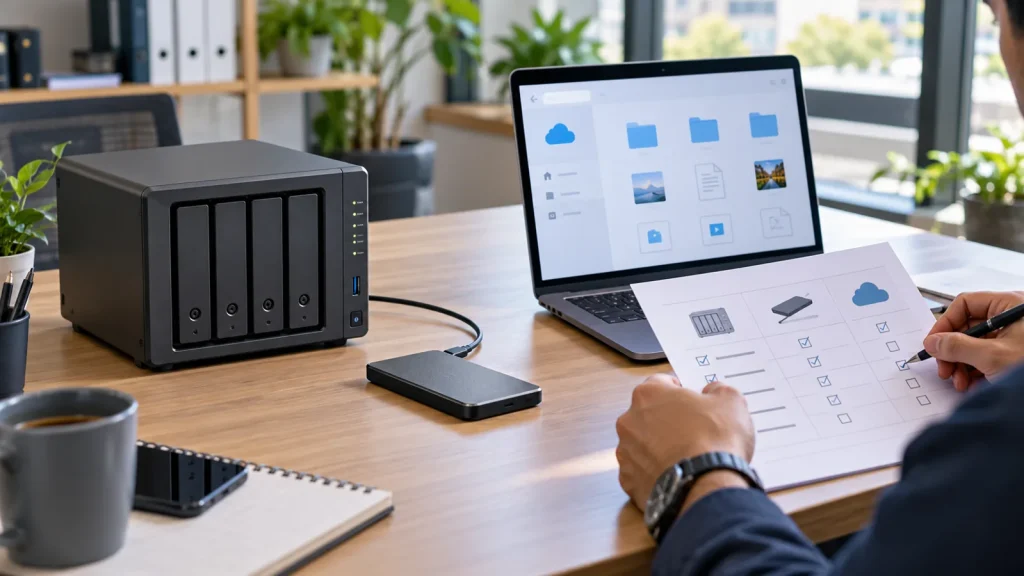
Short answer: Cloud storage suits distributed collaboration when accounts, sharing and recurring cost are governed. A NAS suits a shared local file repository and larger data sets when the business can operate hardware, network access, permissions and backup. An external drive is useful for a portable or rotated copy, not a simultaneous team workspace. Many businesses need a combination: one authoritative working location and a separate, restorable copy.
This is a decision comparison, not a NAS model list. For hardware sizing see choosing business NAS storage; for delivery and operations see Synology solutions for business.
Compare workloads, not just cost per terabyte
Cloud: users reach files through a provider’s applications and the Internet. Cross-office collaboration is straightforward, but large-file experience depends on connectivity and permissions. Review data location, contractual requirements, version retention, export when leaving the provider, and the combined per-user/storage cost. A synchronized cloud folder is not automatically an independent backup.
NAS: an appliance provides shared folders and access controls on the network. LAN access and owned capacity can be useful, but drive compatibility, UPS, updates, alerts, secure remote access and an off-device copy must be operated. RAID and snapshots on the same appliance are not a complete backup. Drive, Hyper Backup and Snapshot functions depend on model and DSM support.
External drive: useful for a portable copy or controlled handover, with an obvious initial purchase price. Manual rotation is easy to miss; a drive can be lost, damaged or overwritten. If used as backup media, document encryption, custody, rotation, read checks and a copy outside the source’s failure domain.
A six-factor decision matrix
Collaboration: cloud and NAS support governed shared access; an external drive should not be the live multi-user source. Connectivity: cloud needs Internet for direct use; a local NAS needs the LAN and healthy appliance, while remote access requires secure design. Performance: test representative files over the actual network instead of relying on capacity labels.
Lifecycle cost: include subscription, transfer and administration for cloud; hardware, disks, energy and IT for NAS; replacement, encryption and handling for external drives. Recovery: identify the independent copy, retention and last successful restore test. Governance: decide who approves access and sharing, how events are logged, and what retention rules apply. No option wins every factor.
Three realistic business patterns
A small distributed office editing ordinary documents may prioritize a governed collaboration cloud with MFA, group permissions and staff offboarding, plus verified recovery for important data. A design team handling large files mainly in one office may prefer a properly sized NAS/LAN and an offsite backup. An infrequently changed archive may be exported to encrypted, inventoried external media, but that media should not be the only copy.
Databases, locked application files, virtual machines and strict RPO/RTO require workload-specific, consistent backup planning. Do not choose by the words ‘cloud’ or ‘NAS’ alone. Synology distinguishes Cloud Sync from multiversion Hyper Backup; USB Copy has a different package/configuration scope. Compare Cloud Sync with Hyper Backup before combining tools.
Checklist before purchase or migration
Inventory data classes, current and projected volume, users, locations, large files, dependent applications and data owners. Define acceptable data loss (RPO) and recovery time (RTO) for each critical class. Select an authoritative working location, a separate copy and a named responder for failed jobs. Rehearse accidental deletion, appliance loss and Internet outage with representative data.
Ask vendors to state usable rather than raw capacity, bandwidth assumptions, version limits, transfer fees, exit/export process, leaver access removal and restore evidence. For a Synology NAS, verify the compatibility list and review Store models; final sizing must follow workload, not bay count or list price alone.
Frequently asked questions
Is Cloud Sync a backup?
Not by default. Synchronization may propagate deletions or bad changes. Keep appropriate versions, a separate copy and a tested restore path.
Do I still need another copy if my NAS uses RAID?
Yes. RAID handles specified drive failures but not the full range of deletion, ransomware, appliance loss or compromised accounts.
Can an external drive be enough for a small company?
It may be one part of a backup design if encrypted, inventoried, rotated and restore-tested. It should not be the shared working repository or only copy.
Which option costs least?
Compare total lifecycle cost, administration, transfer charges and outage/recovery impact for the actual workload before concluding.
Technical sources
Synology: NAS backup tools and scope; Synology: Hyper Backup to USB/local folder; Synology: Cloud Sync specifications. Validate model, DSM, cloud terms and support before deployment.