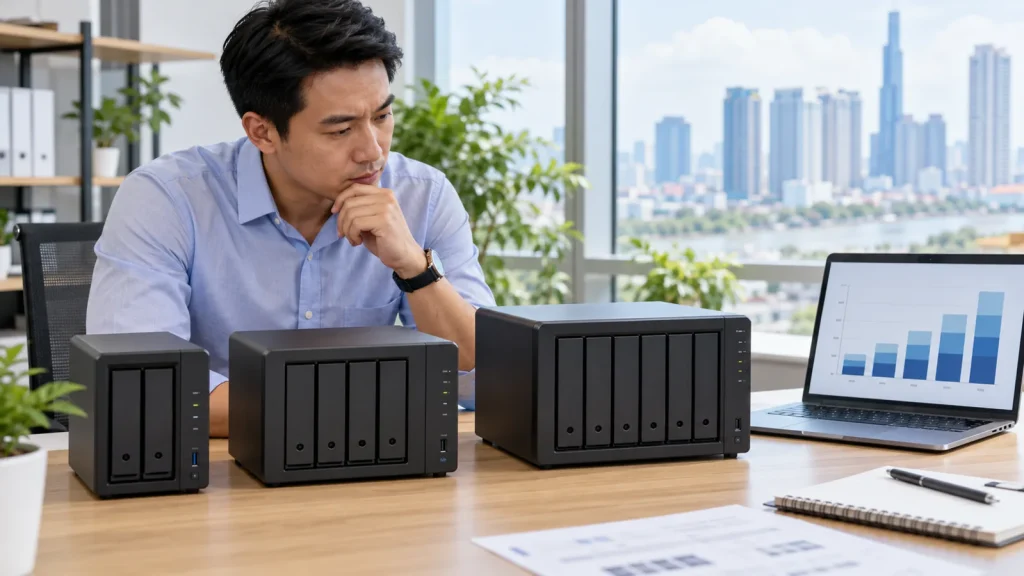
Short answer: Choose a business NAS from workloads, capacity growth and recovery needs rather than a model number. Calculate usable capacity after RAID or SHR, allow room for versions and snapshots, verify the exact model and drive compatibility, and design a separate backup. Adding the TB printed on drive labels does not give usable business capacity.
This guide owns the selection and purchasing decision. For a definition, read what a Synology NAS is. For survey and deployment, see business Synology solutions. Current product listings and prices belong to the Synology Store category.
Start with workloads and operating ownership
Inventory office documents, media, CAD/BIM, accounting applications, databases, surveillance footage and backup data. Record present size and expected monthly growth for each. Count concurrent readers and writers, office locations and remote-access needs. An ordinary shared file repository has different I/O and locking requirements from virtual machines or live databases; confirm application support before placing their active files on an SMB share.
Name the owner of accounts, folder access, DSM updates, failed-drive alerts and backup jobs. Where no internal operator exists, include managed support in the decision instead of comparing hardware stickers alone. Define RPO/RTO and retention. Those inputs determine drive bays, storage layout, network and independent protection.
Model usable capacity, not raw disk totals
Add forecast data growth, file versions, snapshots and backup sets if the NAS will hold them. Then test actual drive and RAID/SHR combinations using Synology’s RAID Calculator. Its result is an estimate; filesystem, reserved capacity and model limits also matter. A quote for 40 TB of raw drives should not imply 40 TB available after fault tolerance.
Leave operational headroom and an expansion path without assuming one fixed percentage suits all workloads. Free bays, RAID type and supported drive sizes affect expansion. Two bays can fit small data sets with limited growth; four or more deserve evaluation when expansion, versions or concurrent workloads matter. Decide from usable capacity and recovery, not headcount alone.
Check compatibility, network and package support
Compare the exact NAS model and drive part numbers against Synology’s compatibility list, including firmware where relevant. Separate chassis price from drives, RAM, network cards, UPS, licensing and backup destination. Models in the same series need not have identical ports, default memory or package support; read the current product specification and DSM support matrix.
Check LAN throughput, concurrent users and switching before paying for a faster interface. A UPS allows orderly shutdown but does not replace backup. For Drive, Active Backup, snapshots or VM use, verify that the model, volume and DSM release support each package. Merely appearing on the network does not prove application suitability.
Buy a recovery path and acceptance test
RAID/SHR tolerates specified drive failures; it does not cover accidental deletion, ransomware, total appliance loss or a site incident. Keep a separately governed copy at a suitable device, location or service, and schedule restore tests. A business quote should spell out drive installation, pool/volume setup, permissions, migration, backup, alerts, user handover and recovery evidence, not only chassis cost.
Before acceptance, test departmental read/edit/delete rights, move a representative file set, inspect capacity and alerts, and recover both a deleted file and a permission-sensitive folder. Have actual users open the restored data. Use the NAS configuration checklist and Hyper Backup restore guide for handover.
Frequently asked questions
Should we buy a two-bay or four-bay NAS?
Calculate usable capacity, growth, fault tolerance, workload and expansion from real drive combinations; headcount alone is not enough.
Must drives be on the compatibility list?
Check Synology’s official list for the exact NAS model, drive part number and firmware before purchase to reduce support and operational risk.
Do we still need a backup destination with RAID?
Yes for important data. RAID is not an independent copy or a tested recovery path.
Technical sources
Synology RAID Calculator; Synology Compatibility List; Synology: RAID selection. Verify actual model, DSM and price before ordering.