


WINDOWS ENDPOINT DLP
Windows Endpoint DLP for USB and file copy monitoring
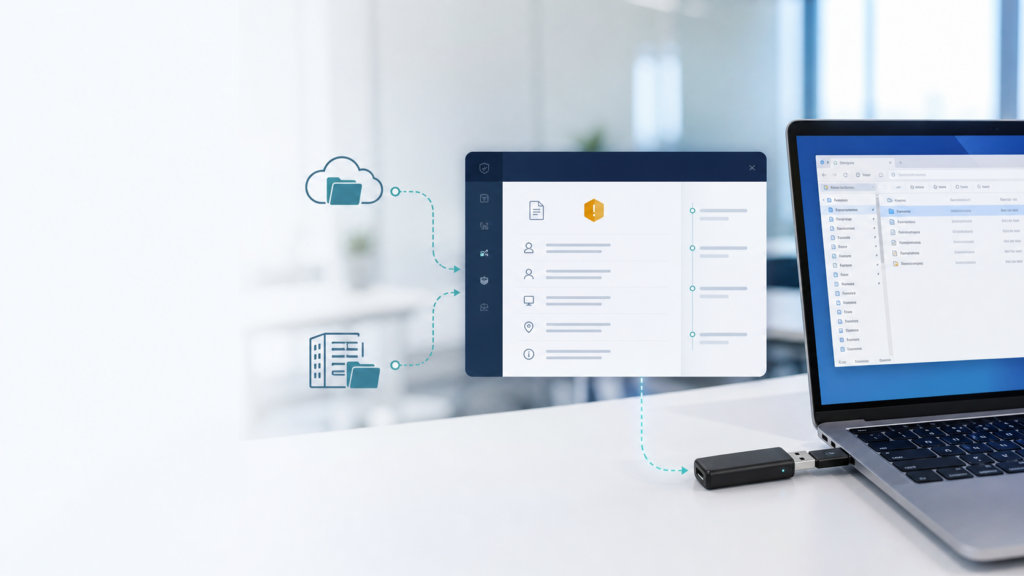
ITS DLP records Windows endpoint file activity and destination context so IT teams can identify noteworthy movement through USB storage, local cloud-sync folders and network shares, then review related events as incidents.
Use explicit allowlists, rules and exceptions to create useful evidence without turning the deployment into indiscriminate employee surveillance.
When does a business need endpoint DLP visibility?
Endpoint DLP becomes useful when the business cannot reliably explain where files are being copied, which device and user were involved, or whether an unusual burst of activity was legitimate. ITS DLP adds metadata and timeline context at the Windows endpoint.
USB without usable evidence
Record volume context, endpoint identity and related file metadata.
Mixed cloud-sync destinations
Classify common OneDrive, SharePoint, Google Drive, Dropbox, iCloud and Box local sync folders.
Hard-to-trace network shares
Identify UNC or mapped-drive destinations and correlate source and destination on a best-effort basis.
Signals currently collected on Windows
The current implementation emphasizes metadata and operational context, not universal full-file inspection.
File activity
- Create, modify, delete and rename activity inside approved allowlists.
- File count, total bytes and repeated activity.
USB and volumes
- Volume labels and related file metadata.
- Rules by label, file name, extension or minimum size.
Clipboard file intent
- A file-copy intent signal that adds investigation context.
- Intent alone does not prove exfiltration.
Cloud-sync destinations
- Classifies common local sync folders on the endpoint.
- Does not replace a direct cloud connector.
Network shares
- UNC paths and mapped network drives.
- Best-effort source/destination context.
Risk aggregation
- Bulk copy, delete, modify and rename patterns.
- Risk scoring helps prioritize review.
Evidence available for endpoint incidents
Evidence depends on signals that are available for the specific event and endpoint.
Evidence
Operational use
Status
Endpoint and user
Identify the machine and actor on a best-effort basis.
Current
Destination class
Removable, cloud sync, network share, desktop/download or local.
Current
File count and bytes
Understand scale without uploading original files.
Current
Timeline and matching rule
Explain why an incident was created and what happened around it.
Current
Full file content
Universal content upload and deep inspection are not part of the current design.
Not supported
Enforcement action
Block, quarantine and user justification are not completed endpoint actions.
Roadmap
INCIDENT REVIEW
From endpoint events to reviewable evidence
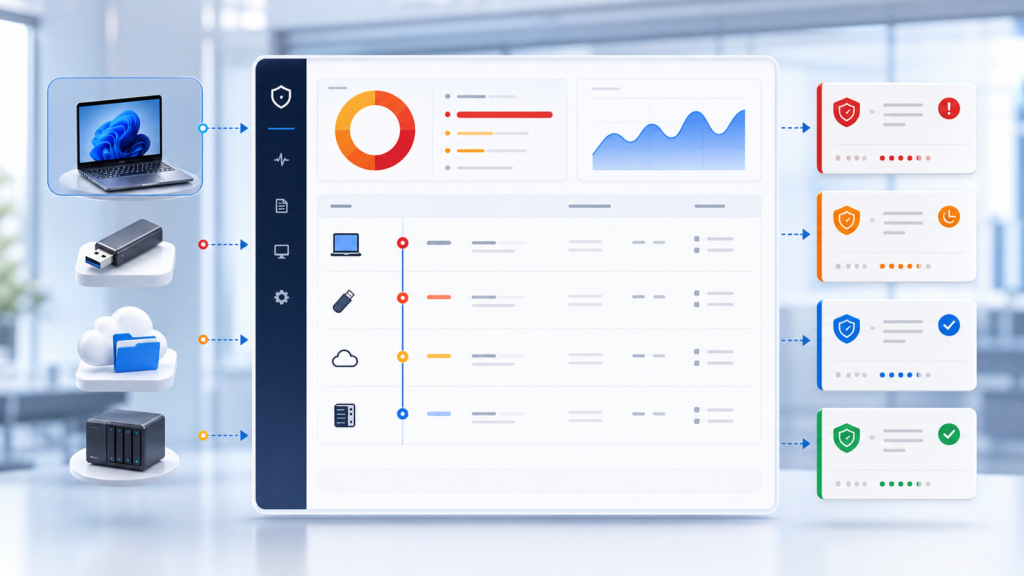
Related signals are grouped so IT teams can work with incidents rather than isolated raw logs.
- Review endpoint, user, destination and timeline.
- Check rule matches and protected detection samples.
- Assign an owner and record business context.
- Resolve, continue reviewing or mark a false positive.
- Use findings to improve rules and exceptions.
Endpoint pilot workflow
01. Select scope
Choose representative Windows endpoints and approved folders.
02. Establish baseline
Observe legitimate copying, sync and backup behavior.
03. Tune detection
Apply targeted rules and document operational exceptions.
04. Review results
Assess evidence quality, false positives and rollout readiness.
Windows Endpoint DLP FAQs
Does the current product block USB devices?
No completed enforcement claim is made. The current scope provides audit, alerts and incident evidence for a controlled pilot.
Does clipboard intent prove that a file left the device?
No. It is an additional signal that must be reviewed with file activity, destination and timeline context.
Is local Google Drive detection a Google Workspace connector?
No. It classifies a local sync folder on Windows. Direct cloud audit integration is a separate capability.
Can the agent monitor the entire disk?
A targeted allowlist is recommended. Broad monitoring increases load and noise without necessarily improving detection.
How are file paths protected?
Paths are redacted or hashed and detection samples are masked in the current privacy-conscious design.
Can endpoint events be exported?
Incident data can be filtered and exported to CSV within the current operational limits.
Related DLP pages
Pilot Endpoint DLP on a representative Windows group
IT Systems will help select endpoints, data paths, rules, exceptions and evidence criteria before any expansion decision.