


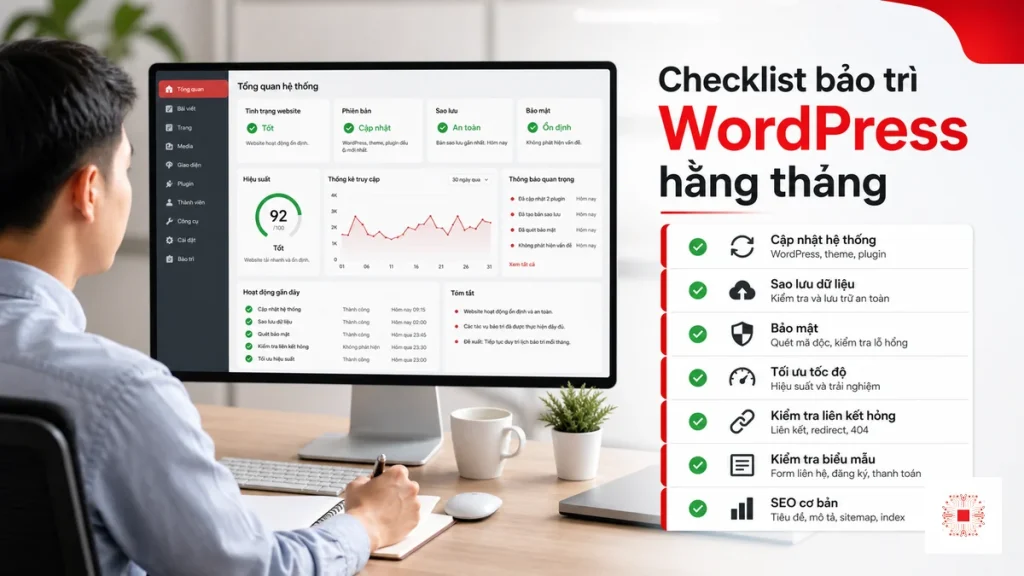
Quick summary: Monthly WordPress maintenance is not just clicking plugin updates. For SMEs, a proper checklist should cover backup, security, performance, contact forms, technical SEO, admin accounts, hosting, error logs and rollback readiness if an update causes conflicts. If the website runs ads, collects leads or acts as a primary consulting channel, maintenance should be managed as an operating process with SLA, reporting and clear ownership.
Many WordPress websites become slow, unstable or infected not because WordPress is weak, but because the business has no maintenance routine. Plugins are updated only when someone remembers, backups are never restore-tested, forms are not checked, admin accounts are shared and hosting is noticed only after the website is already down. This may save money in the short term, but it builds operational risk over time.
This guide presents a WordPress maintenance checklist from the perspective of website management for SMEs: start with business risk, group tasks by priority, explain how to check each area and provide a decision framework for when to handle maintenance internally and when to outsource it.
1. Why WordPress Maintenance Should Be Treated as System Operations
WordPress is often seen as a marketing website, but it depends on many IT components: hosting, database, PHP, DNS, SSL, email delivery, admin accounts, plugins, theme, cache and tracking tools. When one component fails, visitors simply see that the website is not working, while the root cause may be very different. Maintenance therefore needs a system view, not only a front-end view.
For SMEs, the website is often where customers review services, submit consultation forms, download company profiles or read SEO articles before contacting sales. If the website is slow, forms fail or a landing page breaks during a campaign, the damage is not only technical. It affects lead generation, marketing budget and brand trust. That is why the checklist must be linked to business risk, not only to the number of plugins updated.
A practical approach is to divide maintenance into three layers: data safety, operating stability and performance improvement. Data safety includes backup, accounts, security and restore. Stability includes uptime, speed, forms, plugins, theme and hosting. Improvement includes technical SEO, UX, CTA, tracking and reporting. When all three layers are checked regularly, the business becomes less reactive during incidents.
2. Monthly Priority Checklist for Business WordPress Sites
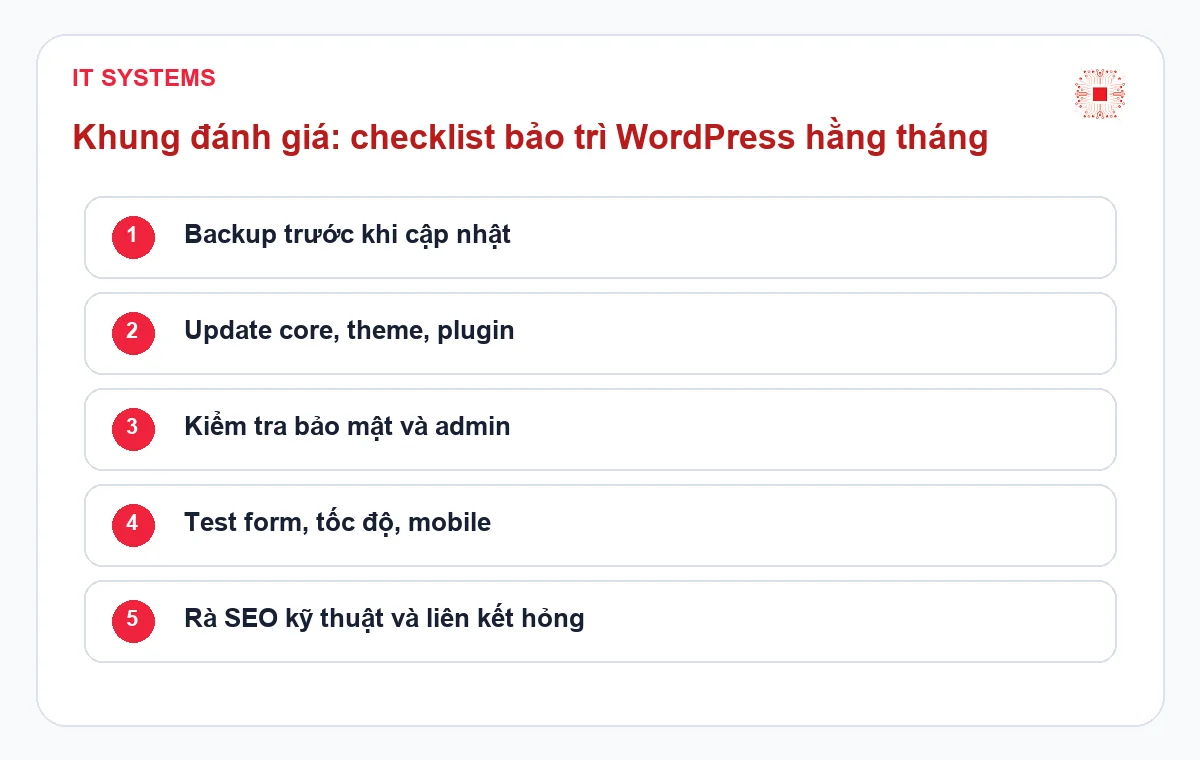
The checklist below should not be treated as a box-ticking exercise. Each item needs an owner, evidence and notes when abnormal behavior is found. For important websites, monthly reports should be stored so the team can trace when a plugin version changed, when hosting CPU increased, when forms started failing or when load speed declined.
| Item | Check Objective | Priority | Evidence to Keep |
|---|---|---|---|
| File/database backup | Ensure a recent recovery point exists | High | Backup time, storage location, restore-test result |
| Plugin/theme/core | Reduce security and compatibility risk | High | Before/after versions and issue notes |
| Contact forms | Prevent lead loss from email failure | High | Test email, form screenshot, mail log |
| Speed and uptime | Protect user experience and SEO | Medium-high | Load metrics, uptime record, downtime alerts |
| Admin accounts | Reduce unauthorized access risk | High | User list, roles, inactive accounts |
| Technical SEO | Prevent index, redirect and broken-link issues | Medium | Issue list, affected pages, recommended actions |
The order matters. Backup, security, forms and admin accounts should be checked first because they directly affect data and sales opportunities. Speed, technical SEO and UX can be planned, but they should not be ignored for too long because they affect long-term marketing performance.
3. Backup and Restore: The Most Important Item Often Done Too Lightly
Many companies believe the website is safe because hosting includes automatic backup. That is not enough if no one knows where the backup is stored, how long it is retained, whether it includes the database and how quickly it can be restored. For WordPress, important data includes not only images and theme files, but also posts, forms, plugin settings, users and configuration stored in the database.
Each month, the team should check at least four points: whether the latest backup exists, whether a copy is stored outside the main hosting, whether backup is created before major updates and whether restore has ever been tested. If the website receives daily orders or leads, RPO should be defined to clarify acceptable data loss. If the site is business-critical, RTO should define how quickly it must be restored.
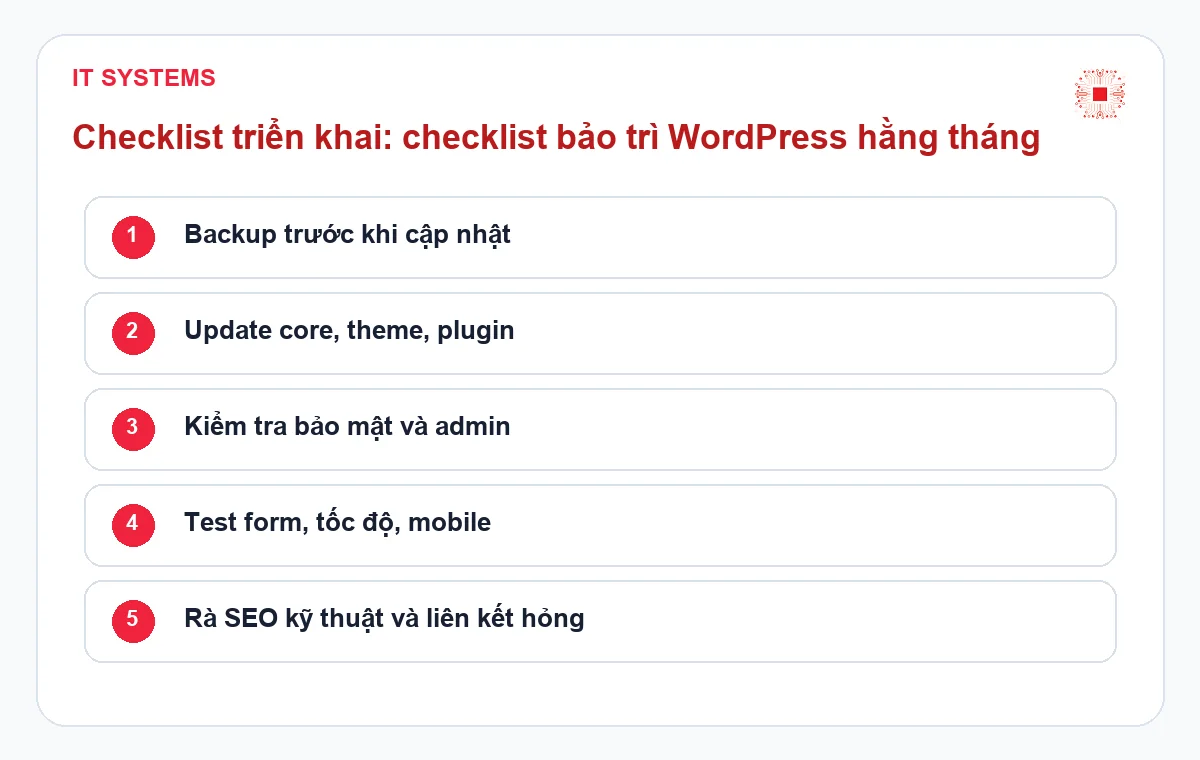
IT Systems treats backup as the foundation of every change. Before updating plugins or changing major settings, there should be a clear rollback point. After updates, the team should check the homepage, service pages, forms, menu, mobile display and campaign landing pages. Without a recovery point, a minor plugin issue can become a long incident.
4. Plugin, Theme and Core Updates: Avoid Blind Updating
WordPress updates help reduce vulnerabilities and improve compatibility, but uncontrolled updates can break layout, forms, shortcodes, cache or even the whole site. The correct process is not to update everything at once. It is to check versions, review change notes for important plugins, back up first, update in groups and test after the change.
Websites with marketing plugins such as forms, SEO, cache, page builders, popups, tracking or booking tools have higher conflict risk than simple brochure sites. The business should maintain a list of critical plugins: which plugin affects forms, which affects layout, which affects payment or tracking. These plugins require closer testing after every update.
If the website has stable traffic and lead flow, a staging environment should be considered. Not every SME needs staging immediately, but if the site runs campaigns continuously or has important integrations, staging is a reasonable investment. It reduces downtime risk and avoids troubleshooting directly on the production website.
5. Security, Admin Accounts and Abnormal Signals
WordPress security is not only about installing a security plugin. The business needs to check admin accounts, weak passwords, unused users, excessive permissions, abnormal logins, suspicious files, unknown plugins and warnings from Google Search Console. If the website has been edited by many vendors over time, old accounts and undocumented plugins are common risks.
Each month, the administrator should review users and roles. Content writers do not need admin rights. Accounts of former employees should be disabled. Shared accounts should be replaced by individual accounts so actions can be traced. If possible, two-factor authentication should be enabled for administrators. These small controls significantly reduce takeover risk.
The team should also watch for abnormal signals: unexpected redirects, PHP files inside upload folders, sudden bot traffic, spam email sent from the website, sudden speed drops or unusual indexing warnings. Early detection usually costs much less than cleaning up after a search engine warning or major organic traffic loss.
6. Forms, Website Email and Tracking: Small Items With Direct Lead Impact
Contact forms connect the website to the sales team. If forms fail, emails land in spam or conversion tracking disappears, the business may lose leads without noticing immediately. Therefore, WordPress maintenance should include real form testing: submit test data, check the received email, verify subject lines, recipients and mobile experience.
Form issues can come from many sources: form plugin updates, incorrect SMTP configuration, hosting mail restrictions, missing SPF/DKIM, reCAPTCHA errors, cache conflicts or changed recipient emails. The form may look fine on the page. Only testing and log checking confirm whether leads are actually being delivered.
Tracking should also be checked after major changes. Google Analytics, Google Ads conversion, Meta Pixel, Tag Manager or event tracking can be lost when a theme, header script or cache configuration changes. For websites running paid campaigns, tracking verification is part of operations maintenance, not just a marketing side task.
7. Speed, Core Web Vitals and Mobile Experience
Website speed affects user experience, SEO and conversion. However, optimization should not simply mean installing another cache plugin. A slow website may be caused by weak hosting, heavy images, an oversized database, a bloated theme, too many tracking scripts, inefficient font loading or plugins that run expensive queries. Without root-cause analysis, adding plugins may create more complexity.
Each month, important pages should be checked: homepage, service pages, campaign landing pages, SEO articles with traffic and the contact page. Useful signals include load time, image size, request count, basic console errors, mobile display and form status. The business does not need to optimize every page at once; priority should go to lead-generating and money pages.
For website management for SMEs, speed should be treated as an operating metric. If speed declines month after month while plugins increase and the database is never cleaned, the site becomes harder to maintain. Monthly reporting should show this trend so the business can decide when deeper optimization is needed.
8. When to Maintain Internally and When to Outsource
A business can maintain WordPress internally if the website is simple, rarely changes, has no complex integrations and someone understands basic WordPress operations. Even then, the person responsible needs a clear checklist, proper access and the discipline to back up before changes. Internal maintenance should not mean improvising each month.
Outsourcing becomes more suitable when the website affects leads, uses many plugins, has broken after updates, lacks backup ownership or requires frequent marketing support. It also helps when the business wants reporting, ticket workflow, SLA and a responsible team during incidents. In that case, maintenance cost is a risk-control expense, not only a technical update fee.
| Situation | Internal Maintenance | Outsourced Website Management |
|---|---|---|
| Low-change website | Suitable with a checklist | Optional unless reporting is needed |
| Website runs ads | Risky without form/tracking checks | Recommended with SLA and post-change testing |
| Many plugins/integrations | Requires stronger technical skills | Better with staging and rollback process |
| No clear backup process | Major updates should be avoided | Assessment should happen before routine maintenance |
This comparison clarifies the boundary. If the website only needs basic posting, internal maintenance may save cost. If the website generates leads, includes integrations or affects brand trust, outsourcing standardizes the process and reduces dependence on one internal person.
9. How IT Systems Typically Runs WordPress Maintenance
The process should begin with an assessment of the current state: platform, hosting, plugins, theme, users, backup, forms, speed, traffic and incident history. Only after that should the maintenance scope be proposed. Without assessment, pricing can easily be incomplete or oversized: it may miss risks such as backup and restore, or include advanced optimization before the site has enough traffic to justify it.
After assessment, IT Systems can separate recurring operations from request-based work. Recurring operations include backup, updates, form checks, security, basic speed checks, account review and reporting. Request-based work includes new landing pages, major layout changes, tracking integration, malware cleanup, hosting migration or advanced speed optimization. This helps SMEs control budget and understand what is included.
The most important output is a readable report. It should explain what was done this month, what issues were found, what risks remain, which plugins need attention, whether backup is healthy and what should be prioritized next month. With operations data, management does not need to decide by guesswork and can treat the website as an IT asset that deserves proper care.
Related Services from IT Systems
If your business wants to turn WordPress maintenance into a controlled operating process, the first step can be a website assessment. IT Systems reviews not only the front end, but also hosting, backup, security, forms, accounts, speed and the request workflow between marketing and sales. This creates a clearer basis for choosing the right package instead of comparing only update counts.
After the assessment, the business should receive a prioritized action list: which items need immediate attention because they affect data or leads, which items belong in monthly maintenance and which items should become separate optimization projects. This makes website management cost more transparent and avoids a situation where each month only technical updates are performed while operational risk remains unchanged.
- Website management for SMEs
- Professional website management service
- IT Support service for businesses
Frequently Asked Questions
The questions below help distinguish basic WordPress maintenance from operations-focused website management. The answers should be read against the real role of the website: a simple profile site can use a leaner checklist, while a lead-generation, advertising or customer-data website requires stronger controls, clearer ownership and better monthly evidence.
Should all WordPress plugins be updated every month?
Not blindly. Security, form, cache, SEO and page builder plugins should be prioritized, but backup and post-update testing are required to avoid layout, form or tracking issues.
Is automatic hosting backup enough?
Not always. The business needs to know where backups are stored, how long they are retained, whether the database is included and how quickly the site can be restored. Important sites should also have off-hosting copies and periodic restore testing.
Does a small website need monthly maintenance?
Yes, but the scope can be lean. A small website still needs backup, SSL, plugin, form and admin account checks. If it changes rarely, a basic checklist may be enough instead of advanced management.
When should WordPress maintenance be outsourced?
Outsourcing is useful when the website generates leads, runs ads, has many plugins, has broken after updates or lacks internal ownership for backup and security. It brings process, SLA and reporting.
Implementation Governance and Monthly Reporting Framework
To avoid treating the topic as a one-time consultation, the business should turn recommendations into a monthly control framework. The framework should include an owner, open risks, review dates, implementation evidence, status and next actions. For SMEs, this helps management understand whether the system is truly stable or merely has not produced visible incidents yet.
When IT Systems supports the work, the deliverable should be reusable: current-state checklist, service scope, priority items, implementation conditions, required accounts and permissions, acceptance criteria and reporting schedule. This reduces dependence on a single technical person and helps sales, marketing, accounting and operations understand their role in keeping the system reliable.
| Control Item | Purpose | Evidence |
|---|---|---|
| Open risks | Know what is not resolved yet | Monthly priority list |
| Owner | Avoid unclear responsibility | Named person or team |
| Acceptance | Confirm the change works | Screenshot, log, test or report |
This section also gives the business a practical way to compare providers. A lower price may be acceptable for a low-risk setup, but if the provider cannot show evidence, ownership and reporting, management will have difficulty knowing whether the service is actually reducing risk.
Need to Review Your WordPress Maintenance Checklist?
IT Systems Vietnam can review your WordPress website using an operations checklist: backup, restore, plugins, theme, forms, SMTP, security, speed, admin accounts, hosting and technical SEO. After the review, your business can see which areas are healthy, which areas create risk and whether internal maintenance or outsourced management is the better fit.
The assessment is suitable for SMEs running ads, receiving consultation forms, experiencing slow pages, seeing errors after updates or lacking monthly maintenance reports. The output should be a clear work scope, priority list and monthly risk-reduction plan that management can review before choosing a service package.


