


LICENSED BACKUP SOFTWARE
Licensed backup software for businesses: Veeam, Acronis, NAS/cloud backup and ransomware recovery
Licensed backup software for businesses is not just a data copy tool. A company needs to define workloads, RPO/RTO, offsite copies, immutability, restore testing and operational ownership. IT Systems advises, quotes, deploys and governs backup lifecycle so businesses can reduce data-loss risk from user error, server failure, ransomware and cloud incidents.
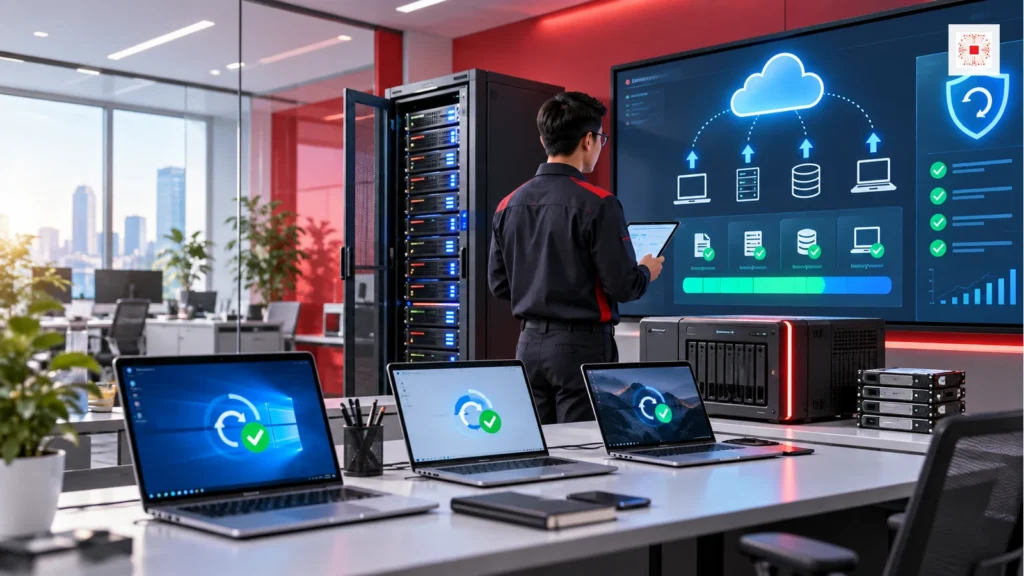
What is licensed backup software for businesses?
Licensed backup software for businesses is a valid commercial solution for protecting and restoring data across physical servers, virtual machines, endpoints, NAS, Microsoft 365, Google Workspace, databases and business applications depending on scope. The value is not the word backup; it is recoverability during a real incident. A backup matters only when the company knows what is protected, backup frequency, storage location, retention, access rights, encryption, offsite copy and the latest restore-test evidence.
Why should backup be tied to RPO and RTO?
RPO defines the maximum data loss the business accepts, such as 15 minutes, four hours or one day. RTO defines how quickly a system must be available again. Without these two targets, businesses often buy backup by feeling: too cheap to recover on time or too complex for the actual risk. Accounting, file servers, ERP, CRM, email and personal laptops should not share the same recovery objective. IT Systems starts by identifying which systems affect revenue, which affect internal work and which data must return first.
Quick backup solution table by workload
Businesses should choose backup by data type before choosing a vendor. File servers need incremental schedules, versioning and file-level restore. Virtual servers need image-level backup, instant recovery or recovery to another infrastructure. Microsoft 365 needs mailbox, OneDrive, SharePoint and Teams backup because accidental deletion or ransomware sync can still create data loss. Endpoint laptops need light policies focused on important folders. NAS and cloud backup require permission, lifecycle and capacity governance.
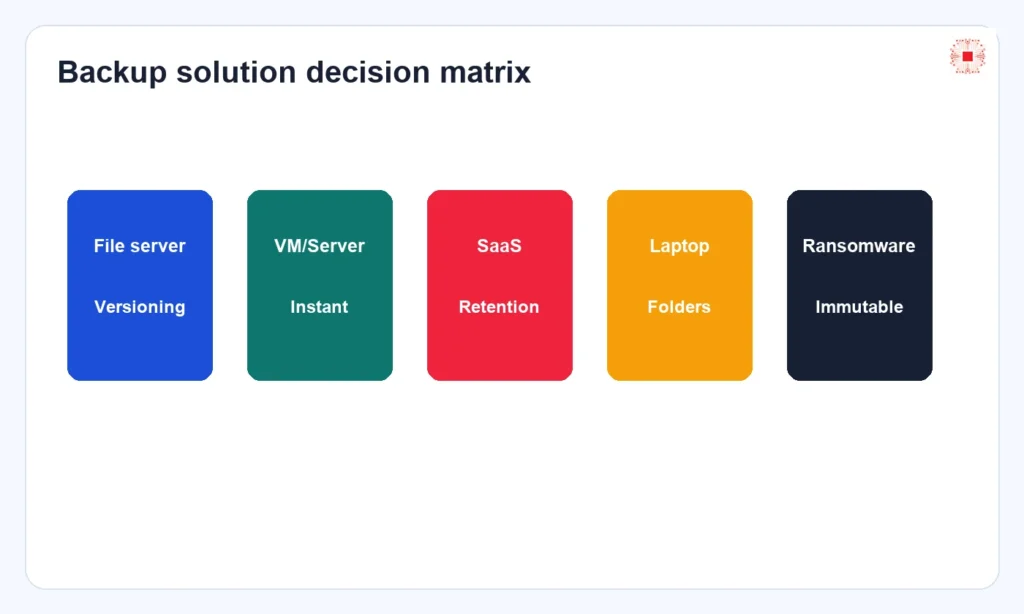
| Workload | Need | Suggestion |
|---|---|---|
| File server | Versioning, file-level restore | NAS + cloud/offsite |
| VM/Server | Image backup, instant recovery | Veeam/Acronis |
| Microsoft 365 | Mailbox, OneDrive, SharePoint, Teams | SaaS backup |
| Laptop | Important folders | Endpoint backup |
When does Veeam fit?
Veeam often fits businesses with virtual servers, hybrid workloads, fast recovery requirements, immutability, restore testing and a serious ransomware recovery strategy. Official Veeam materials emphasize immutable backups, SureBackup, Secure Restore, recovery testing and support for virtual, physical, cloud and application workloads. For SMEs, Veeam is suitable when server or VM data is critical, downtime has visible cost and the business needs to prove recoverability instead of merely keeping copies.
When does Acronis Cyber Protect fit?
Acronis Cyber Protect fits businesses that want backup combined with endpoint security, centralized management and protection for physical, virtual, cloud and SaaS workloads in one platform. Acronis highlights full-image backup, file-level backup, immutable backup, rapid recovery, continuous data protection, anti-malware and ransomware protection. For small businesses or branch-heavy environments, Acronis can be attractive when the company wants one console for backup monitoring and malware-risk reduction before recovery.
Does Microsoft 365 or Google Workspace still need separate backup?
Yes, when the business needs protection from accidental deletion, employee offboarding, ransomware file synchronization, wrong retention policies, compromised accounts or longer retention than native defaults. Cloud data does not automatically mean the business owns a separate recovery plan. A strong SaaS backup plan defines which mailboxes matter, which SharePoint sites need longer retention, who can restore, how long data is kept, expected storage and how employee departures are handled.
Comparison: NAS backup, cloud backup and dedicated backup software
NAS backup is useful for fast local recovery, but if the NAS is on the same network and gets encrypted, risk remains high. Cloud backup provides an offsite copy and reduces office-site dependency, but capacity cost, restore speed and access control matter. Dedicated backup software such as Veeam or Acronis adds job management, retention, encryption, immutability, restore testing and centralized reporting. Most businesses need layers rather than one storage location.
| Backup layer | Role |
|---|---|
| NAS only | Fast but same-network risk |
| Cloud copy | Offsite, cost control needed |
| Dedicated software | Job, retention, immutable, report |
| Managed service | Owner and restore testing |
How ransomware attacks backup
Modern ransomware often looks for backup repositories, admin accounts, NAS shares, snapshots and cloud credentials, not only production servers. If backup uses the same domain admin, same password, no MFA, no immutability or weak separation of duties, attackers may delete or encrypt the backup copies. Ransomware-ready backup should follow the 3-2-1-1-0 principle: multiple copies, different media, one offsite copy, one immutable or offline copy and zero backup errors when checked.
Backup deployment workflow for SMEs
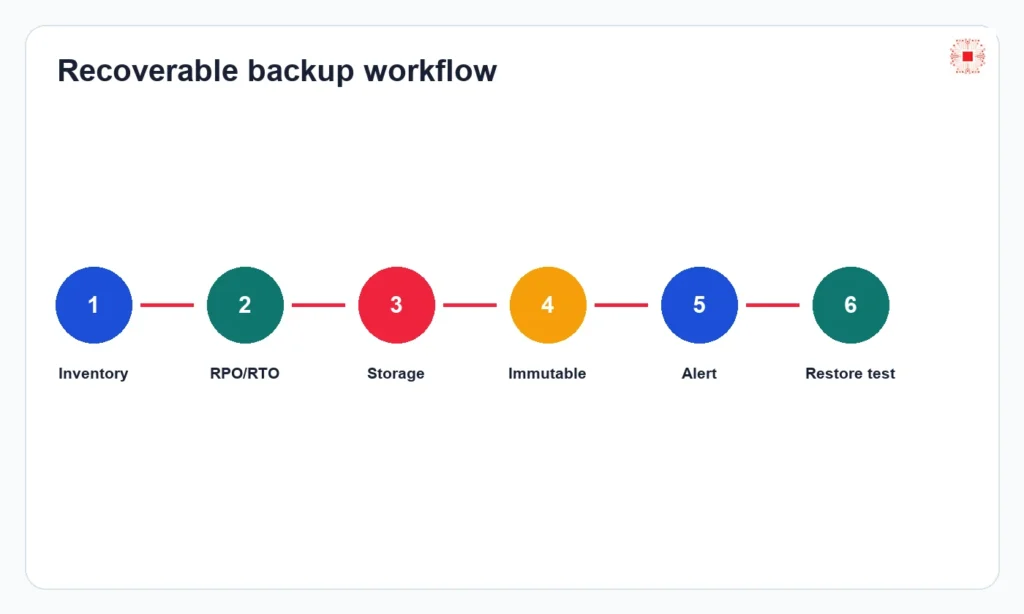
A good workflow starts with data inventory: servers, VMs, laptops, NAS, SaaS, databases and applications. Then classify criticality, set RPO/RTO, select software, design storage, configure jobs, encryption, permissions, alerts, restore-test schedule and reporting. IT Systems does not recommend merely installing backup software and leaving it to run. Backup needs an owner, review calendar, successful-job evidence and recovery scenarios for lost files, server failure, ransomware and full system recovery.
What information is needed for a backup quote?
To quote accurately, the business should prepare server and VM count, current data size, growth rate, operating systems, critical applications, existing NAS/cloud storage, Microsoft 365 or Google Workspace mailbox count, retention needs, RPO/RTO expectations, branches and VAT invoice requirements. If the data is unclear, IT Systems can assess first. Review software license quote preparation to collect information faster.
Managing backup after purchase with ITS Manager
After buying backup software, the business still needs to manage licenses, jobs, devices, storage, alerts, renewals and restore evidence. ITS Manager software license management connects license records with IT assets, owners, servers, devices and offboarding workflow. This is IT Systems' difference: not only selling backup licenses, but helping the business maintain recoverability month after month.
Connecting backup with IT services and security
Backup should not stand alone. It connects with IT system management, business data backup management, licensed security software, admin-account control, file-server permissions and incident response. When backup is part of IT operations, the business knows who receives alerts, who approves recovery, who reviews capacity, who changes retention and who reports risk to management.
FAQ licensed backup software for businesses
Does a small business need dedicated backup software? Yes, if data affects revenue, operations or customer obligations. Is NAS backup enough? Not if the NAS is on the same network and there is no offsite or immutable copy. Does cloud storage replace backup? Not completely, because sync can also replicate deletions or encrypted files. How often should restore be tested? At least quarterly for critical systems and after major infrastructure or application changes. When choosing a provider, the business should ask whether monthly job reports are delivered, whether restore tests are performed, whether backup admin rights are separated, whether ransomware recovery is supported and whether license records, invoices and renewals are governed after purchase. These questions separate real backup operations from simply buying software and hoping it works during an incident.
Need a recoverable backup design?
Send IT Systems your server, VM, storage, Microsoft 365/Google Workspace and RPO/RTO requirements to receive a licensed backup recommendation and VAT-ready quote. If the business does not yet have a system map, IT Systems can start with a quick assessment: which servers run critical applications, how fast data grows, where current copies are stored, who can delete backups, whether the latest restore test succeeded and which system must return first during ransomware recovery. From that baseline, the backup plan can define software, storage, retention, immutability, restore-test schedule and operating ownership. The output should be a proposal that can be accepted and measured: licenses to buy, storage design, backup schedule, review calendar, alert recipients, monthly reporting format and sample recovery scenarios for a single file, mailbox, VM or full server. This also gives management a clear business reason for backup spend instead of treating it as an invisible IT expense.