


PANASONIC PROJECTORS / BUSINESS / EDUCATION
Panasonic projectors for businesses and schools
IT Systems helps select Panasonic projectors for meeting rooms, staff training, classrooms, auditoriums and product displays. Lighting, image size, throw distance and source devices must be checked before choosing a model. We survey and install meeting-room and classroom setups in Ho Chi Minh City; other project scopes require confirmation after a site review.

Businesses need projectors beyond the meeting room
A company may use projection for reporting, hybrid meetings, staff training, product demonstrations or events. Each setting has different constraints; one projector model will not fit every room.

Business meeting room
Check seating capacity, visibility from the back row, daylight, screen dimensions, table position and sources such as laptops or video-conferencing equipment. Small text and spreadsheets must remain legible. Compare a projector with a large display for your meeting room.
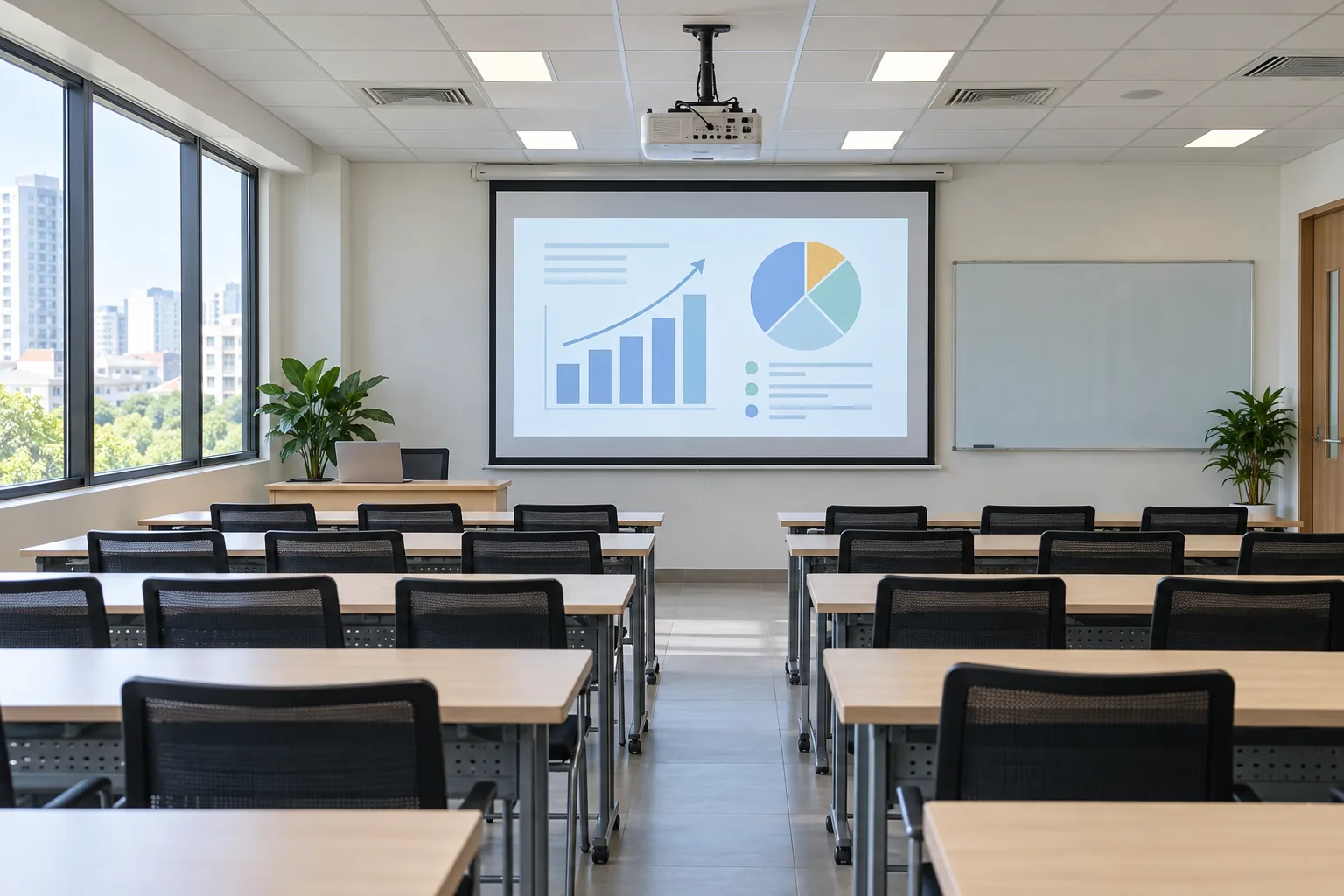
Classroom and training room
Check sightlines from each row, board position, ambient light and hours of use. For a projector mounted near the screen, verify the actual throw distance against the specific model's documentation before choosing a short-throw option. How to measure throw distance and choose short throw →
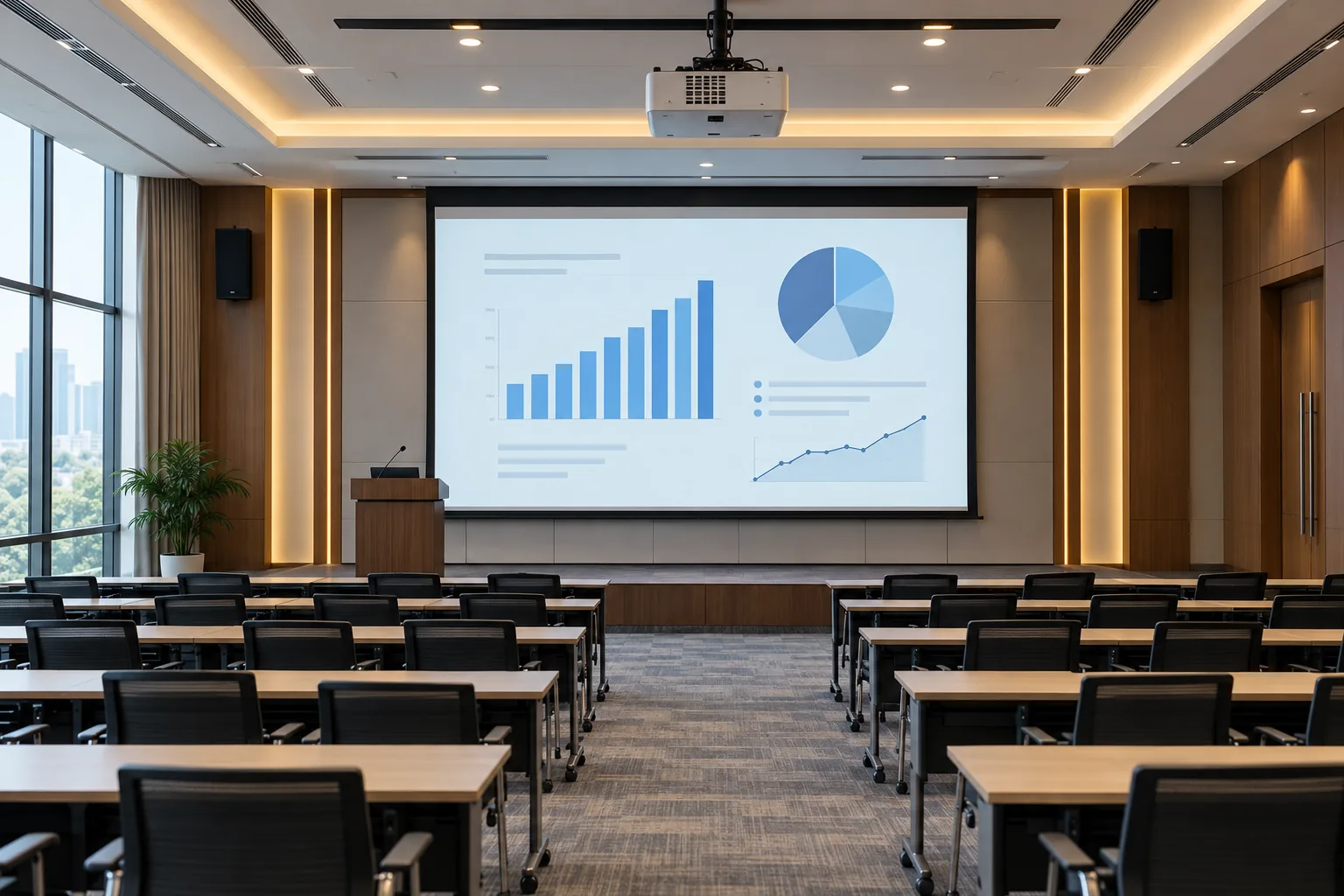
Large room or frequent use
Clarify operating hours, ambient light, image dimensions, centralized control needs and maintenance costs. A laser light source may be worth considering, but the choice still depends on the model and budget. Compare laser and lamp ownership cost →

Showroom and product display
Check storefront daylight, product colors, daily operating hours and the projection surface. A fixed installation or signage-oriented solution may be appropriate; select the model only after reviewing location and actual content.

Corporate conference or event
Survey screen/stage dimensions, rear-row visibility, stage lighting, signal sources and contingency needs. Temporary events require a separate scope; do not assume a meeting-room projector is sufficient.

Flexible or mobile training space
If equipment moves between rooms or branches, assess portability, setup time, adapters, portable screens and ease of operation. Compare the total cost with a fixed installation.
Panasonic distinguishes meeting, education, retail-display and event applications in its professional projector portfolio. These are use-case categories, not a claim that IT Systems stocks every model or installs every venue type.
Room checklist before requesting a quotation
A small, bright room can require a different setup from a larger room with controlled lighting. The questions below guide a survey; they are not a fixed lumens-per-square-metre formula.
Light and brightness
Are there windows and ceiling lights? Must presentations run in daylight, or can the room be darkened?
Compare manufacturer-rated brightness with the target image size; test under real conditions where needed.
Screen and throw distance
How far is the mounting position from the screen? Are beams, fans, lights or air-conditioning in the way?
Use the exact model's throw ratio and lens specifications to calculate image size and mounting position.
Content and resolution
Will users show slides, small text, spreadsheets, video or detailed drawings?
Choose suitable native resolution. The signal a projector accepts is not necessarily its actual display resolution.
Connectivity and audio
Do laptops use HDMI or USB-C? Does the room need hybrid meetings, microphones, speakers or signal distribution?
Specify ports, cable length, adapters and the audio path in the quotation.
Total cost
Are the screen, mount, power outlet and signal cables already in place?
Separate equipment, materials, installation, configuration and warranty terms by item.
How IT Systems surveys and installs the solution
01. Understand the need
Record the use case, location, room size, number of viewers, operating schedule and indicative budget.
02. Assess the room
Measure projector and screen positions, power, cable routes, lighting, source devices and installation constraints.
03. Agree on a proposal
Recommend a suitable model and materials; quote equipment, accessories, installation and warranty conditions separately.
04. Install and hand over
Install within the agreed scope, test image and connectivity using the customer's devices, and explain operation.
Installation scope, materials, schedule and warranty depend on the model, room conditions and the agreed quotation. IT Systems does not assume the same configuration will fit every room.
Explore Panasonic models currently listed in our Store
The Store shows listed models and current commercial information. Availability, final price, VAT, accessories and installation schedule must be confirmed during consultation; this page is not a quotation.
Check technical specifications against Panasonic's official documentation for the exact model; for example, see the PT-VX430/PT-VW360 series specifications. Confirm the model code and configuration in the quotation before ordering.
Frequently asked questions
How many lumens does a bright room need?
Do not choose a number from floor area alone. Screen size, actual lighting, content and the ability to dim the room all matter. IT Systems compares the model's rated brightness with the room conditions.
Can I choose a model and install it immediately?
Only if throw distance, screen size, power, mounting position and signal ports all fit. Without these measurements, a survey helps avoid a model change or unexpected materials.
Does the Store price include installation?
Do not assume so. The projector, screen, mount, cables, accessories and installation labor are itemized in a specific quotation. Confirm VAT and warranty conditions before ordering.
Where does IT Systems install projectors?
IT Systems surveys, advises on and installs meeting-room and classroom projector setups in Ho Chi Minh City. For showrooms, auditoriums or events, we review the site and confirm the equipment, installation scope and any delivery partners before quoting.
Share your room details to choose the right projector
Tell IT Systems the location, room dimensions, screen position, lighting, number of viewers, source devices and indicative budget. We will discuss the survey, suitable models and installation scope.