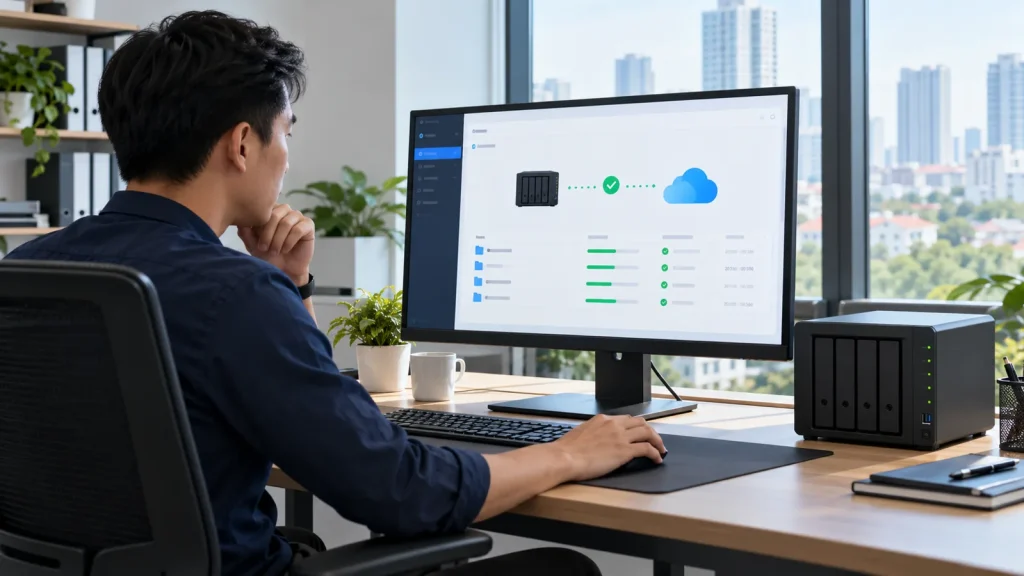
Short answer: Synology Cloud Sync synchronizes files between a NAS and a compatible public-cloud service. Choose upload-only, download-only or bidirectional operation according to the authoritative copy. Bidirectional sync can propagate mistakes and deletions in both directions; it does not itself create a separately governed multiversion backup. For retention and point-in-time recovery, evaluate Hyper Backup rather than assuming sync is sufficient.
This guide is for businesses connecting an existing NAS to cloud storage. See business Synology solutions for architecture, or the Hyper Backup guide for a recoverable copy with retention.
Pick sync direction from the source of truth
Upload-only works when the NAS is authoritative and files need to reach cloud storage. Download-only serves a cloud-authoritative workflow. Bidirectional sync is for governed collaboration on the same file set, with explicit edit/delete rights on each side. Do not include open application files, databases or backup repositories merely because they sit within a selected parent folder.
Inventory local and remote paths, data owners, file types, size, growth, sharing permissions and recovery objectives. If the cloud provider offers version history or a recycle bin, verify its actual retention and limitations. Cloud Sync alone does not promise every prior version can be recovered. Keep an independent backup policy for critical data.
Connect the service without creating deletion surprises
Confirm NAS model, DSM release, Cloud Sync package and provider support. Use a suitably scoped service identity and provider MFA policy; assign ownership for expired authorization tokens. Select local and remote paths and sync direction before enabling the task. Synology offers an option not to remove destination files when they disappear at the source; understand its storage and cleanup consequences before choosing it.
Filter folders, file types and maximum sizes where business rules require it. For sensitive files, consider client-side encryption and test decryption with separately held credentials; encrypted objects may not be directly usable from the cloud interface. Do not reuse the NAS administrator account for routine connections. Schedule the initial large transfer or cap bandwidth to protect office connectivity.
Pilot real files and monitor both ends
Start with an isolated folder. Test small and large files, non-ASCII names, concurrent edits and deletion of a disposable sample. Compare the resulting files, cloud access, versions and conflict logs. A status of ‘up to date’ does not prove that an application can open the file or that a running workload is consistent. Test with representative users before rolling out to a department.
Monitor disconnected tasks, cloud quota, authorization failures, queues and network usage. If ransomware affects either side, pause sync before damage propagates, isolate the source and recover from an independent copy. Synology specifically warns against copying Active Backup for Business data with Cloud Sync because of consistency risk; review the Active Backup guide and select a supported Hyper Backup or Snapshot Replication approach.
Cloud Sync versus Drive versus Hyper Backup
Cloud Sync bridges the NAS and public-cloud providers. Synology Drive organizes team files and user-device clients. Hyper Backup creates a versioned repository on compatible destinations. A business may use all three, but three synchronized copies are not automatically three independent backups. Start from failure scenarios, authoritative data, retention and a restore exercise, then choose packages.
Frequently asked questions
Is two-way sync safer than one-way?
Not inherently. It enables collaboration but also propagates changes and deletions from either side. Choose it only with a clear ownership and recovery policy.
Should Cloud Sync copy Active Backup for Business repositories?
Synology warns against it because of consistency risk. Use a vendor-supported Hyper Backup or Snapshot Replication method instead.
Can encrypted files be read directly in the cloud?
Client-side encrypted data requires the right key or tool to decrypt. Test recovery before relying on it for important files.
Technical sources
Synology Cloud Sync help; Synology: Cloud Sync with public cloud; DSM User Guide. Verify the actual provider and DSM release.