


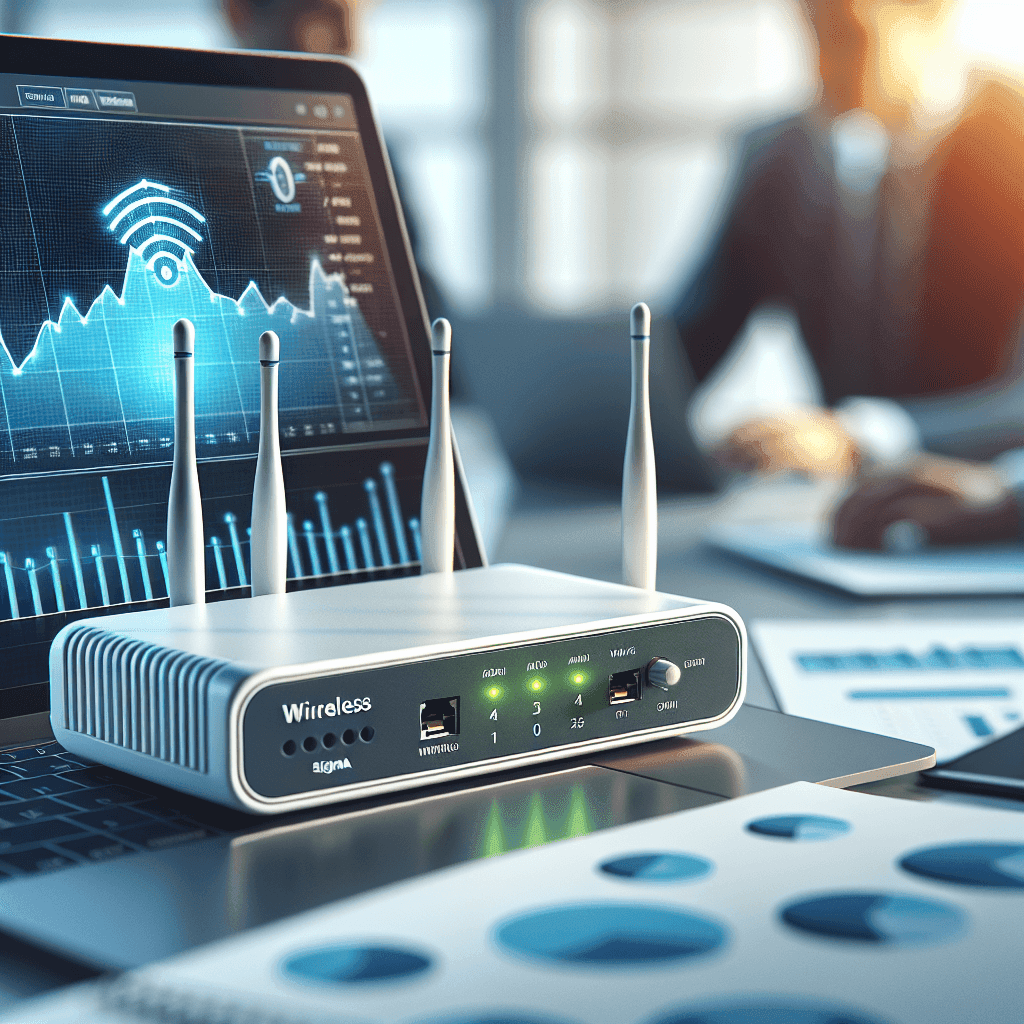
In the digital age, wireless networks play a vital role in all business operations. To ensure that the WiFi system remains stable, robust, and secure, proper Wireless Controller maintenance is incredibly important. This article will provide a comprehensive guide on the process, checklist, and experiences of Wireless Controller maintenance, helping you optimize network performance and prevent potential issues. For more information about maintenance services, please visit us.
What is Wireless Controller Maintenance? Why is it necessary?
What is a Wireless Controller?
A Wireless Controller is the central device in an enterprise WiFi network, helping to manage and coordinate the activities of Access Points (AP). Its functions include IP distribution, bandwidth optimization, and providing security policies for the network. Popular product lines like Cisco, Aruba, and Ruckus have distinct features, but the common goal is to deliver optimal performance for wireless networks.
The importance of Wireless Controller maintenance
Neglecting Wireless Controller maintenance can lead to negative impacts such as slow networks, dropped connections, and poor security. Conversely, regular maintenance will yield significant benefits such as improved performance, reduced downtime, and extended equipment lifespan. A stable operational system will lead to user satisfaction and increased work efficiency in businesses.
Detailed Wireless Controller Maintenance Checklist (By Frequency)
Daily/Weekly Maintenance: Ensure Continuous Operation
- Check operational status: indicator lights, error notifications.
- Monitor performance: CPU load, memory, number of connected clients.
- Check connections to Access Points (AP).
Monthly/Quarterly Maintenance: Ensure System Stability
- Inspect and clean hardware equipment.
- Review system logs: search for warnings, errors.
- Security assessment: check firewall configurations, passwords.
Periodic Maintenance (Every 6 Months/Year): Optimize and Upgrade
- Backup configuration: ensure data safety.
- Update firmware: patch security vulnerabilities, enhance features.
- Check and optimize WiFi configuration: channels, transmit power, roaming.
- Check electrical systems, UPS (if applicable).
Wireless Controller Maintenance: Backup & Restore Configuration Guide
Why is configuration backup necessary?
Configuration backup is an essential step to prevent risks such as hardware failures, cyber attacks, or misconfigurations. A backup will help you easily restore the system to its optimal operational state in case of issues.
Methods for backing up configuration
- Manual backup via web interface.
- Automatic backup via management software.
- Store backup safely: external hard drives, cloud.
Configuration restore process
To restore configuration from a backup file, you need to follow these steps:
- Log in to the Wireless Controller interface.
- Select the option to restore from backup file.
- Choose the location of the backup file and proceed with the restoration.
Firmware Update for Wireless Controllers: When & How to Perform
Why is firmware update necessary?
Firmware updates help patch security vulnerabilities, fix bugs, and improve performance. It also adds new features to your wireless controller.
When should you update firmware?
- When the manufacturer releases an important security patch.
- When experiencing operational issues.
- Do not update immediately upon a new version release (wait for community reviews).
Safe firmware update process
- Read the release notes carefully.
- Backup the configuration before updating.
- Perform the update during low usage times.
- Check functionality after the update.
Common Issues & Quick Fixes for Wireless Controllers
- No IP assignment for devices: Check DHCP server and configurations.
- AP cannot connect to Controller: Check network connections and IP address.
- Slow or unstable network: Check bandwidth and adjust configurations.
- Security issues: Reassess security policies and passwords.
Best Practices for Wireless Controller Maintenance for Businesses
- Develop a detailed periodic maintenance plan.
- Clearly assign responsibilities to technical staff.
- Use network management software to monitor and alert.
- Train technical staff on maintenance and network security.
- Always update knowledge about network security to respond to new threats.
FAQ (Frequently Asked Questions)
Can I maintain the Wireless Controller myself?
Yes, but if you are unsure about your technical skills, you should consider hiring professional services.
What maintenance frequency is appropriate?
Frequency depends on the scale of the network, but daily, monthly, and at least semi-annual maintenance is necessary.
How much does Wireless Controller maintenance cost?
This cost varies depending on the services provided, the scale of the system, and the number of devices needing maintenance.
Conclusion
In summary, Wireless Controller maintenance is a crucial factor that cannot be overlooked to ensure stable and secure enterprise WiFi network operation. Businesses need to proactively engage in maintenance, and if needed, they can choose professional Wireless Controller maintenance services from IT Systems Vietnam.
FAQ
When should a business ask IT Systems for support?
Ask for support when the issue affects users, business data, security, licensing compliance, service availability or daily operations. A short technical review often prevents repeated incidents and hidden costs.
Can IT Systems help review the current environment before proposing a solution?
Yes. IT Systems can review the current setup, identify risks, map the issue to the right service scope and recommend a practical next step for your business.
Does this topic connect to ongoing IT operations?
In most cases, yes. Problems around software, cloud, endpoint, network, backup or security should be connected to a broader IT operations plan instead of being handled as isolated incidents.
Need help applying this to your business?
IT Systems Vietnam can help assess the issue, recommend the right service path and support implementation for your team.


