


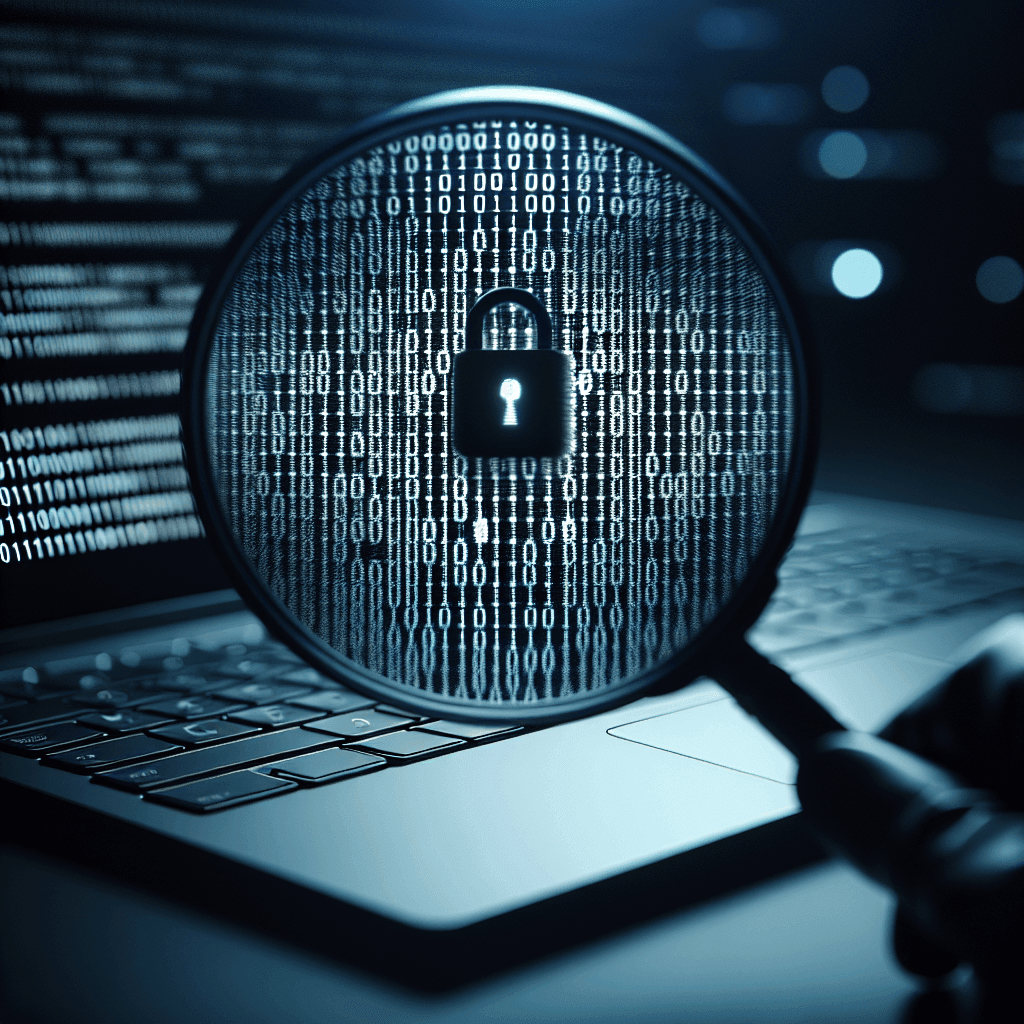
What is Spyware?
Spyware, also known as spyware, is a type of malicious software designed to monitor computer users’ activities without leaving traces. The purpose of spyware is usually to collect personal information, monitor online activities, and sometimes impersonate the user to carry out illegal acts.
Definition of Spyware: Mechanism of Action and Purpose
Spyware operates by acting as a background program, recording what the user does on the computer, including tracking visited websites, login information, and even monitoring keystrokes. This information is sent back to the intruder without the user’s consent.
Common Types of Spyware Today
There are many different types of spyware, each with its own way of operating and targeting:
- Keylogger: records all keys typed by the user on the keyboard, often to collect login information or sensitive data.
- Adware: displays unwanted ads, sometimes accompanied by other malicious code.
- Spy Trojan: hides as legitimate software but actually contains dangerous spyware code.
- Activity Monitoring Software: tracks users’ online actions and habits to target advertising.
Signs of a Computer Infected with Spyware
There are many signs that indicate your computer may have been infected with spyware. We need to pay attention to detect and handle it promptly.
Common Signs of Spyware
- Decreased Computer Performance: the computer runs slower, applications respond slowly, or frequently freeze.
- Unusual Ads Appear: if you frequently see ads popping up unexpectedly, your computer may have been infected with spyware.
- Homepage Changes: if you notice your browser’s homepage changing automatically without your action.
- Unrecognized Software Installed: any software that installs itself that you do not remember agreeing to install may be a sign of spyware.
- Unusual Network Traffic Increase: typically, if you notice a sudden increase in network traffic without a clear reason.
Check for Suspicious Processes and Files
To determine if your computer is infected with spyware, check the running processes in Task Manager and any unknown files. If you see suspicious applications, you should scan immediately.
How to Detect Spyware on Your Computer
There are many ways to detect spyware on your computer, ranging from using specialized software to regular system maintenance.
Using Antivirus and Anti-Spyware Software
Today, antivirus software often includes functions to detect and remove spyware. Make sure you have installed reliable antivirus software and update it regularly.
Top Anti-Spyware Software of 2024 (Free & Paid)
- Malwarebytes: powerful malware removal software, very effective in detecting spyware.
- Spybot – Search & Destroy: provides good scanning and removal capabilities for spyware.
- Avast: free antivirus software with protection against spyware.
Scan the System with Malware Scanning Tools
Malware scanning tools can help you assess the safety level of your system. Perform a full system scan at least once a week.
Check Your Browser Extensions
Many spywares are installed as browser extensions. Regularly check and remove any extensions you do not remember adding.
Detailed Guide on How to Remove Spyware
If you discover that your computer has spyware, here’s how you can remove it.
Uninstall Suspicious Software
Access the settings on your computer and uninstall all programs that you do not recognize or have installed recently.
Use Anti-Spyware Software for Removal
Use anti-spyware software to scan and remove spyware. Follow the step-by-step instructions provided by the software.
Restore Browser to Default Settings
If your browser is severely affected, restore it to its default state to remove all unwanted settings.
Use System Restore
If you know exactly when your computer started having issues, use the system restore feature to revert your computer to a state before it was infected with spyware.
Effective Preventive Measures Against Spyware
Last but not least, prevention is the best way to protect your computer from spyware.
Regularly Update Software
Ensure that your operating system and all your software are up to date, as many updates include important security patches.
Install Reputable Antivirus Software
Install and use reputable antivirus software that effectively detects and prevents spyware.
Be Careful with Strange Emails and Links
Avoid opening emails from unknown sources or strange links to prevent trickery into installing spyware.
Download Software from Trusted Sources
Only download software from official websites or trusted sources to reduce the risk of spyware infection.
Use a Firewall
A firewall is a layer of security that helps protect your computer from external attacks.
Install Security Extensions for Your Browser
Security extensions like AdBlock or HTTPS Everywhere can help keep you safe while browsing the web.
Frequently Asked Questions (FAQ) About Spyware
Can spyware infect phones?
Yes, spyware can secretly infect phones through unknown apps, messages, or strange links.
How to know if a phone is infected with spyware?
A phone infected with spyware may show symptoms such as slow performance, strange apps appearing, or unusual data loss.
Does antivirus software remove spyware?
Many antivirus software today integrates the ability to detect and remove spyware, however, some specialized software may be more effective.
Conclusion
Spyware is one of the major threats in today’s digital world. Being fully aware of how to detect, remove, and prevent it is crucial to protect your data and privacy. Remember, caution is always the best measure to avoid the risks from spyware.
If you need assistance, please contact us right away
IT SYSTEMS VIETNAM CO., LTD
IT Solutions – Your Business IT Department
HOTLINE: 0283 9950 359
Email: contact@itsystems.com.vn
Website: https://itsystems.vn/
Facebook: https://www.facebook.com/ITSystems.VIETNAM
Youtube: https://www.youtube.com/@ITSYSTEMS
HCM: 2nd Floor, 184/1A Le Van Sy Street, Ward 10, Phu Nhuan District, Ho Chi Minh City, Vietnam
HCM: 321/10 Phan Dinh Phung Street, Ward 15, Phu Nhuan District, Ho Chi Minh City, Vietnam.
Hanoi: House No. 22, Garden Villa Area, Vinh Hoang Urban Area, 431 Tam Trinh Street, Hoang Mai District, Hanoi, Vietnam.
Bình Dương: Binh Duong Boulevard, Phu Hoa Ward, Thu Dau Mot City, Binh Duong Province, Vietnam
FAQ
When should a business ask IT Systems for support?
Ask for support when the issue affects users, business data, security, licensing compliance, service availability or daily operations. A short technical review often prevents repeated incidents and hidden costs.
Can IT Systems help review the current environment before proposing a solution?
Yes. IT Systems can review the current setup, identify risks, map the issue to the right service scope and recommend a practical next step for your business.
Does this topic connect to ongoing IT operations?
In most cases, yes. Problems around software, cloud, endpoint, network, backup or security should be connected to a broader IT operations plan instead of being handled as isolated incidents.
Need help applying this to your business?
IT Systems Vietnam can help assess the issue, recommend the right service path and support implementation for your team.


