


IT system management pricing
IT system management pricing for businesses
Reference pricing for IT system management depends on users, devices, servers/cloud, email, websites, branches, onsite support, SLA, backup, security and reporting depth. Use this page to estimate budget before a technical review.

Pricing only works when the scope and SLA are clear
A proper quote should define users/devices, support scope, maintenance schedule, backup, security, onsite visits, support channel, response time and reporting deliverables.
Why a low monthly IT price can be misleading
IT management protects operations, data and security. If a quote only shows a monthly number without scope, the business may miss backup, onsite visits, SLA, reporting or pay extra when incidents happen.
Scope is not defined
Many quotes say generic IT support but do not separate computers, network, servers, email, backup, security, IT assets and recurring reports.
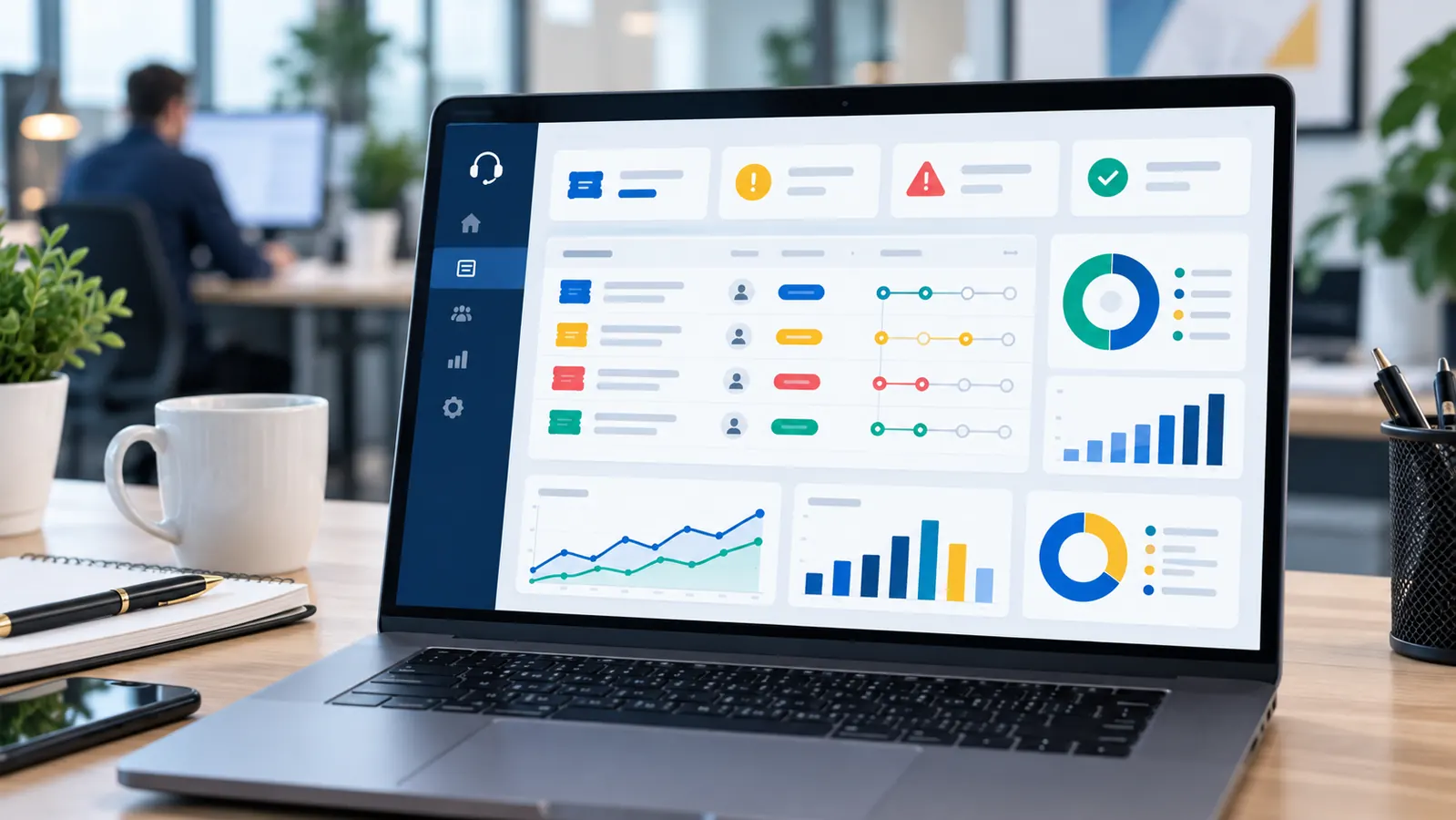
SLA and frequency are unclear
Without agreed response time, onsite visits, maintenance schedule and request channels, service quality becomes difficult to manage.

Risk is not reviewed before pricing
A system with servers, critical data, branches or security requirements needs a different scope from a small office with only computers and email.
What affects IT system management cost
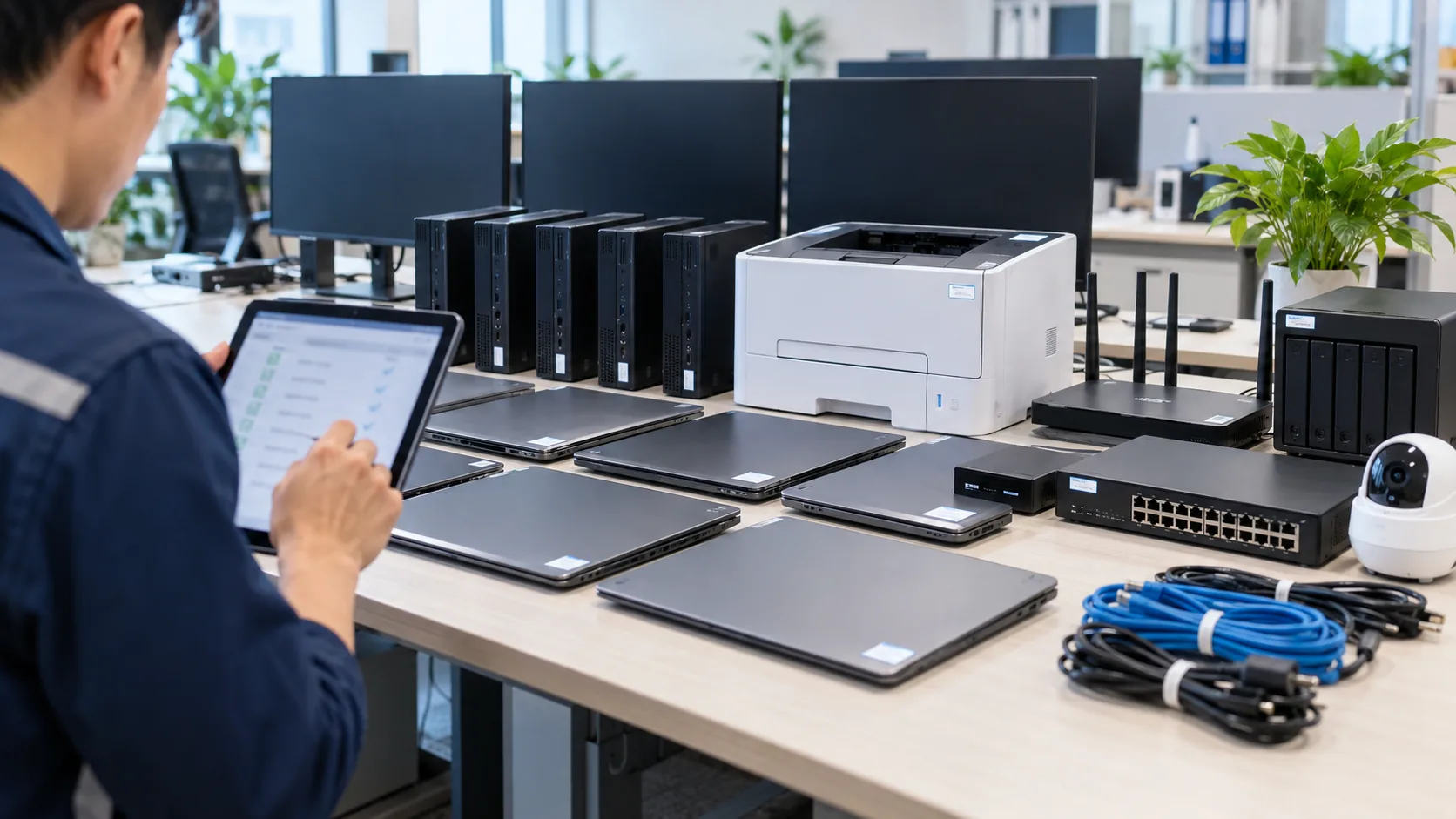
Users and devices
Number of users, laptops, PCs, printers, network devices, cameras/NAS, shared devices and daily user-support needs.

Servers, cloud and data
Number of servers/VPS, critical apps, accounting/ERP/file data, storage, backup, restore testing and recovery requirements.

Email and licenses
Google Workspace, Microsoft 365, email hosting, mailboxes, groups/shared mailboxes, licenses, migration and account security.

SLA and onsite support
Response time, onsite visits, support hours, after-hours support, priority level and recurring report commitment.
Security and backup
MFA, endpoints, firewall/VPN, backup, restore testing, admin rights, risk reports and remediation recommendations.
Reporting and IT assets
Reporting frequency, IT asset inventory, licenses, warranty, replacement planning, cost optimization and upgrade roadmap.
Reference IT system management pricing
| Package | Best for | Reference range | Main scope |
|---|---|---|---|
| Basic | Small office, limited devices, no complex server | From 3,000,000 VND/month | Computers, basic email, remote support, periodic checklist |
| Standard | 20-50 users, printers, network, business email and onsite need | From 6,000,000 VND/month | Helpdesk, periodic onsite, network, email, report, basic backup |
| Advanced | Servers/cloud, many devices and important data | From 10,000,000 VND/month | Server/cloud, backup/restore, security, clear SLA, risk report |
| Custom | Multiple branches or higher security/SLA requirements | After review | Custom scope by users, devices, systems and SLA |
Quotation process
01
Quick review
Collect users, devices, servers/cloud, email, websites, backup, branches, current issues and business dependency on IT.
02
Define scope
Separate support, maintenance, backup, security, onsite, SLA, reporting, IT assets and excluded costs.
03
Recommend package
Propose a budget-fit package and split into phases if assets, backup, security or infrastructure must be standardized first.
04
Confirm SLA
Agree on request channel, response time, onsite/reporting schedule, owners and report template after each cycle.
What a proper quotation should include
- Support scope by users, devices, servers/cloud, email, websites, backup, security and IT assets.
- Response SLA, support hours, onsite visits and request intake method.
- Separate costs such as licenses, hardware, parts, cloud, third-party software or upgrade projects.
- Recurring report sample: completed work, repeated issues, risks, recommendations and budget notes.
- Upgrade roadmap if the current system lacks backup, security, IT assets or handover documentation.
Related services
IT system management
A complete operating layer for computers, network, servers, email, backup, security and IT assets.
View detailsBusiness server management
Server resources, logs, backup, permissions, hardening and recurring operations reports.
View details
Business network management
LAN/Wi-Fi, firewall, VPN and network device operations for offices and branches.
View detailsIT system security
Accounts, MFA, endpoints, email security, firewall, VPN, backup and risk reporting.
View detailsIT system management pricing FAQ
Are these fixed prices?
No. They are reference ranges for budgeting. The final quote depends on users, devices, servers/cloud, email, backup, onsite work, SLA and reporting scope.
Can pricing be based on the number of computers?
Yes, but for companies with servers/cloud or security needs, pricing by full scope is safer than pricing by computers only.
Are licenses and hardware included?
Not by default. Licenses, hardware, parts, cloud or third-party software are usually quoted separately for budget transparency.
Is onsite support included?
It depends on the package and location. Onsite visits, response time and after-hours support should be defined in the SLA.
Can we start small and upgrade later?
Yes. A business can start with Basic or Standard, then add server, backup, security or IT asset management as the environment grows.
Which package fits a 20-50 employee company?
Standard is usually a good starting point if the company has business email, printers, office network, shared devices and needs recurring reports.
Need IT system management pricing by user count?
Send a request so IT Systems can review users, devices, servers, email, cloud, backup and recommend a budget-fit package.