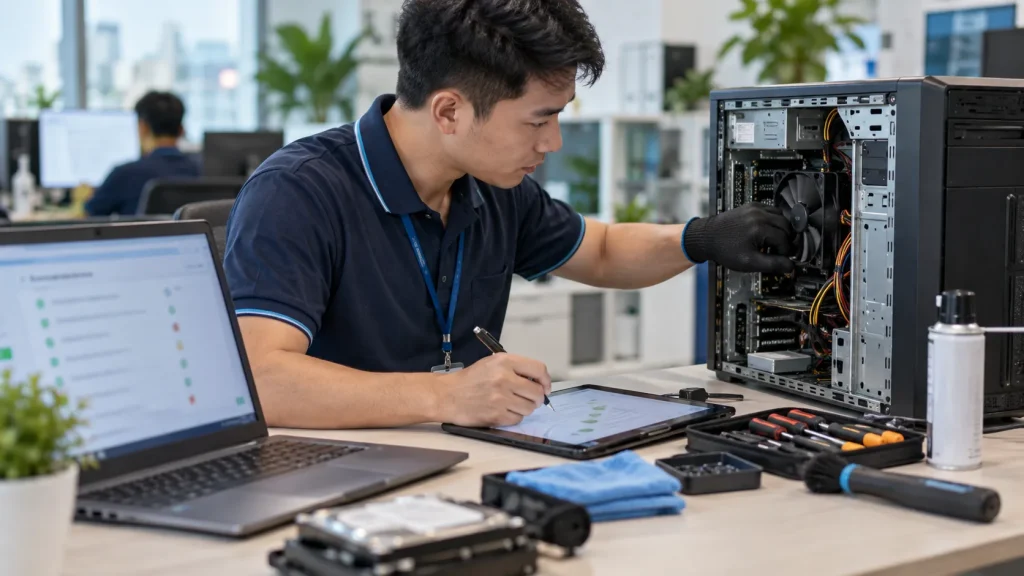
Quick answer: A one-off repair should have five clear stages: request and appointment confirmation, diagnosis, an option and quote for approval, repair and testing, and handover. No parts replacement, operating-system reinstall or data handling should be assumed without agreeing the scope.
This guide helps home users and offices prepare for an onsite visit. To request service, see onsite computer and laptop repair in Ho Chi Minh City. Availability is confirmed for the actual address and technician schedule; the final price follows inspection.
1. Describe the fault before booking
Send the device type and model if known, when the problem started, what happened just before it, and a photograph or video of any error. Say whether the PC powers on, whether important files are backed up, what troubleshooting you have already tried and when the device is needed. For an office, identify how many people are affected: one failed laptop is a different incident from a shared printer or network outage.
The address, district or ward, and a reachable contact help confirm coverage. Requests are received across Ho Chi Minh City, but arrival time is not identical for every location. If you notice a swollen battery, burning smell or unusual storage noise, stop using the device and mention it when contacting support.
2. Confirm the appointment and inspection scope
Agree which device will be inspected, the location, the person authorized to approve work and how findings will be communicated. An office may need a purchasing approver, administrator credentials and building-access arrangements. At home, have the charger and model details available and explain any private folders or accounts that must remain off limits.
Any diagnostic, travel or out-of-hours charge must be clarified when the request is accepted. This article does not promise a universal fee. Booking a visit does not authorize a repair or purchase of a part.
3. Diagnose before quoting
Document the symptoms and start with the least invasive checks: power and adapter, connections, storage capacity, software errors, peripherals and the relevant hardware. A PC that will not start is not automatically a failed motherboard. Reinstalling Windows before checking the user’s data can make recovery harder. For shared printer or Wi-Fi problems, determine the affected scope first.
If the drive may be failing or malware is suspected, protecting data takes priority over repeated restart attempts. Accessing, copying or moving files requires the customer’s approval. Recovery cannot be guaranteed for every damaged drive.
4. Present options and obtain approval
Separate confirmed findings from tests still needed. The proposed scope should identify labour, any part or software, alternatives, whether workshop work is required, data implications and a revised timeframe when known. The customer may approve a repair, delay it, request only the diagnostic result or consider replacement. New work discovered later needs new approval.
For office devices, compare repair and replacement against downtime, software support and migration effort, not the purchase price alone. The office PC repair, upgrade or replacement guide explains that decision.
5. Repair, test and hand over
Once approved, complete only the agreed work. If the underlying cause changes, pause and report it. Test the original failure path: boot, network connection, printing, application launch or the actual task that failed. A desktop appearing on screen is not enough evidence that an intermittent problem is resolved. Record parts used, data copied, remaining risks and the warranty terms that apply to this specific work.
Ask the user to check important files and applications before accepting handover. In an office, give the user and device owner a record so the repair history is not lost. If a device must go to a workshop, document the device ID, accessories, visible condition, sensitive data and update method.
What to send with your request
- Device type and model, symptoms and an error photo or video.
- Ho Chi Minh City address, contact and preferred appointment window.
- Important data, backup status and applications that must be retained.
- Steps already attempted and any manufacturer warranty.
- The person authorized to approve cost for a company-owned device.
Common questions
Can the final price be given by phone?
A likely approach can be discussed, but the final quote depends on diagnosis, model and approved scope. Quoting an exact part before identifying the fault is unreliable.
What if I decline the repair after diagnosis?
The decision is yours. Any inspection or travel condition should be confirmed before the appointment, not invented after a technician arrives.
Must a technician know my password?
Only where an approved test truly needs access. You can enter a password yourself and agree in advance how private or company data will be handled.
Need a PC checked at home or in the office?
Share the symptoms and address. IT Systems will confirm an appointment; you approve the repair and quote after inspection.
Explore one-off repair · Call 028.3995.03.59 · Zalo IT Systems