


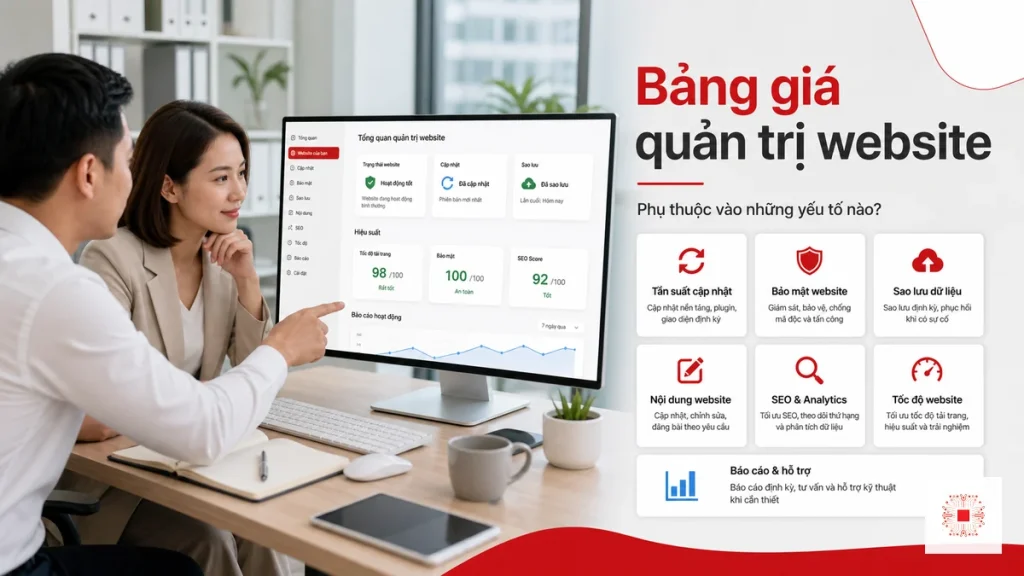
Quick summary: Website administration pricing should not be understood as a simple fee for posting content, changing banners or updating plugins. For SMEs, the right price depends on how much the website affects revenue, the required SLA, the security risk, hosting complexity, content update frequency, backup and restore readiness, post-update testing and the level of coordination required with marketing, sales or software vendors. A good quote helps the business understand operating scope, incident responsibility and the long-term total cost of owning the website.
Many companies ask, “How much does website administration cost per month?” before they define what the website actually does for the business. If the site is only an online company profile, the operating model can stay lean. If the site runs ads, collects sales leads, integrates with CRM, sells online or supports customer service, administration must be treated as part of business IT operations. In that context, a small monthly price difference may buy faster response, clearer backup ownership, less downtime and fewer missed sales opportunities.
This article analyzes website administration pricing from an operations perspective, aligned with how IT Systems approaches website management for SMEs: start with risk, then define work scope, service metrics, cost model and decision criteria. The goal is not to choose the cheapest package, but to choose the right service level so the website remains stable, secure, scalable and useful for business growth.
1. Why Website Administration Pricing Cannot Be Based Only on Update Counts
The most common way to price website administration is to list the number of posts, small design edits, backups or support hours included each month. This is easy to understand, but it only describes the visible work. Real administration also includes tasks that may never appear on the front end: checking error logs, watching hosting resources, reviewing plugin conflicts, monitoring uptime, checking SSL certificates, testing form delivery, tuning cache, confirming restore points and responding to security alerts.
For SMEs, the website usually sits between several teams. Marketing needs content and landing pages. Sales needs forms to work reliably. Management wants traffic, conversion and cost visibility. IT needs hosting, DNS, email delivery, security and backup to stay under control. If pricing is based only on edit volume, the business can miss the areas that create the biggest operational risk. A site may still accept content updates while its contact form silently fails, cache shows outdated content, a security plugin expires or the latest backup cannot be restored.
The useful question is whether the provider is selling tasks or taking responsibility for operations. Tasks mean responding to requested changes. Operations mean monitoring system health, detecting risk early, following an incident process and reporting regularly so the business knows whether the website is healthy or accumulating technical debt. That is the difference between basic content care and proper website management for SMEs.
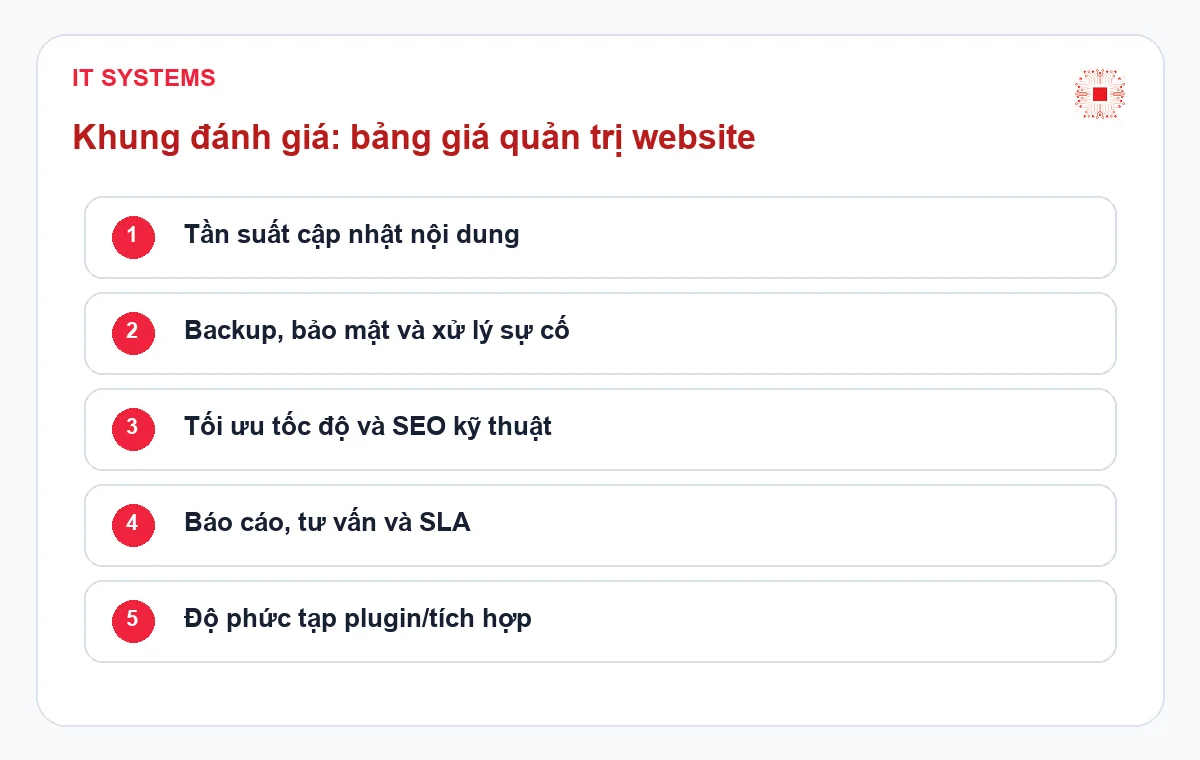
2. Business Role and Downtime Risk
The more directly a website affects revenue, the more its administration price should include operational assurance. A company profile website may tolerate a slower response for minor issues. A website running paid ads, collecting quotes, selling online or serving customers cannot be managed in the same way. For that type of site, pricing should include uptime monitoring, form checks, load speed checks and a clear incident response workflow.
For example, if a campaign spends money every day but the landing page loads slowly or form notifications fail, the real loss is not the hosting fee. The real loss is missed lead flow. This is why professional website administration packages are often tiered by business criticality. A basic package fits low-change sites. An operations package fits websites with traffic, forms and campaign activity. An advanced package fits sites with multiple landing pages, CRM integration, payment, membership or stricter SLA expectations.
Before reviewing a quote, the business should answer three questions: who is affected if the website is down for two hours, what data may be lost, and what revenue or reputation risk is created. The more specific the answers are, the clearer the administration scope should be. This also prevents the company from buying a cheap plan and later paying emergency fees for recovery, urgent troubleshooting or out-of-scope work.
3. Hosting, Server Resources and Technical Complexity
Two websites can look similar on the front end but require very different administration effort behind the scenes. A small WordPress site on managed hosting is simpler than a site running on its own VPS, with CDN, server-level cache, multiple domains, staging and production environments or integrations with external systems. The more layers exist, the more the administrator must understand the relationship between DNS, SSL, web server, PHP, database, cache, plugins and transactional email.
If a site frequently becomes slow, returns 500 errors, has an oversized database, consumes abnormal CPU or breaks after plugin updates, administration cannot be priced like a content posting service. The provider must be able to diagnose root cause: poor code, insufficient hosting resources, incorrect cache rules, bot traffic, heavy plugins, an inefficient theme or an unmaintained database. Each cause has a different fix and a different responsibility boundary.
For important websites, the quote should state what infrastructure scope is included. Does the provider monitor disk space? Check CPU or RAM usage? Optimize the database? Support hosting migration? Handle DNS and SSL? Use a staging environment before major updates? If these items are not clearly stated, both sides may interpret “website administration” differently. During an incident, the business may assume it is covered while the provider treats it as additional work.
4. Security, Backup and Recovery Readiness
Security is often noticed only after the website is injected with malware, redirects visitors, loses admin access or receives a search engine warning. In a serious website administration quote, security should be included from the beginning. A WordPress website uses themes, plugins, admin accounts, hosting, forms and third-party scripts; each component can become a weak point if it is not maintained. Very low pricing often means security is limited to installing a plugin instead of running a controlled process.
Backup needs the same level of discipline. Having backups does not automatically mean the business can recover. A strong administration plan should clarify backup frequency for files and database, retention period, storage location, who checks backup success, when restore tests are performed and what RPO/RTO targets are expected. RPO defines how much data loss is acceptable. RTO defines how long the business can wait before the website is back online. If the site receives orders, forms or daily updates, these two numbers directly affect cost.
Many expensive incidents are not caused by the initial error but by the lack of a known stable recovery point. A plugin update fails without a pre-update backup. Malware appears but no one knows when the infection started. Hosting runs out of disk space and no alert was received. For that reason, pricing should be viewed as a commitment to recovery readiness, not only as a maintenance checklist.
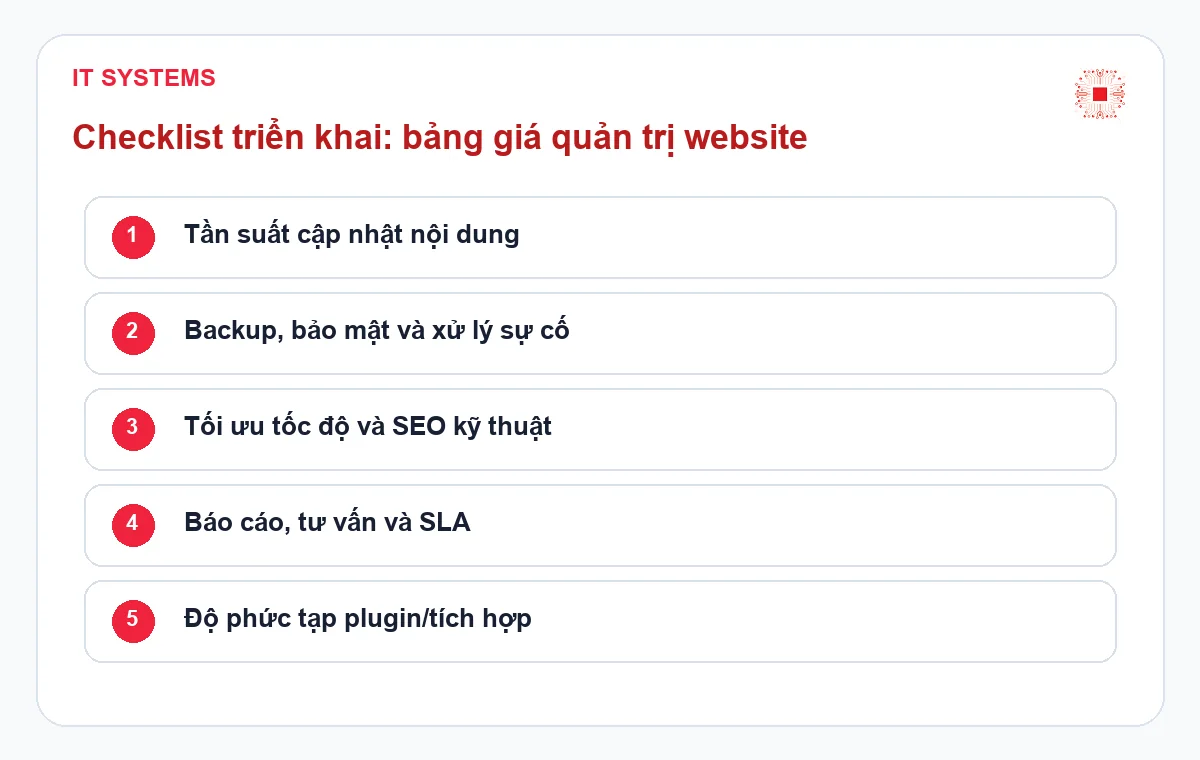
5. Content Frequency, Landing Pages and Marketing Coordination
Content work is the most visible part of website administration, but it is often underestimated. A request to publish an article is simple when the copy is ready, images are optimized, headings are clear and no layout work is needed. It becomes more complex when the provider must process images, build tables, add CTAs, optimize on-page SEO, add schema, check mobile display, insert internal links and make sure the page does not break after publishing.
For companies that run ongoing marketing campaigns, website administration pricing should reflect the real operating rhythm. How many blog posts are published monthly? How many landing pages are changed? How many banners, urgent edits, tracking scripts or form changes are needed? Without clear limits, the marketing team may treat the website administrator as an unlimited implementation team, while the provider may have priced only basic technical care. This expectation gap is a common reason for scope conflict.
A practical quote should separate recurring operations from request-based work. Recurring operations include backup, updates, error checks, reporting, security and basic optimization. Request-based work includes new landing pages, major layout changes, advanced forms, tracking setup, conversion testing or urgent campaign support. This separation helps SMEs control budget while giving marketing teams a clear planning boundary.
6. SLA, Response Time and Ticket Workflow
SLA is one of the clearest reasons pricing changes. If the business only needs office-hour support and minor issues can wait 24 to 48 hours, the cost will be different from a model that requires fast response when the website is down. SLA is not simply a promise to “support quickly”; it should define issue priority, response time, target resolution time, support channel and how status updates are communicated.
A typo in an article should not have the same priority as a blank website. A contact form failure during an advertising campaign should not be handled like a request to change button color. When the quote classifies incidents, the business can understand why a higher SLA package costs more: the provider must reserve people, monitoring, escalation and response capacity within a tighter time window.
The ticket process also affects operational quality. If every request happens through personal chat, the business cannot easily see what was completed, what is waiting for approval and what needs more information. For websites with multiple stakeholders, there should be an official request channel, an approver, a post-change checklist and periodic reporting. This unglamorous part often determines whether website administration remains stable over time.
7. A Practical Framework for Reading a Website Administration Quote
Instead of asking which package is cheapest, SMEs should read the quote through four layers. The first layer is baseline operations: hosting, backup, updates, security, uptime and reporting. The second layer is content operations: article volume, edits, landing pages, images, CTAs and on-page SEO. The third layer is support: SLA, ticket workflow, out-of-hours support, incident handling and ownership. The fourth layer is improvement: speed optimization, website structure consulting, conversion measurement, tracking review and upgrade recommendations.
Each layer can increase cost, but each one reduces a different type of risk. Backup reduces data loss risk. Monitoring reduces late detection risk. Clear SLA reduces waiting time during incidents. Good content workflow reduces publishing errors, broken layouts and missing CTAs. Regular reports help management see whether the website is creating value or merely existing. In this sense, the quote becomes a management tool rather than just a monthly expense.
If the business is unsure which package to choose, it should begin with an assessment. Useful inputs include website platform, hosting provider, average traffic, important forms, monthly update volume, incident history, backup method, plugin list, security requirements and marketing goals for the next three to six months. With that information, choosing the right website management service for SMEs becomes much more accurate than selecting by price alone.
| Criteria | Basic Package | Operations Package | Advanced Package |
|---|---|---|---|
| Website role | Company profile, low update frequency | Lead generation, advertising, important forms | Revenue-critical site with integrations or customer data |
| Response SLA | Office-hour support, lower priority | Ticket priority and faster response for lead-impacting issues | Defined SLA by incident level with escalation process |
| Backup and restore | Periodic backup and basic checks | Pre-change backup and rollback planning | Defined RPO/RTO and periodic restore testing |
| Security | Plugin/theme updates, SSL and admin account checks | Vulnerability review, login checks and abnormal activity alerts | Malware response process, hardening and risk reporting |
| Best fit | Low-risk websites with few changes | Marketing teams that need a stable lead-generation website | Websites that operate as part of the business system |
This comparison helps the business avoid reading pricing as “which package is cheaper.” A lower package can be appropriate for a low-risk site, but it may be insufficient when forms, campaigns, customer data or uptime matter. An advanced package becomes worthwhile when the website requires SLA, restore testing, staging workflow and clear operations reporting.
8. When to Choose Basic, Operations or Advanced Administration
A basic package fits websites that change rarely, do not run frequent ads, have no complex integrations and mainly need content updates, backups, plugin checks, SSL checks and baseline security. This is suitable for company profiles, capability pages, low-frequency blogs or new websites with limited traffic. Even then, the package should include periodic reporting and a clear support limit.
An operations package fits websites that already support sales or lead generation. The business needs form checks, speed checks, uptime monitoring, mobile display checks, landing page support, tracking checks and campaign-related changes. At this level, the provider must coordinate with marketing and sales, not only perform technical tasks. The cost is higher than a basic plan because response expectations and post-change checks are broader.
An advanced package fits websites with multiple modules, many users, e-commerce, membership, CRM/ERP integration, stricter security or low tolerance for downtime. This level requires staging, testing before updates, resource monitoring, incident reporting, recovery planning and periodic improvement consulting. If the website contributes materially to revenue, this is usually an operations investment rather than a side cost.
9. Related Services from IT Systems
If your business wants to standardize website operations, IT Systems can start with an assessment of the current environment and then recommend an administration scope that matches risk and budget. This helps SMEs avoid buying unnecessary features while still covering critical items such as backup, security, monitoring, form checks and ticket handling.
The important point is not to separate the website from the surrounding IT system. A website issue may come from hosting, DNS, SSL, email delivery, admin accounts, plugins, database or the content approval process. When IT Systems advises an SME, the scope is usually reviewed across the whole operating chain: who submits requests, who approves changes, how updates are tested, how rollback works and what reporting helps management make the next decision.
- Website management for SMEs
- Professional website management service
- IT Support service for businesses
Frequently Asked Questions
What is usually included in website administration pricing?
Typical pricing includes content updates, backup, plugin and theme updates, error checks, baseline security, technical support and periodic reporting. Higher packages may include uptime monitoring, speed optimization, priority incident handling, form checks, staging, rollback and improvement consulting.
Why can two WordPress websites have different administration costs?
Cost depends on infrastructure, traffic, plugin count, custom development, security needs, update frequency, number of stakeholders and SLA expectations. The more directly the website affects revenue, the more controlled the administration process should be.
Does a small business need advanced website administration?
Not always. If the website is simple and changes rarely, a basic package may be enough. If the site runs ads, receives leads, stores customer data or has frequent issues, the business should choose an operations package with monitoring, defined backup and committed response time.
How can a company know whether a website administration quote is reasonable?
Check whether the quote clearly states work scope, edit limits, SLA, backup process, security responsibility, reporting and additional fees. A reasonable quote helps the business understand what level of operations it is buying, not only how many edits are included.
Need to Review Your Current Website Administration Cost?
IT Systems Vietnam can review your website, hosting, backup, security, speed, contact forms and update workflow to recommend a suitable administration package for SMEs. Your business can identify which areas should remain basic, which areas need SLA-backed operations and which areas should be optimized to reduce long-term risk.
The assessment should begin with the real operating state of the website: platform, hosting, plugin list, incident history, update frequency, marketing requirements and revenue impact. From there, IT Systems can help define a reasonable budget, avoiding a package that is too light to control risk or too large for the actual scope.


