


Periodic IT system maintenance
Periodic IT system maintenance for businesses
IT Systems periodically checks computers, networks, servers, email, backup, security, websites and office devices with a clear checklist so recurring issues, risks and upgrade needs are found before they disrupt operations.

Good IT maintenance has a checklist, evidence and ownership
After each maintenance cycle, your business should know what was checked, what was fixed, which risks remain, which devices or licenses need replacement and what should be tracked in the next IT Care cycle.
Why periodic IT system maintenance matters
If IT is handled only when something breaks, the team stays reactive. Periodic maintenance finds slow computers, full disks, overloaded network devices, failed backup, old accounts, missing patches and security gaps before they become downtime.
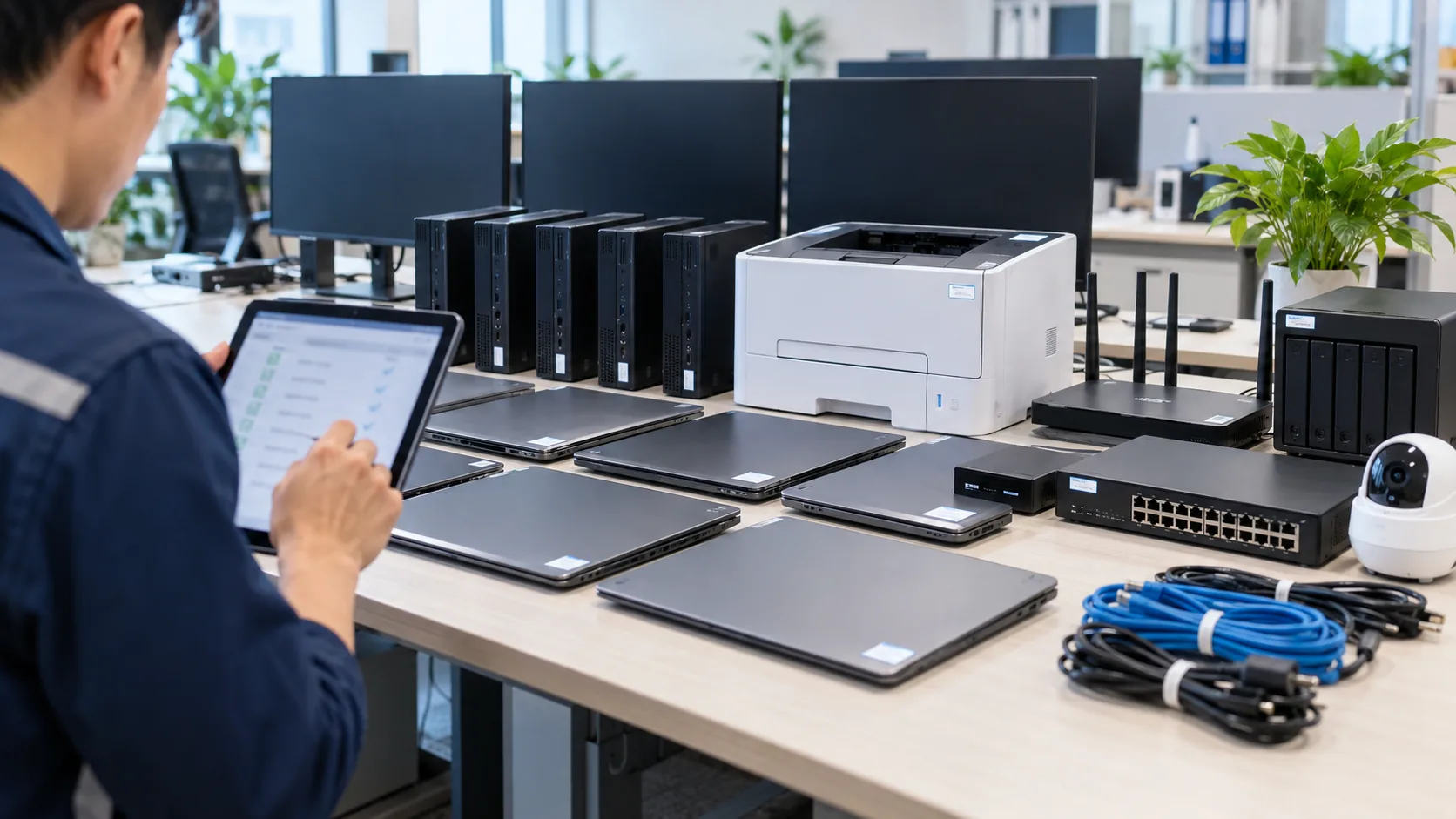
Small issues become large interruptions
Slow computers, full drives, hot network devices, missing patches or failed backups may not hurt immediately, but they become downtime when operational pressure rises.

No report after technical work
Without a checklist and report, management cannot see what was checked, which issues repeat, which devices need replacement and which items deserve budget first.

Unexpected IT spending
Without tracking device lifecycle, storage, licenses, warranty and backup risk, IT cost appears as surprise spending instead of a planned budget.
Periodic IT maintenance scope
Computers and user devices
Check laptops, desktops, disk space, software, antivirus, patches, printers, scanners, peripherals and common user-side issues.

LAN/Wi-Fi and network
Check router, firewall, switch, access point, cabling, IP conflicts, DNS, DHCP, VPN and connectivity quality at offices or branches.

Servers and cloud
Check server/cloud resources, error logs, background services, storage, permissions, patches, backup and operational risk alerts.

Email and accounts
Review mailbox, aliases, groups, SPF/DKIM/DMARC, MFA, inactive accounts, mailbox storage and sending/receiving issues.

Backup and security
Check backup jobs, offsite copies, sample restore tests, antivirus/EDR, admin rights, firewall/VPN and access policies.
Websites and business software
Check hosting, SSL, plugin/theme status, forms, speed symptoms, layout issues, business software and conversion-impacting risks.
Periodic IT maintenance checklist
| Area | What to check | Expected result |
|---|---|---|
| User devices | Computers, laptops, printers, software, storage and warranty | Fewer recurring issues and planned replacement |
| Network | Firewall, switch, Wi-Fi, VPN, DNS/DHCP and cabling | Stable connectivity with visible weak points |
| Server/cloud | Resources, services, logs, patches and access rights | Critical services are not overloaded or forgotten |
| Email/accounts | Users, mailbox, MFA, SPF/DKIM/DMARC and leaver accounts | Lower account-takeover and mail-delivery risk |
| Backup/security | Backup jobs, restore tests, endpoints, firewall/VPN and admin rights | Recovery ability and check evidence |
Periodic IT maintenance process
01
Survey
Identify devices, infrastructure, owners, priority levels and monthly or quarterly maintenance frequency.
02
Build checklist
Agree on the checklist for computers, network, servers, email, backup, security, websites, onsite/remote work and response SLA.
03
Perform checks
Inspect, optimize, update, fix quick issues, record screenshots/logs and separate deeper risks into follow-up work.

04
Report
Deliver work completed, remaining issues, risks, evidence, upgrade recommendations and items to watch in the next cycle.
Deliverables after each maintenance cycle
- Checklist of checked items and status by system group.
- List of resolved issues, monitored issues and items requiring a separate plan.
- Recommendations for device, license, backup, security or network upgrades.
- Evidence such as screenshots, logs, backup/restore status, storage, alerts and responsible owner.
- Next maintenance schedule and items for recurring IT Care tracking.
Related services
IT system management
A complete operating layer for computers, network, servers, email, backup, security and IT assets.
View detailsBusiness server management
Server resources, logs, backup, permissions, hardening and recurring operations reports.
View detailsBusiness network management
LAN/Wi-Fi, firewall, VPN and network device operations for offices and branches.
View detailsIT system security
Accounts, MFA, endpoints, email security, firewall, VPN, backup and risk reporting.
View detailsPeriodic IT system maintenance FAQ
How is periodic IT maintenance different from IT Support?
IT Support handles daily requests and incidents. Periodic IT maintenance proactively checks systems, optimizes recurring issues and reports risks before they affect users.
How often should IT systems be maintained?
It depends on size and business dependency. Small offices can use monthly or quarterly checks, while environments with servers, many users or branches should maintain a stricter schedule.
Is onsite work required?
Some tasks can be done remotely, but network devices, printers, cabling, physical computers and asset inventory often require onsite work.
Does this include backup and security?
Yes, when included in scope. Backup, MFA, endpoint, firewall/VPN and access control should be separated clearly in the checklist and report.
Do we receive a maintenance report?
Yes. The report explains what was checked, what was fixed, what risks remain and where budget or management attention should go next.
How is the cost calculated?
Cost depends on users, devices, server/cloud scope, branches, maintenance frequency, onsite needs, SLA, backup, security and report depth.
Need a periodic IT maintenance schedule?
Send a request so IT Systems can review your environment and recommend a practical maintenance checklist for your business.