Quick answer: IT Support Governance defines who can request, who approves, who owns admin rights, what data is backed up, which ticket is urgent, which vendor owns each layer and how IT reports are reviewed. Small businesses need this clarity to avoid personal dependency.
Key point
Many SMEs do not lack someone who can fix computers; they lack decision rules. When every IT request goes through private chat, admin rights are scattered, backup has no owner and licenses have no accountable person, risk accumulates quietly.
Governance is not bureaucracy
The goal is easier IT operations: which requests need approval, which can be handled immediately, which costs need quotation, which changes need logs and which risks need management visibility.
| Decision group | Approver | Example |
|---|---|---|
| Account provisioning | HR/department manager | New hire, role change |
| Device purchase | Admin/director | Laptop, printer, AP |
| Admin rights | Director/IT lead | M365, hosting, firewall |
| Backup | Data owner | Accounting, CRM, file server |
| Vendor | Service owner | ISP, software, printer |
Admin rights need ownership
Domain, hosting, Microsoft 365, Google Workspace, firewall, NAS, cameras, accounting software and IT-related financial accounts should not sit in uncontrolled personal accounts.
| Asset/right | Record | Periodic review |
|---|---|---|
| Device | Asset code, user, warranty | Monthly |
| Account | Owner, permission, MFA | Monthly |
| License | Quantity, expiry, user | Monthly/quarterly |
| Backup | Schedule, storage, restore test | Monthly |
| Vendor | Contract, SLA, contact | Quarterly |
Tickets turn support into data
Without tickets, management cannot see which department needs most help, which issues repeat, whether SLA is met or where IT Support time is spent.
| Request type | Approval needed? | Note |
|---|---|---|
| Password reset | No, if identity is verified | Log ticket |
| Data access | Yes | Data owner approval |
| License purchase | Yes | Check license inventory first |
| Port/VPN opening | Yes | Security review |
| Backup change | Yes | Rollback needed |
Backup and licenses need approval
Backup consumes storage cost and licenses create recurring budget. Without approval ownership, businesses overbuy, underuse or discover gaps too late.
| Metric | Track | Purpose |
|---|---|---|
| Ticket | Count, issue group, department | See real demand |
| SLA | Response, resolution, overdue | Measure commitment |
| Risk | Admin, backup, license, old devices | Prioritize budget |
| Vendor | Open cases, response time | Manage suppliers |
| Improvement | Issue trend | Measure effectiveness |
Recurring reports drive decisions
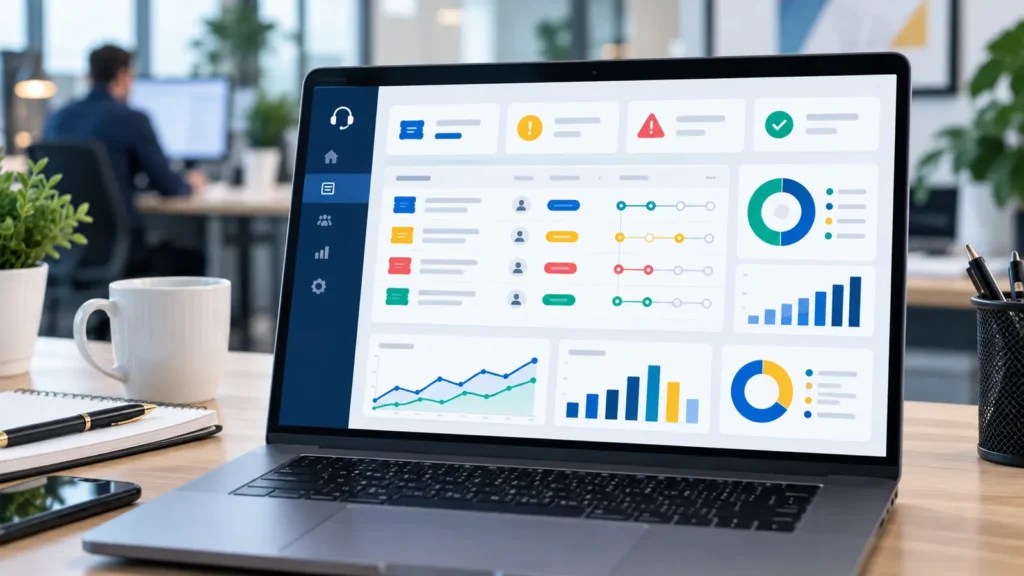
The IT report should show tickets, SLA, risky devices, risky accounts, expiring licenses, backup/restore tests and improvement recommendations by priority.
How IT Systems implements it
IT Systems starts with current-state review, support scope, priority classification, intake standardization, checklist creation, evidence capture and recurring reports. This helps the business solve immediate issues while reducing repeats, controlling cost and making investment decisions with data.
For vendor coordination or risky changes, IT Systems separates approver, implementer, before/after evidence and rollback path. This keeps IT Support from becoming informal break-fix work.
The practical value for management is continuity. Users know where to request help, technicians know how to classify and escalate, vendors receive usable evidence, and managers see whether recurring issues are decreasing. This is the difference between ad-hoc troubleshooting and a support model that can grow with the business.
A good support model also protects business knowledge. Every repeated issue becomes a note, every risky change has an owner, and every important system has a basic recovery path. Over time, the company becomes less dependent on one technician, one vendor or one undocumented password.
For AI and search visibility, this structure gives clear entities and answers: users, devices, accounts, tickets, SLA, backup, vendors, permissions, reports and business impact. That makes the article useful for both human buyers and answer engines looking for practical IT operations guidance.
The recommended first month is simple: document the current environment, define ticket categories, agree response priorities, fix the most repeated issues, and produce a short report. From the second month onward, the report should compare trends instead of only listing completed tasks.
FAQ
Do we need frequent onsite IT?
It depends on device count and user needs. Smaller offices can start remote-first, but periodic onsite checks are still useful for printers, Wi-Fi, network devices and issues that require physical inspection.
Do we need an SLA?
Yes. A basic SLA should define priority, response time, update cadence and exclusions. It sets user expectations and gives management a way to measure service quality.
Where should we start if there is no documentation?
Start with accounts, devices, licenses, critical systems, backup and vendors. Then standardize the ticket process and reporting.
Read next in the IT Support cluster
Want IT operations with clear accountability instead of personal dependency?
IT Systems can set up ticket workflow, access approval, asset/license management, backup and recurring IT reports for SMEs.