


IT OPERATIONS FOR 10–50-PERSON OFFICES
IT services for offices with 10–50 employees
As a small office grows, one email, Wi-Fi, printer or account fault can hold up a whole team. IT Systems provides a clear support owner, device inventory, account lifecycle procedures and backup checks so IT is managed as an operating service rather than a string of isolated repairs.

What IT support does a 10–50-person office need?
It needs daily operations, not just computer repair: one intake channel, impact-based triage, workplace device and application support, network/email monitoring, joiner and leaver access changes, backup checks and reports on recurring faults. Onsite frequency, support hours and ownership of servers, cloud or business applications are agreed after assessment.
Where growing offices get stuck
At a few dozen staff, a small fault is no longer isolated to one laptop. Employee changes, shared equipment and business data need an owner and an auditable handover.
New staff cannot start on time
Laptop, email, Microsoft 365, folder permissions, printing and business apps are not provisioned together. An onboarding checklist makes day one productive and avoids excess access.
Email, Wi-Fi and printing keep failing
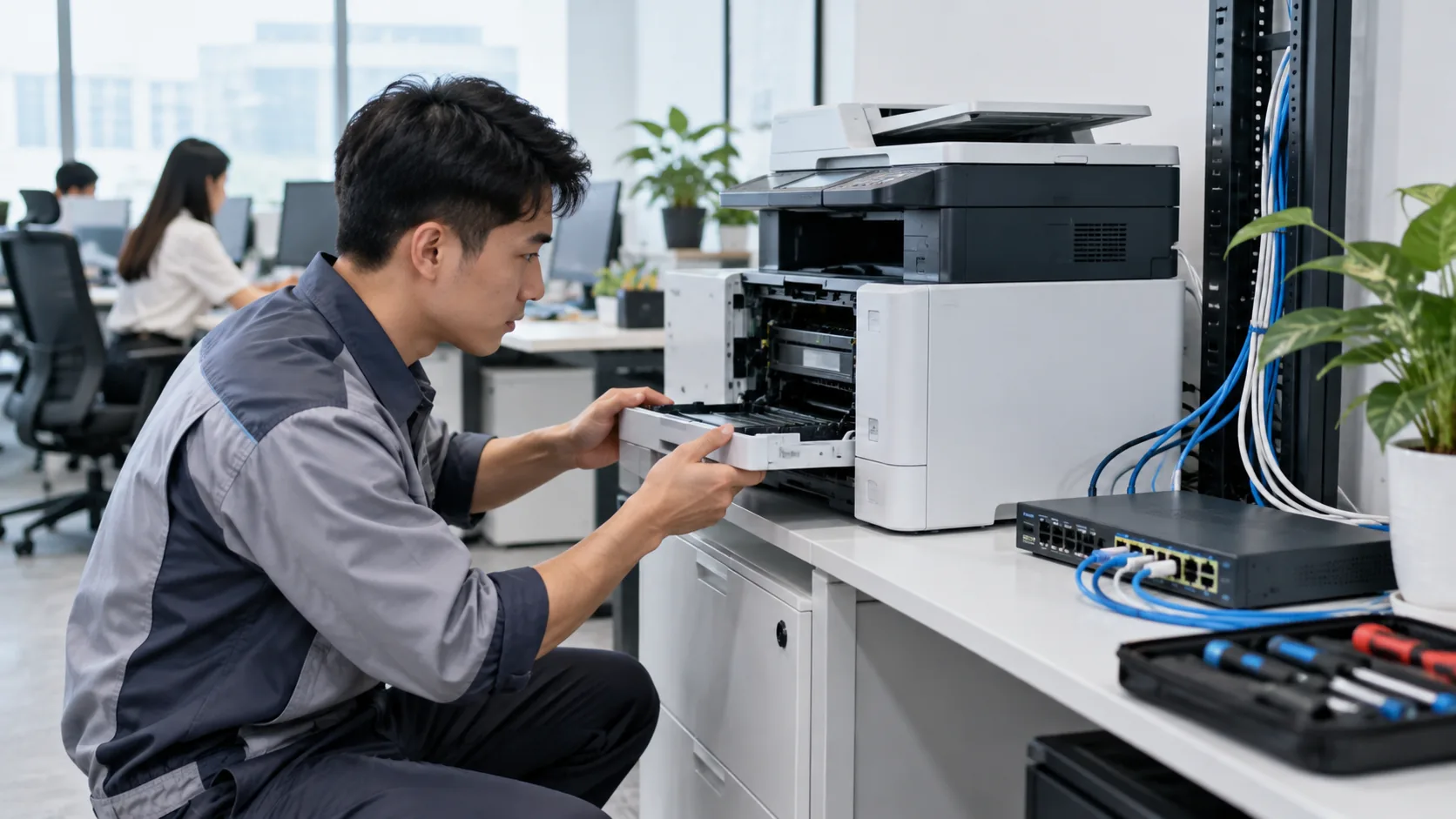
Requests arrive through scattered channels, so no one sees the pattern or impact. A ticket desk records the issue, isolates the failing layer and schedules onsite work when needed.

Former staff still have access
Cloud, email, VPN and business app accounts may be missed. Offboarding needs approval, a revocation schedule, data handover and licence reconciliation under company policy.

Backups exist but restores are untested
A backup file does not prove recovery. Know whether critical data sits on laptops, NAS or cloud, who owns it and when the last relevant restore test passed.
Priorities by working model
Single-site office
Prioritize Helpdesk, Wi-Fi/LAN, printers, Microsoft 365/email, device inventory and an appropriate onsite rhythm.
Multi-branch office
Track devices and owners by location; separate remote work, onsite visits and ISP/vendor responsibilities.
Hybrid workforce
Control take-home devices, MFA, VPN/access rights, meetings and remote support procedures.
Fast-growing team
Standardize requests for devices and accounts, licence handover, leaver access removal and spare-device planning.
Service scope and handover outputs
Keep recurring operations separate from new deployment projects. After assessment, agree the actual devices, accounts, applications, sites and hours covered.
Inventory and baseline
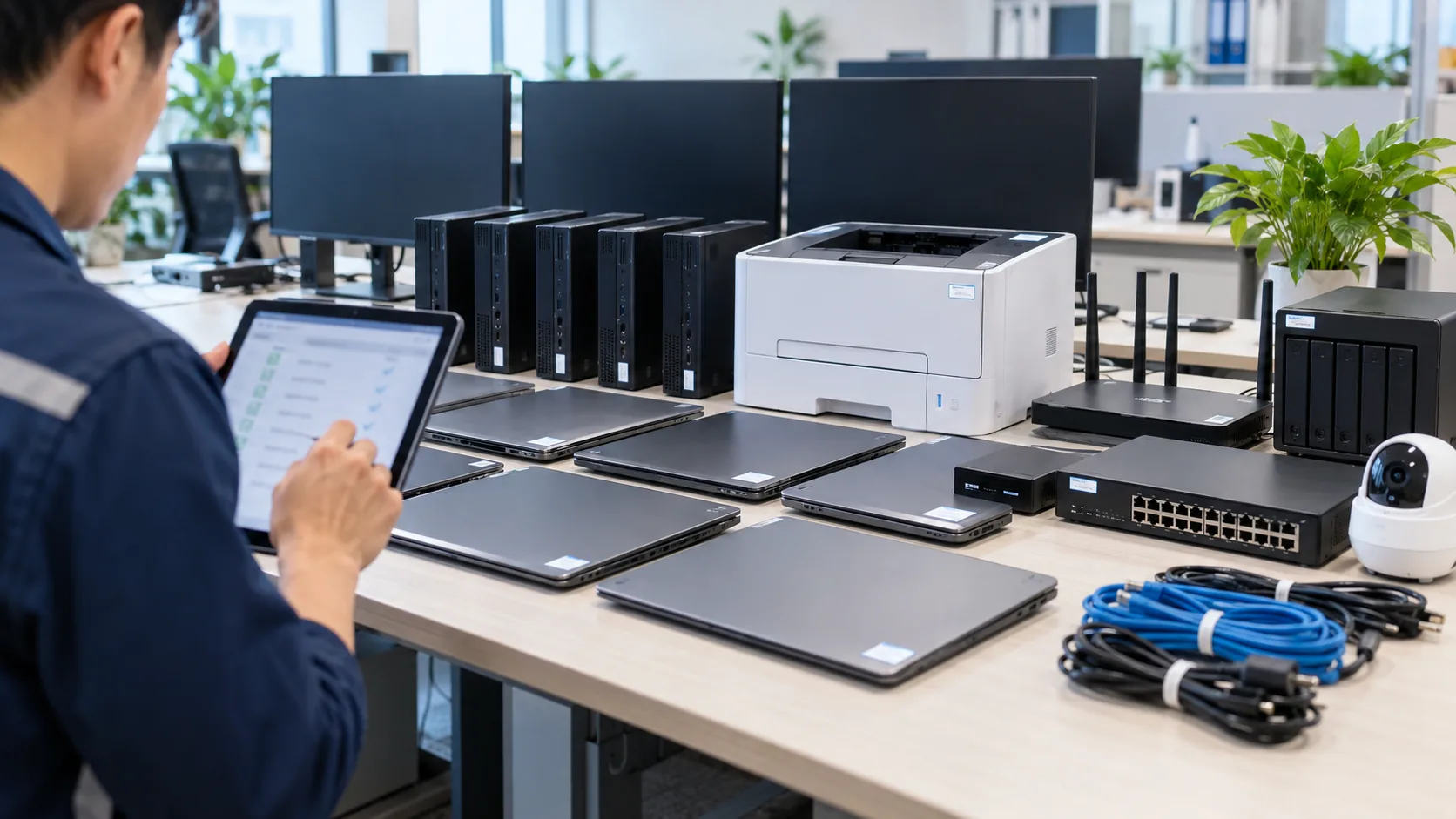
Register devices, owners, warranties, software/licences, APs, switches, printers, NAS/servers/cloud and vendor contacts.
Ticket-based Helpdesk
Receive and prioritize requests, record response, resolve remotely or onsite and confirm the outcome with the user.
Accounts and data
Joiner/leaver checklists, role-based access, suitable MFA, backup schedule and recovery testing.
Management reporting
Summarize repeat faults, backlog, replacement needs, unused licences, risks and decisions needed next period.
Starting support without disrupting the office
01
Assess and take over
Map people, locations, accounts, devices, apps, admin access and unresolved incidents.
02
Agree scope and SLA
Set ticket channel, response targets, onsite schedule, approval owner and exclusions.
03
Stabilize priorities
Fix repeat faults first; standardize joiner/leaver steps, backup and asset records.
04
Report and improve
Review tickets and agreed targets, plan device/licence changes and update risks.
How should cost and SLA be agreed?
An office-wide email outage deserves a different priority from one personal printer fault. The SLA should specify intake, response, support hours, onsite targets and escalation to the ISP or application vendor. A fixed resolution time for every fault is not credible before assessment.
Budget depends on users and devices, sites, onsite frequency, operating hours, Microsoft 365/email complexity, NAS/server/cloud, backup and security scope. Separate the recurring service from hardware, licences and migration projects. A published small-office package may be a starting reference below 20 devices; larger environments require scope-based quotation.
Frequently asked questions
Do we still need an internal IT person?
It depends on governance and size. An outsourced team can operate Helpdesk, devices and infrastructure; an internal owner should still approve access, spending and business priorities.
Can you manage Microsoft 365 and email?
Account, licence, MFA, Outlook/Teams and email support can be scoped once legitimate administrator access is confirmed.
How do you handle a departing employee?
A company-authorized request should trigger access/session revocation, data and licence handover under the retention policy; merely deleting the account is not enough.
Can you cover more than one office?
Remote support can be combined with scheduled visits. Geography, response targets and travel cost must be stated clearly.
Related services and budget
Business IT servicesIT Support servicesBusiness IT system managementNeed one accountable IT owner for your office?
Share your team size, locations, email platform, shared devices and three most common faults. IT Systems will assess the setup and propose a clear operating scope.
Request an office IT review