


WINDOWS ZERO-TOUCH DEPLOYMENT
Windows Autopilot deployment for businesses
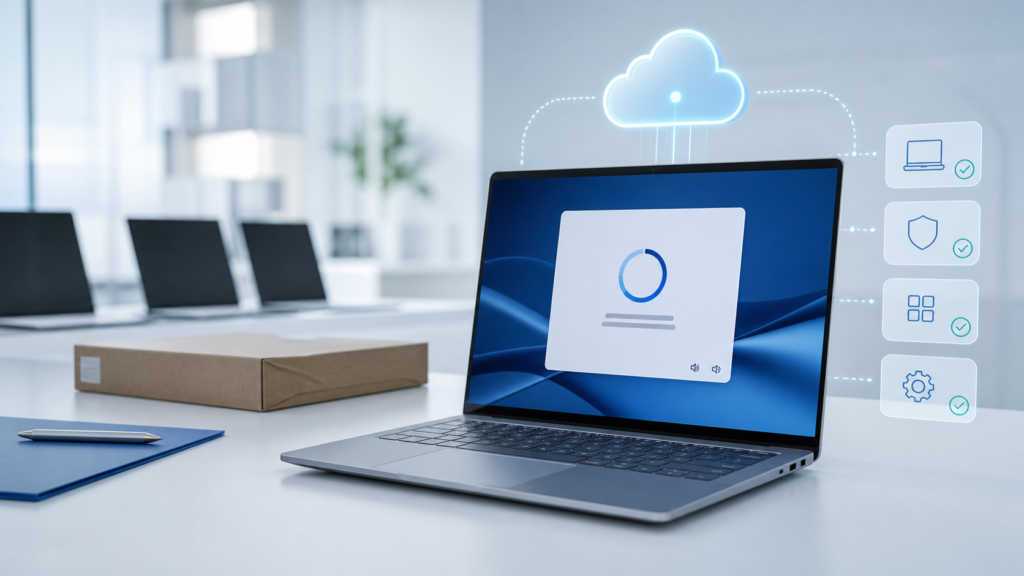
IT Systems deploys Windows Autopilot with Microsoft Intune to standardize new Windows devices from the first startup. Microsoft Entra join, applications, security policies and the OOBE experience are delivered through a controlled process.
The scope is defined by licensing, device models, Entra join requirements, applications, policies and handover requirements.
When should a business use Windows Autopilot?
Autopilot is suitable when a business wants to reduce manual setup, provision devices for many employees or branches and operate a measurable deployment process.
Large numbers of new devices
Standardize OOBE, Entra join, device naming, applications and security instead of configuring each device manually.
Distributed employees
Ship devices directly to branch or remote employees while keeping the provisioning process controlled.
Measurable rollout evidence
Track registered devices, assigned profiles, installed applications and issues requiring remediation.
Prerequisites to review before deployment
Licensing and tenant
- Intune and Entra entitlements.
- Tenant and domain readiness.
Supported devices
- Appropriate Windows editions.
- Hardware hash or OEM registration.
Join model
- Microsoft Entra join.
- Hybrid join only when genuinely required.
Applications
- Microsoft 365 Apps.
- Win32 apps, scripts and dependencies.
Policies
- Compliance and configuration.
- Update rings and security baselines.
Network and OOBE
- Internet, proxy and firewall access.
- Enrollment Status Page.
AUTOPILOT JOURNEY
From a new device to a business-ready computer
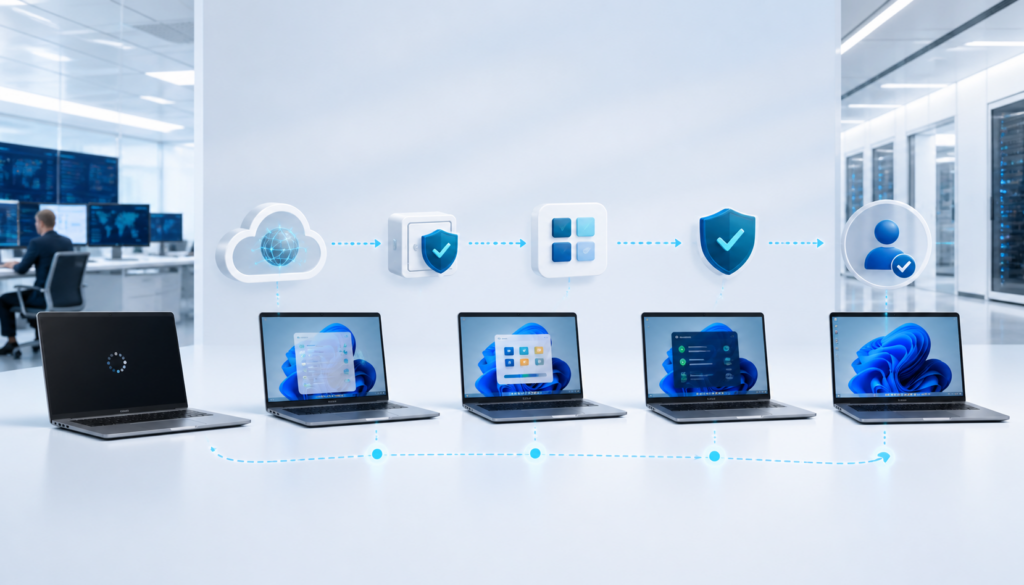
Autopilot is more than a sign-in screen. The actual experience depends on the deployment profile, Entra join, Enrollment Status Page, applications, scripts and assigned policies.
1. Register
Hardware hash or OEM and partner registration.
2. Assign profiles
Join type, OOBE, naming and user permissions.
3. Configure
ESP, applications, scripts, compliance and security.
4. Handover
User sign-in, validation and acceptance.

PILOT FIRST, ROLLOUT NEXT
Do not apply Autopilot to every device on the first attempt
A pilot measures OOBE duration, application failures, script and policy conflicts, network dependencies and the user experience before a broader rollout.
- A pilot group representing departments and device models.
- Pass/fail criteria for enrollment, applications and compliance.
- Exception, rollback and user-support plans.
- Phased rollout with a tracking dashboard.
Deployment scope and handover documentation
Workstream
Activities
Handover
Assessment
Review the tenant, licenses, Entra join, device models, applications, network and OOBE requirements.
Current-state report and gap list.
Design
Define deployment profiles, naming, ESP, app dependencies, policies and group assignments.
Design document and assignment matrix.
Pilot
Register pilot devices and measure duration, failures and user experience.
Pilot results and issue register.
Rollout
Expand in phases, track pending or failed devices and manage exceptions.
Rollout dashboard and acceptance record.
Operations
Add new models, reset and redeploy devices, change applications and policies, and provide support.
Runbooks, owner list and change log.
Related solutions
Frequently asked questions about Windows Autopilot
Does Autopilot replace Intune?
No. Autopilot standardizes the initial deployment stage. Intune continues managing devices, applications, compliance and policies.
Is a hardware hash required?
It depends on the device source. An OEM or partner can register devices, while existing devices may require hash collection and import.
Can Autopilot install applications automatically?
Yes, through Intune. Application packages, dependencies, detection rules, network access and ESP duration must be reviewed.
Can Autopilot be used with older devices?
It can in some scenarios, but the Windows edition, TPM, drivers, firmware and device condition should be assessed.
Should we use hybrid join?
Only when there is a clear on-premises dependency. Microsoft Entra join is generally simpler for modern management.
Who manages Autopilot after rollout?
Operations can be handed over to the internal IT team, or IT Systems can continue managing profiles, applications, policies, resets and new device models.
Need a Windows Autopilot deployment with a controlled pilot and clear handover?
IT Systems reviews your tenant, licenses, devices, applications, OOBE and policies, then proposes an appropriate pilot, rollout and operating plan.
Assessment • Pilot • Rollout • Handover