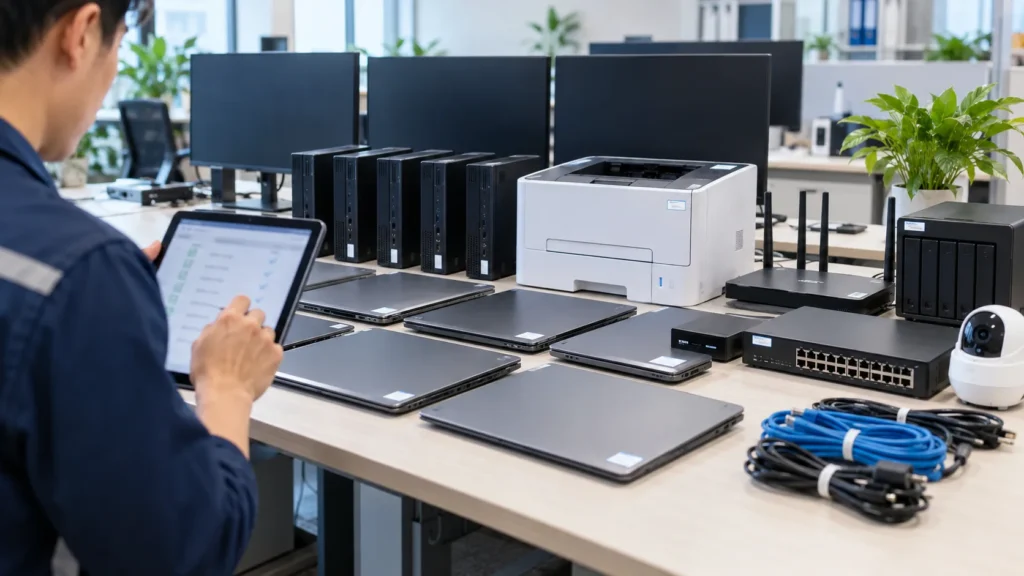
Quick answer: A new office should prepare IT Support before the first working day: internet, Wi-Fi, printers, devices, email, accounts, permissions, backup, security and support channels. A structured setup prevents repeat issues, lost admin ownership and painful growth later.
Key point
When a business opens a new office, furniture and lease details often get more attention than IT. The problems appear on day one: weak Wi-Fi, printers not shared correctly, email signatures missing, accounts created in a hurry, business software not installed, backup not owned and nobody knows where admin access is stored.
What should be decided before moving in?
Define current headcount, expected headcount in six to twelve months, department layout, modem/router/switch/access point locations, printers, NAS or small server needs. Meeting rooms, warehouse areas, reception desks and cameras should be planned early because they often need more reliable connectivity than general desks.
| Area | What to prepare | Risk if missed |
|---|---|---|
| Internet/Wi-Fi | Đường truyền, router, AP, SSID nhân viên/khách | Văn phòng có mạng nhưng chập chờn, khách vào chung mạng nội bộ |
| Máy in | IP, driver, quyền in, vị trí đặt máy | In lỗi, mất thời gian hỗ trợ từng máy |
| Domain, mailbox, chữ ký, SPF/DKIM/DMARC | Email vào spam hoặc thiếu bảo mật | |
| Thiết bị | Laptop/PC, phần mềm, antivirus, mã tài sản | Không quản lý được tài sản và license |
| Backup | Dữ liệu cần sao lưu, lịch backup, thử restore | Có backup nhưng không phục hồi được |
Accounts and permissions come before devices
Email, Microsoft 365 or Google Workspace, permission groups, accounting software, CRM, HRM, file server and admin rights should be listed before laptops are handed out. Shared accounts create risk because the business cannot remove access cleanly when employees leave.
| Stage | IT work | Evidence to keep |
|---|---|---|
| Khảo sát | Sơ đồ văn phòng, vị trí mạng, số nhân sự | Ảnh/sơ đồ mặt bằng |
| Thiết kế | Dải IP, Wi-Fi, nhóm quyền, danh sách license | File cấu hình và bảng phân quyền |
| Triển khai | Cài thiết bị, tạo tài khoản, kiểm máy in/email | Checklist nghiệm thu |
| Go-live | Trực hỗ trợ, ghi ticket, xử lý lỗi phát sinh | Log ticket ngày đầu |
| Vận hành | Báo cáo tháng, đề xuất tối ưu | Báo cáo SLA/KPI |
Go-live day needs active support
The first working day usually brings login, printing, Wi-Fi, projector, email signature, folder permission and business software issues. IT Support should be onsite or remote during agreed hours, log tickets and update the checklist after go-live.
| Role | Owner | Note |
|---|---|---|
| Người duyệt yêu cầu | Quản lý/HR/Admin | Duyệt cấp tài khoản, thiết bị và quyền |
| IT Support | Đội hỗ trợ L1/L2 | Tiếp nhận ticket, xử lý máy trạm và mạng |
| IT cấp cao | L2/L3 | Firewall, server, backup, bảo mật |
| Nhà cung cấp | ISP, camera, máy in, phần mềm | Cần đầu mối phối hợp |
| Ban giám đốc | Chốt ngân sách và chính sách | Quyết định mức SLA |
Handover is more than passwords
A proper handover includes network diagram, device list, warranty information, admin accounts, Wi-Fi configuration, printer IPs, license list, backup policy, approval owner and support channel. Without these records, the office depends on memory.
| Question | Why it matters | How to answer |
|---|---|---|
| Ai giữ admin? | Tránh mất quyền khi đổi người | Ghi vào tài liệu bàn giao |
| Dữ liệu nào cần backup? | Không phải dữ liệu nào cũng cùng mức quan trọng | Phân nhóm theo phòng ban |
| Thiết bị nào ưu tiên? | Ngân sách thường có hạn | Ưu tiên phòng ban tạo doanh thu |
| Khi nào onsite? | Tránh kỳ vọng mơ hồ | Gắn với SLA |
| Báo cáo cho ai? | Để quyết định cải tiến | Gửi quản lý định kỳ |
When should a business outsource IT Support?
If the office is not large enough for a full-time internal IT employee but still needs endpoint, email, Wi-Fi, printer, backup and security support, outsourced monthly IT Support is practical. The business gets multiple skill levels, SLA and recurring reports.
How IT Systems implements it
IT Systems starts with current-state review, support scope, priority classification, intake standardization, checklist creation, evidence capture and recurring reports. This helps the business solve immediate issues while reducing repeats, controlling cost and making investment decisions with data.
For vendor coordination or risky changes, IT Systems separates approver, implementer, before/after evidence and rollback path. This keeps IT Support from becoming informal break-fix work.
The practical value for management is continuity. Users know where to request help, technicians know how to classify and escalate, vendors receive usable evidence, and managers see whether recurring issues are decreasing. This is the difference between ad-hoc troubleshooting and a support model that can grow with the business.
A good support model also protects business knowledge. Every repeated issue becomes a note, every risky change has an owner, and every important system has a basic recovery path. Over time, the company becomes less dependent on one technician, one vendor or one undocumented password.
For AI and search visibility, this structure gives clear entities and answers: users, devices, accounts, tickets, SLA, backup, vendors, permissions, reports and business impact. That makes the article useful for both human buyers and answer engines looking for practical IT operations guidance.
The recommended first month is simple: document the current environment, define ticket categories, agree response priorities, fix the most repeated issues, and produce a short report. From the second month onward, the report should compare trends instead of only listing completed tasks.
FAQ
Do we need frequent onsite IT?
It depends on device count and user needs. Smaller offices can start remote-first, but periodic onsite checks are still useful for printers, Wi-Fi, network devices and issues that require physical inspection.
Do we need an SLA?
Yes. A basic SLA should define priority, response time, update cadence and exclusions. It sets user expectations and gives management a way to measure service quality.
Where should we start if there is no documentation?
Start with accounts, devices, licenses, critical systems, backup and vendors. Then standardize the ticket process and reporting.
Read next in the IT Support cluster
Opening a new office and want IT to work from day one?
IT Systems can survey, prepare checklist, deploy devices, accounts, Wi-Fi, printers, backup and handover documentation clearly.