


IT device and asset management
IT device and asset management for businesses
IT Systems helps businesses inventory, standardize and track computers, laptops, printers, network devices, servers, software licenses, user accounts, warranties and the IT asset lifecycle.
Good IT management starts with knowing what you own
A clear IT asset list shows where devices are, who holds them, which licenses are assigned, whether warranty is still valid and what should enter the recurring IT Care rhythm.
Common problems when IT assets are not managed
When devices, licenses and accounts are not tracked clearly, companies may buy duplicates, lose devices, miss warranty dates or leave access behind after staff changes.
No clear device ownership
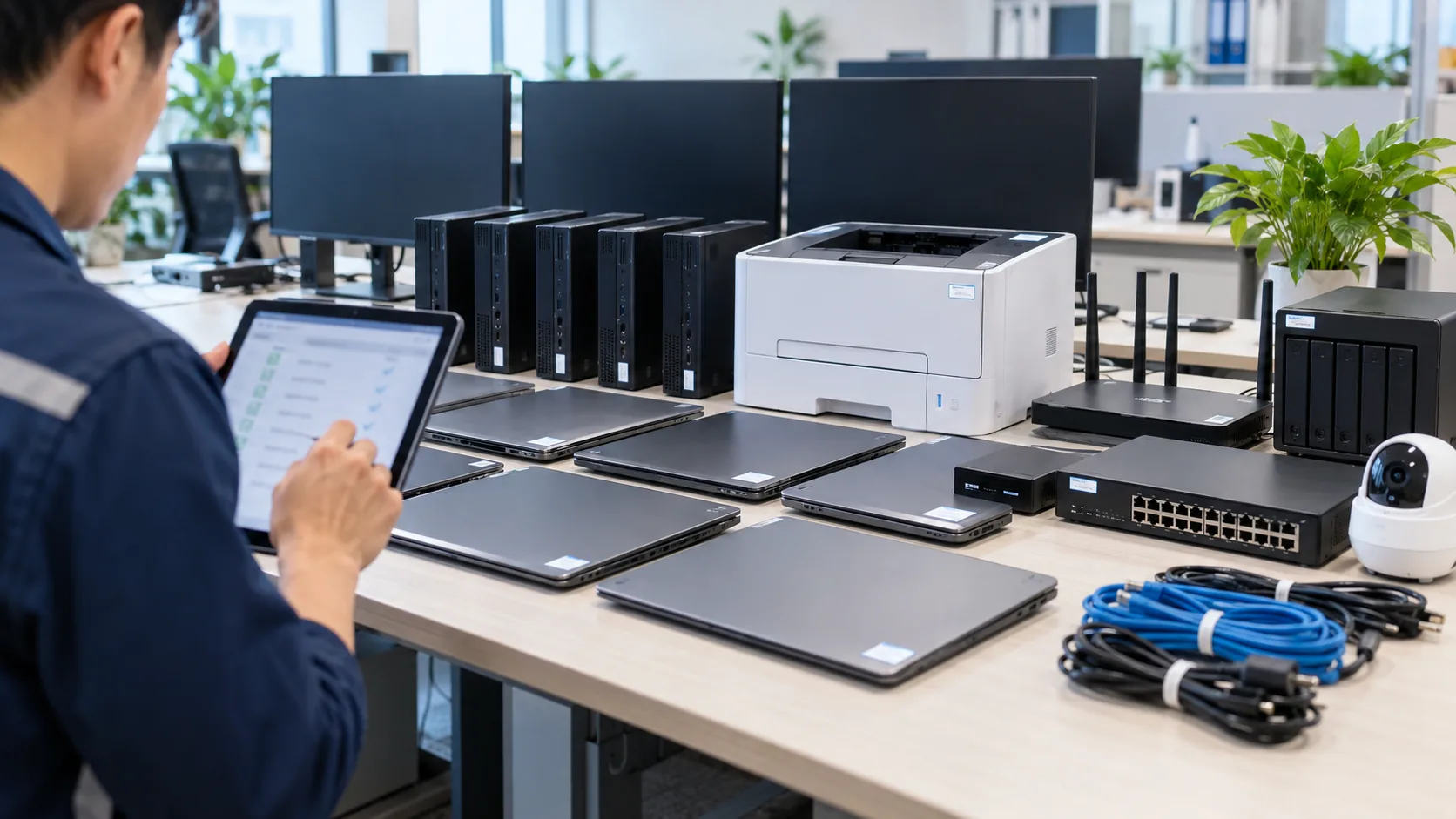
Computers, monitors, printers, routers, switches or loaned laptops have no clear holder, location, status or handover history.
Licenses and accounts are wasted
Microsoft 365, Google Workspace, Adobe, antivirus and internal tools may remain assigned to inactive users without review evidence.

Employee handover is uncontrolled
When employees leave, devices may not be reclaimed, accounts may stay open, data may not be transferred and there is no handover record for audit.
Scope of IT device and asset management
Device inventory
Record computers, laptops, printers, network devices, servers, monitors, UPS units, storage devices, serial numbers, location, department and current holder.

Status and warranty tracking
Update operating status, device age, purchase date, warranty, maintenance schedule, repeated issues and replacement recommendations when risk increases.
Software license management
Track Microsoft 365, Google Workspace, Adobe, antivirus, Windows, Office, design tools and business software by user or device.

Account and permission management
Connect asset data with employee accounts, email, cloud access, shared mailboxes, groups and admin permissions.
Onboarding and offboarding handover
Prepare checklists for issuing and reclaiming devices, accounts, data, accessories, passwords and software licenses.
Recurring IT asset reports
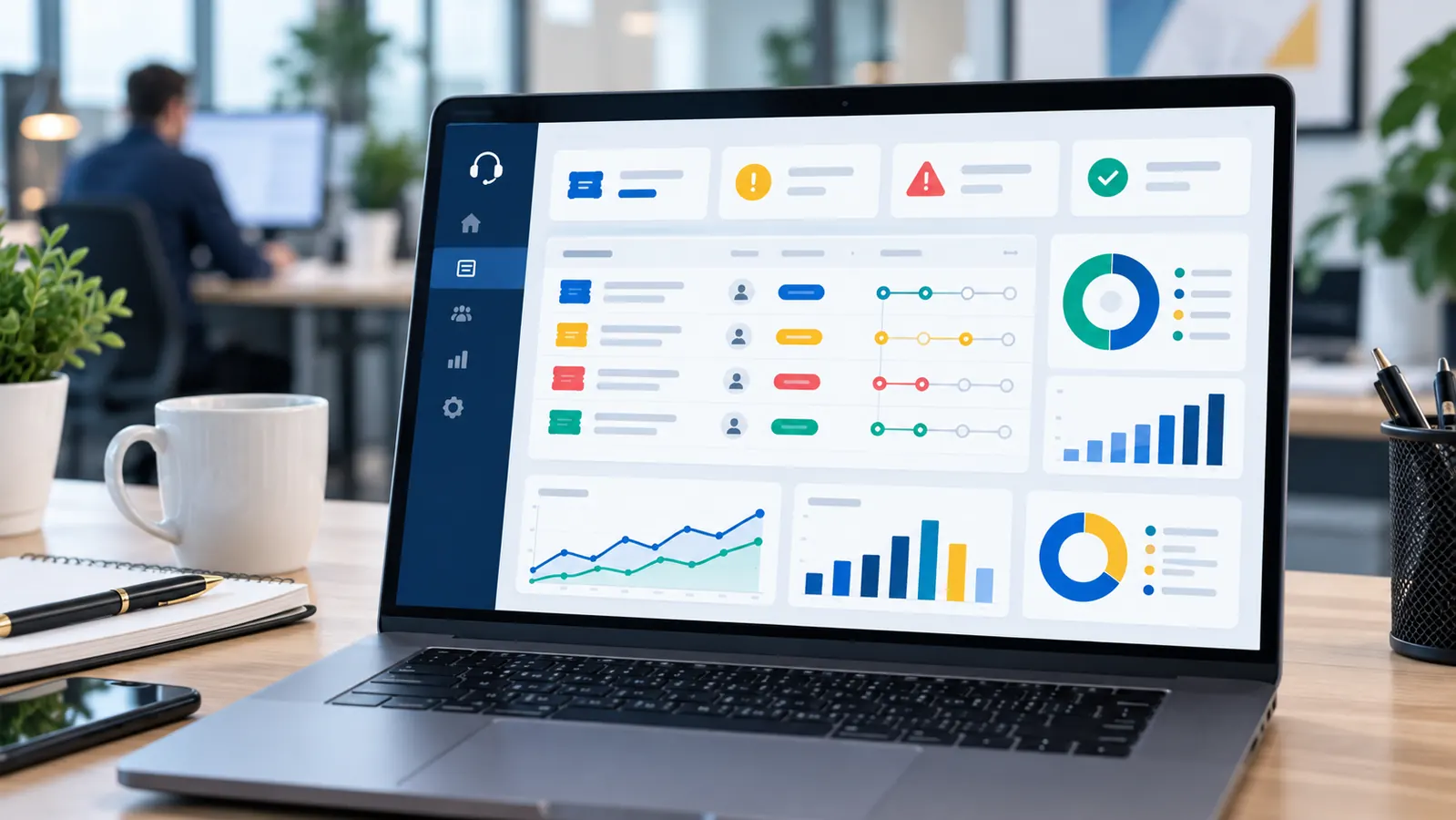
Summarize devices, licenses, accounts, warranties, risks, costs to optimize, audit evidence and upgrade or purchasing plans.
What should be tracked?
| Asset group | Key fields | Why it matters |
|---|---|---|
| Hardware | Model, serial, user, location, status, warranty | Reduce loss, duplicated purchases and missed warranty claims |
| Software/license | Plan, user/device assignment, expiry date, renewal cost | Optimize cost and avoid unused or undocumented licenses |
| Accounts | Email, cloud, business systems, admin access and groups | Control access during onboarding, role changes and offboarding |
| Handover evidence | Issue/return checklist, photos, notes and approval | Support audit, dispute handling and internal accountability |
IT asset management process
01
Inventory
Record devices, licenses, accounts, holders, departments, locations, status, serial numbers and warranty information.
02
Standardize
Normalize asset codes, naming, owner fields, handover checklist, license types and reporting format.
03
Operate
Update changes when staff join or leave, devices move, licenses renew, warranties expire or maintenance is performed.

04
Report
Summarize assets, costs, spare licenses, risky devices, handover evidence and upgrade or purchasing plans.
Outputs after each IT asset management cycle
- Device list by holder, department, location, status, serial number and warranty.
- Software license list with quantity in use, assigned user, renewal date and cost optimization notes.
- Onboarding/offboarding checklist for issuing and reclaiming devices, accounts and data.
- Report of risky devices, devices near warranty expiry, repeated issues and upgrade plan.
- Internal handover/audit evidence and recommendations to purchase, reallocate or reclaim unused IT assets.
Related services
IT system management
A complete operating layer for devices, network, servers, email, backup, security and recurring IT reports.
View detailsIT Support
User support for computers, printers, software, email, accounts and daily office IT incidents.
View detailsMicrosoft 365
User, license, email, Teams, OneDrive, SharePoint and security configuration for business operations.
View details
IT system security
Security review connected with endpoints, accounts, backup, email and access evidence.
View detailsIT asset management FAQ
How is IT asset management different from a simple device list?
A device list only records what exists. IT asset management also tracks who holds it, warranty, license assignment, account access, lifecycle status, handover evidence and recurring actions.
Can IT Systems start from Excel or existing spreadsheets?
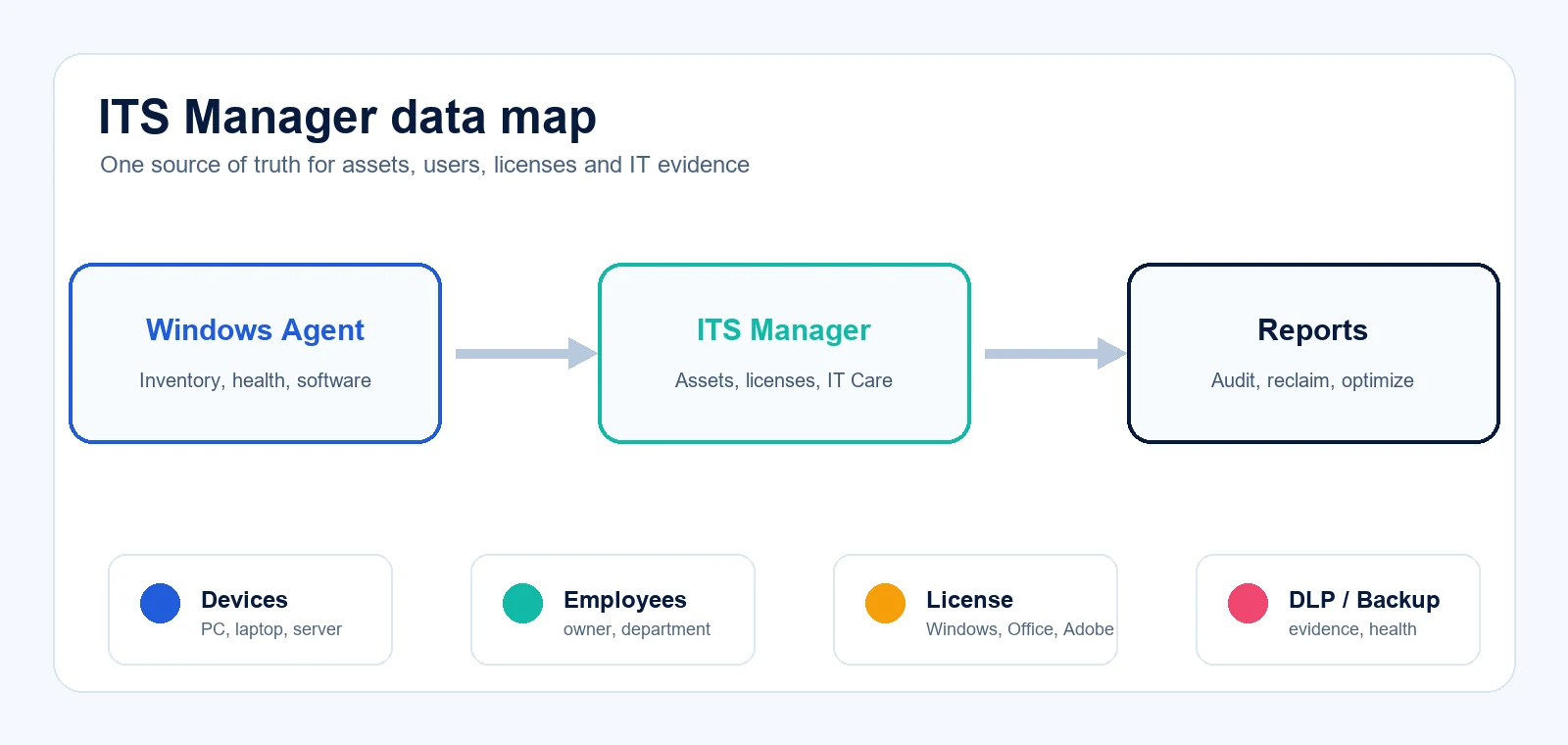
Yes. IT Systems can clean up existing spreadsheets, standardize required fields and then connect them to a recurring IT Care process or ITS Manager when deeper tracking is needed.
Should software licenses be tracked per user or per device?
It depends on the vendor and license type. Microsoft 365 is typically user-based, while some Windows, Office LTSC, antivirus or design tools may be device-based or mixed.
Does this include employee offboarding?
Yes. Offboarding should include device return, accessory return, account lock, license reclaim, data handover and evidence for internal control.
Do we need a dedicated IT asset management platform?
Not always. Smaller teams can start with a standard asset register and recurring IT Care review, then move to ITS Manager or a deeper IT asset management tool when Agent inventory, license tracking and reporting are required.
When should an IT asset review be performed?
Good moments include office expansion, many new hires, a Microsoft 365/license renewal, repeated device loss, audit preparation or when IT support needs clearer evidence.
Need to standardize your IT asset list?
Send a request so IT Systems can inventory devices, licenses, accounts and warranty data, then propose a practical IT asset management process.